Own Company Mod v1.58.01 ETS2

Own Company Mod v1.58.01 ETS2
Adjusted freight prices
Realistic diesel pricing
Rebalanced wear & fuel consumption
Optimized credit system
Adjusted garage prices
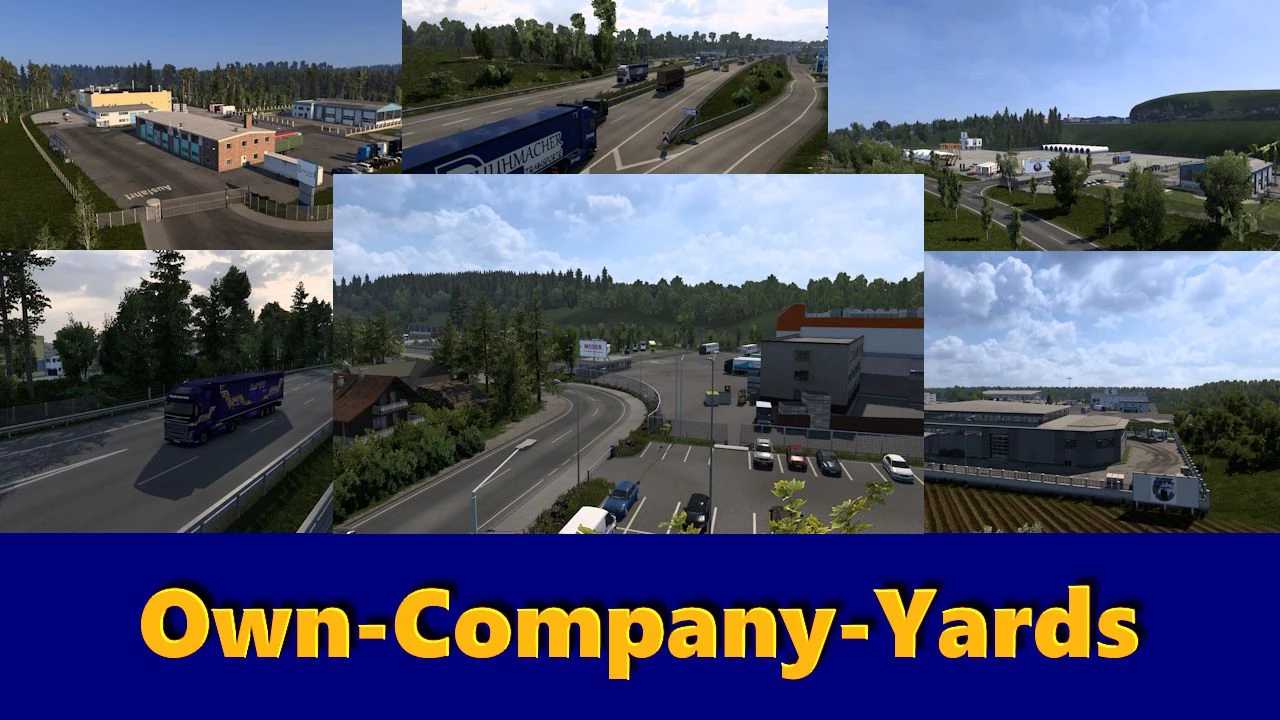
Custom companies across the map:
Schleswig (MTL)
Parchim (D. Schuhmacher)
Salzburg (Moser)
Radolfzell (K&B)
Each location includes:
Custom depots
Garages & service areas
Expanded industrial environments
Special Feature:
Company trucks and trailers appear in AI traffic
(Singleplayer + Convoy with traffic enabled)
Northern Germany (Schleswig-Holstein)
A7 (Hamburg to Rendsburg) with construction zones
Rendsburg interchange & Rader High Bridge (WIP)
Schleswig/Schuby industrial area (MTL HQ)
Flensburg (B199 + Scandinavia connection)
Niebüll with active companies
Truck stop Scandinavienpark (Handewitt)
Kiel
Ferry connections:
Gothenburg (Sweden)
Oslo (Norway)
Additional Areas
A14 / A24 connection + Neustadt-Glewe
Salzburg (Moser yard)
Radolfzell (K&B – Work in Progress)
Reworked truck stop Münchberg-Nord
Compatibility
Not compatible with other map mods editing the same areas
Credits: trucky
How to install ETS2 mods or ATS Mods
In Euro Truck Simulator 2 it’s easy to install mods. You just need to download mod from here, copy/unzip files into: “My Documents\Euro Truck Simulator 2\mod” folder or if you play ATS please install mods to: “My Documents\American Truck Simulator\mod” folder. To unzip files you can use: WinRAR or 7zip. After that you need to activate the mods you want to use.