Nissan 350z v1.0 ETS2
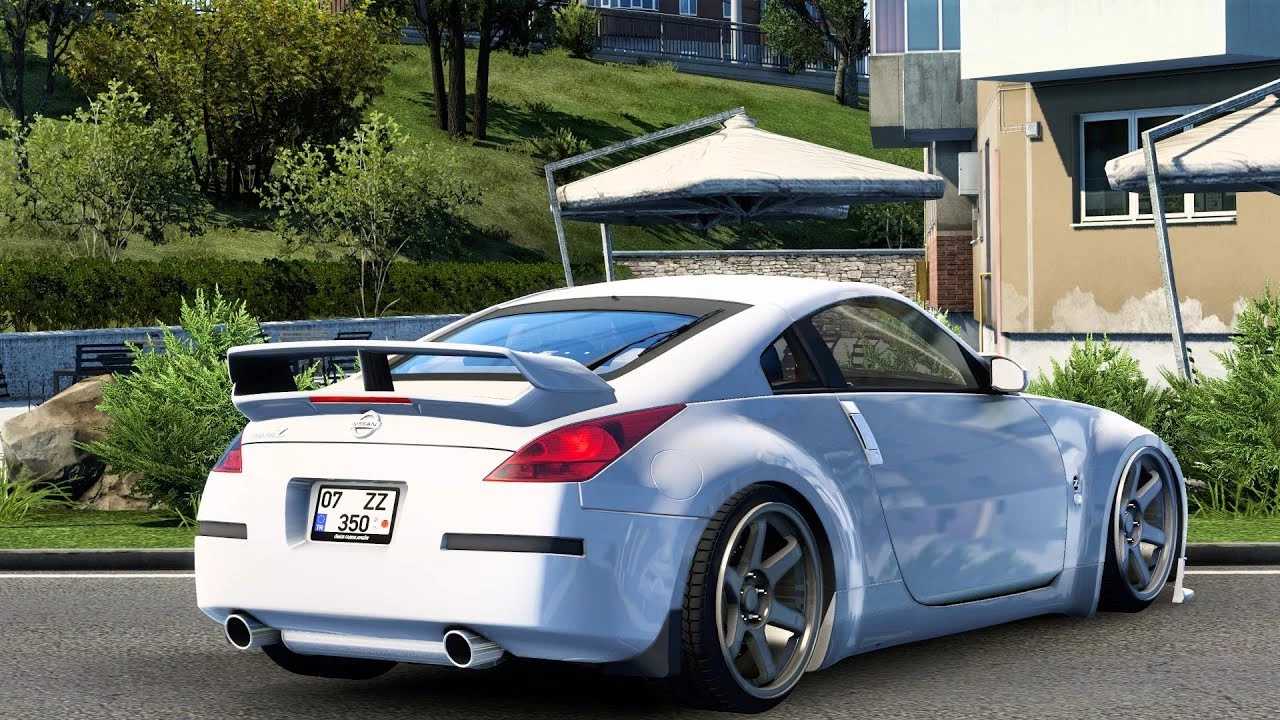

Nissan 350z v1.0 ETS2
It sounds like you’re looking to drive a Nissan 350Z in Euro Truck Simulator 2 (ETS2)! While ETS2 is primarily about driving trucks, the game has a very active modding community that creates all sorts of vehicles, including cars.
You can definitely find mods for the Nissan 350Z for ETS2. These mods usually allow you to drive the car around the game’s map, often with a detailed interior and various customization options.
Important Considerations When Using Mods
Game Version Compatibility: Mods are created for specific versions of ETS2. If your game updates, an older mod might stop working or cause crashes. Always check the mod’s description for the supported game version. Sometimes, modders update their creations for new game versions.
Installation Method: Most mods come as `.scs` files. You’ll typically place these files into your `Documents/Euro Truck Simulator 2/mod` folder. After that, you’ll need to activate them in the Mod Manager within the game’s profile selection screen.
Mod Conflicts: Having too many mods, or mods that conflict with each other, can cause issues. If you experience problems, try deactivating mods one by one to identify the culprit.
Credits: gasp
How to install ETS2 mods or ATS Mods
In Euro Truck Simulator 2 it’s easy to install mods. You just need to download mod from here, copy/unzip files into: “My Documents\Euro Truck Simulator 2\mod” folder or if you play ATS please install mods to: “My Documents\American Truck Simulator\mod” folder. To unzip files you can use: WinRAR or 7zip. After that you need to activate the mods you want to use.