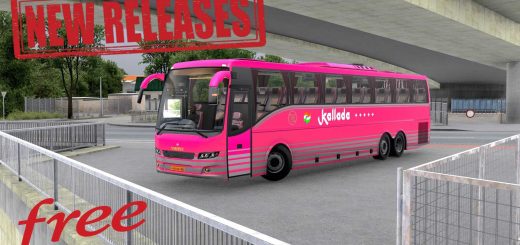
NEW G7 LD 1600 COM VARIOUS ANIMATIONS v1.0 ETS2


NEW G7 LD 1600 COM VARIOUS ANIMATIONS v1.0 ETS2
22 Destination Signs – upper deck signage for route realism
– Multi-Level Interior – detailed floors, curtains, and wheel particle effects
– Physics-Enabled Accessories – dynamic cabin and exterior parts
– Animated Elements – air conditioning fan, doors, windows, and interior features
– Custom Wheels & Sounds – authentic audio and visual fidelity
– LED Lights & Tuning Parts – mirrors, bumpers, seats, and more
– Functional Interior Lighting – dashboard indicators and ambient lighting
– Working GPS Display – integrated navigation for immersive driving
– Wipers & Mirrors – fully animated and responsive
– Passenger Mod Support – compatible with Bus Station Add-ons
– Smooth Physics & Suspension – tuned for realistic handling
Credits: normam shop
How to install ETS2 mods or ATS Mods
In Euro Truck Simulator 2 it’s easy to install mods. You just need to download mod from here, copy/unzip files into: “My Documents\Euro Truck Simulator 2\mod” folder or if you play ATS please install mods to: “My Documents\American Truck Simulator\mod” folder. To unzip files you can use: WinRAR or 7zip. After that you need to activate the mods you want to use.