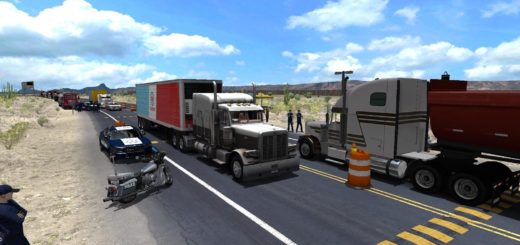
Mountains Legends Map v2.0 ATS
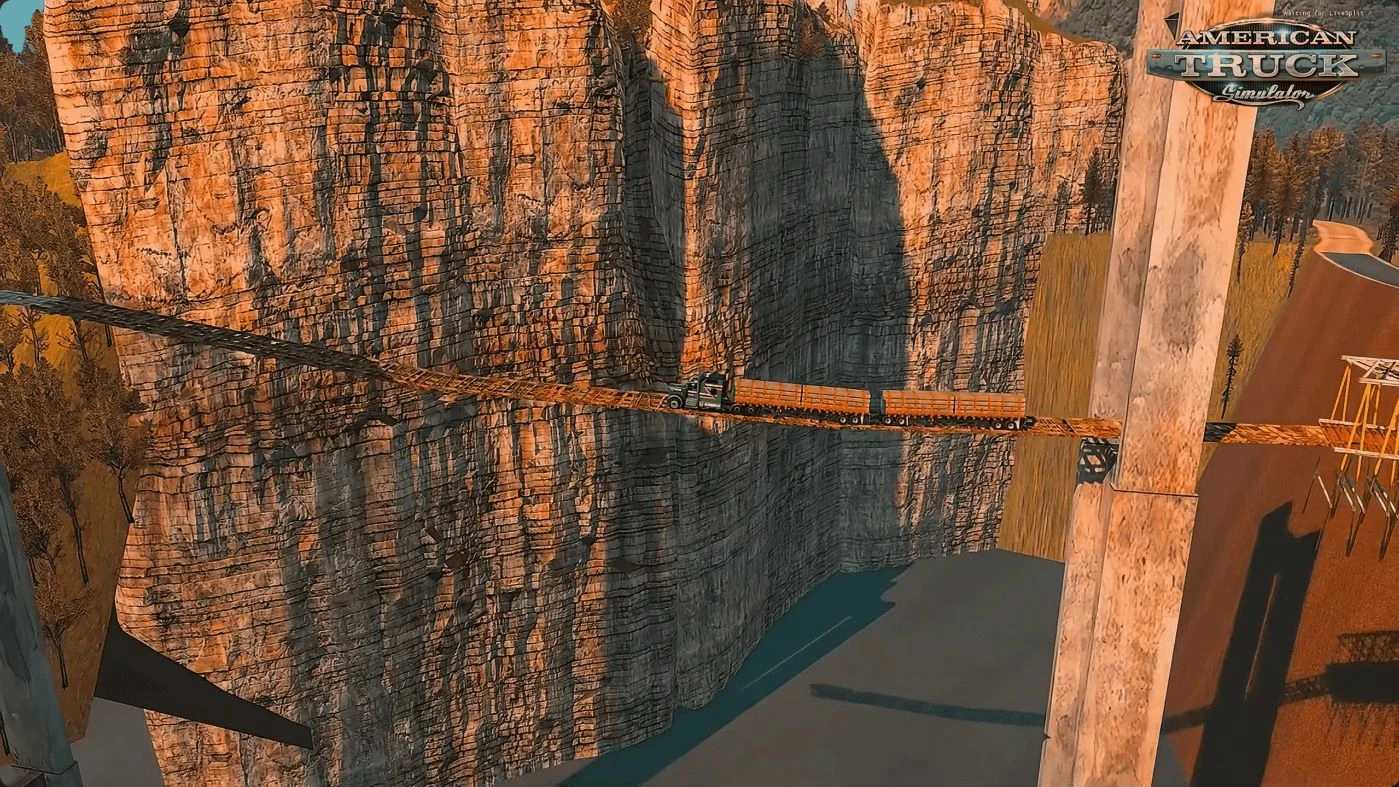

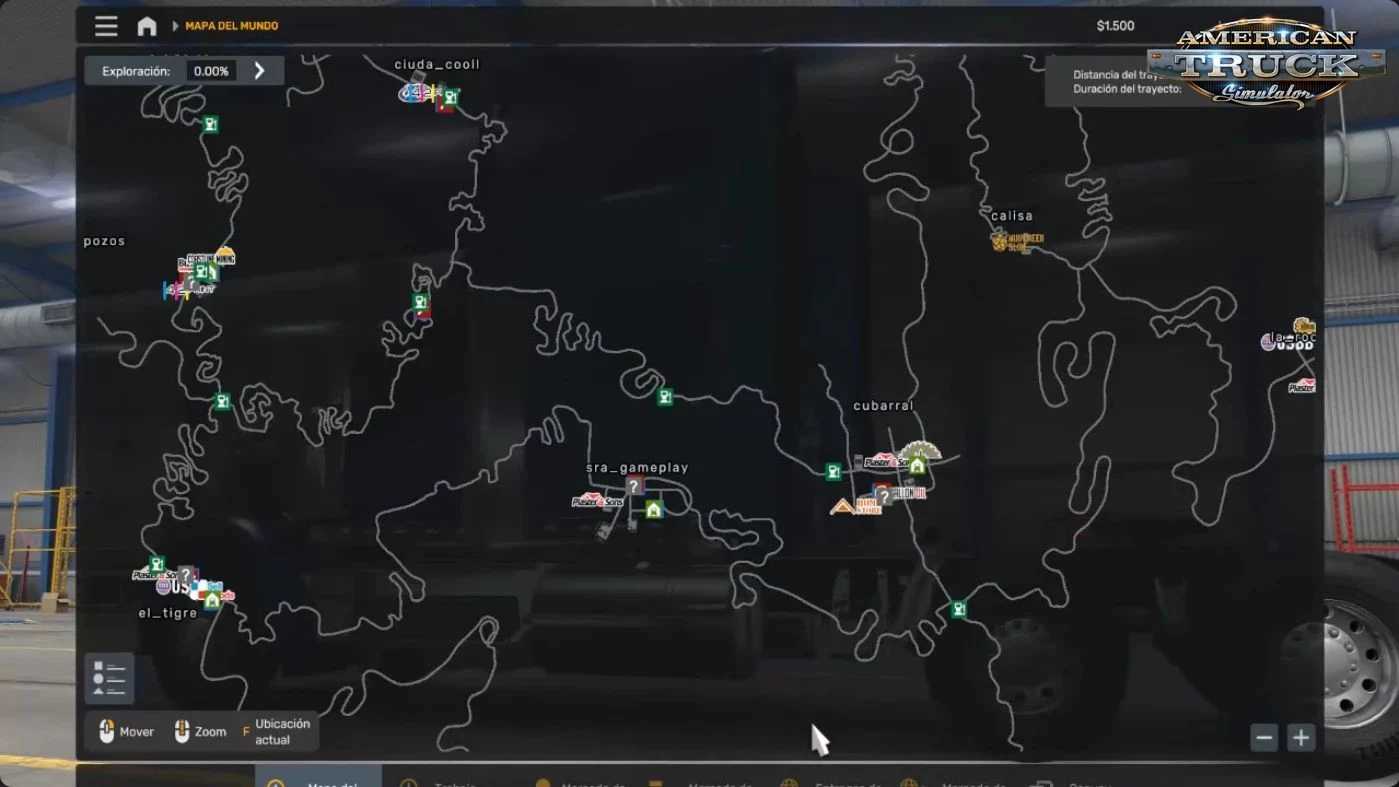
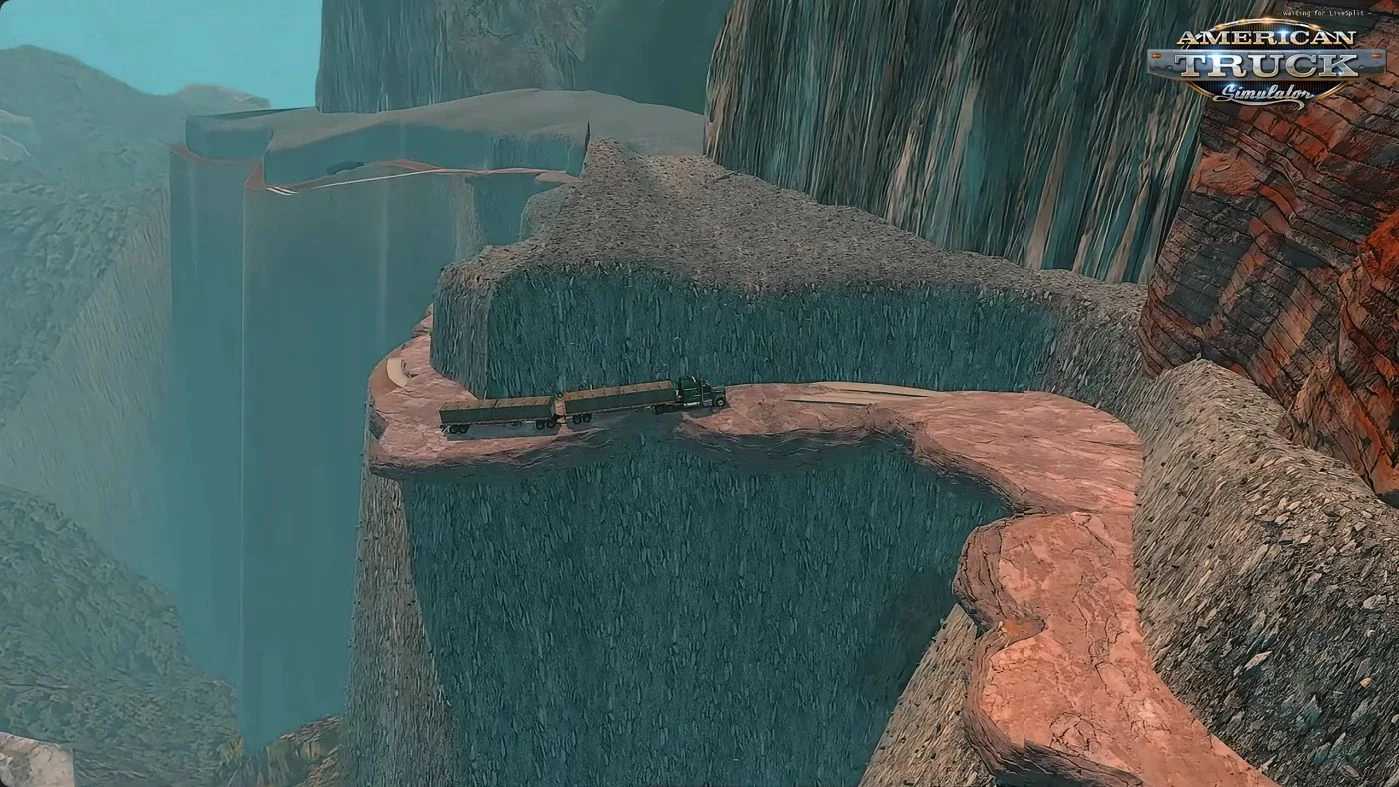
Mountains Legends Map v2.0 ATS
Standalone map expansion
Rocky Mountain–style terrain with high peaks & realistic elevation
Challenging mountain passes with steep grades & tight curves
Several new towns & rest areas
New companies, gas stations & delivery points
Custom roads, bridges, tunnels & scenic viewpoints
High‑quality custom 3D models, textures & vegetation
Optimized lighting for impressive day & night visuals
Narrow passages: cliffside roads & bridges with zero margin for error
Unpaved sections: muddy or gravel tracks affecting grip & stability
Custom vegetation: tropical & mountain flora unique to the region
Local landmarks: small towns, shrines & unique rest stops
Atmospheric lighting: custom weather & misty‑mountain ambience
Compatible with base game & many map combos (load order recommended)
Tested on game version 1.58.x
Credits: Mauro Games
How to install ETS2 mods or ATS Mods
In Euro Truck Simulator 2 it’s easy to install mods. You just need to download mod from here, copy/unzip files into: “My Documents\Euro Truck Simulator 2\mod” folder or if you play ATS please install mods to: “My Documents\American Truck Simulator\mod” folder. To unzip files you can use: WinRAR or 7zip. After that you need to activate the mods you want to use.