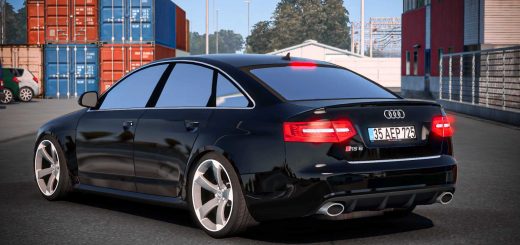
Mercedes Benz X-Class v1.0 ETS2
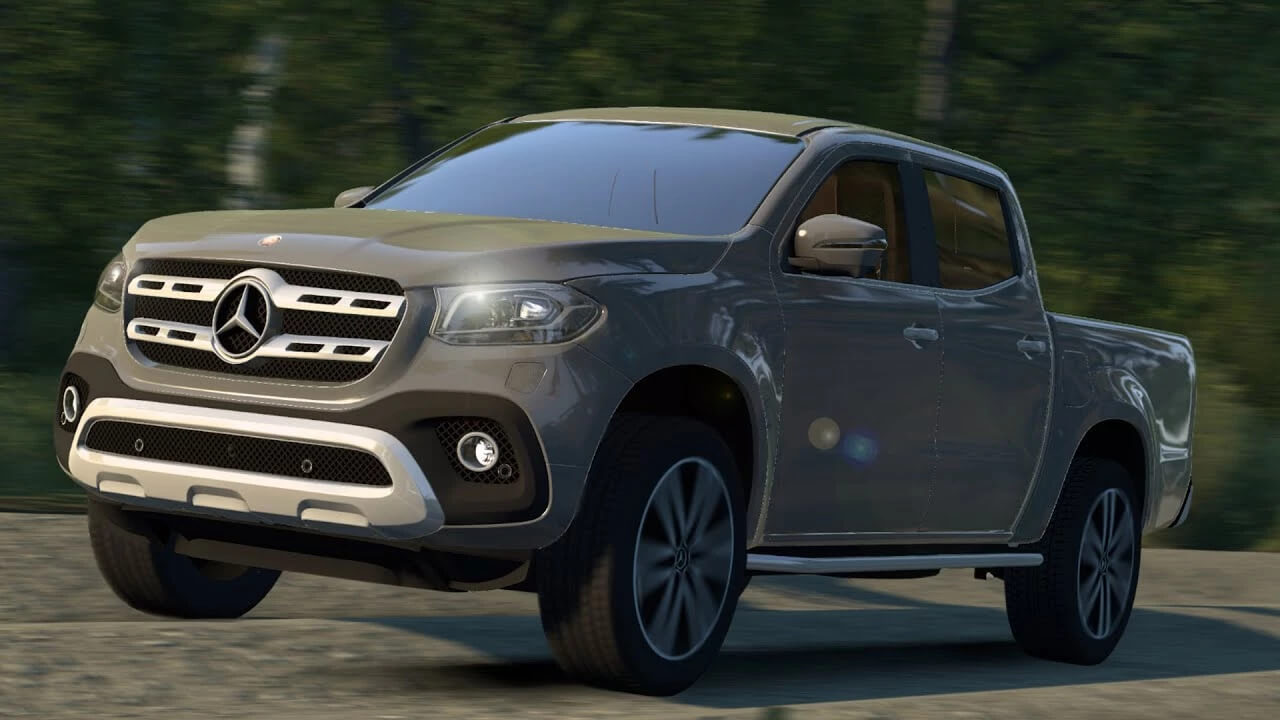

Mercedes Benz X-Class v1.0 ETS2
While the Mercedes-Benz X-Class is not an official truck in Euro Truck Simulator 2 (ETS2), it’s a popular vehicle among players who usemods. Since ETS2 primarily focuses on heavy-duty trucks, players often look for car and pickup truck mods to enjoy a different driving experience within the game’s expansive map.
Finding a Mercedes-Benz X-Class Mod for ETS2
You’ll typically find Mercedes-Benz X-Class mods on various ETS2 modding websites. These mods are created by the community and allow you to drive the X-Class as a personal vehicle within the game. Keep in mind:
Version Compatibility: Mods are often created for specific game versions. Always check if the mod is compatible with your current ETS2 version to ensure it works correctly. Mod creators usually update their mods for newer game patches.
Mod Quality: The quality of mods can vary. Some might have highly detailed models and interiors, while others might be more basic. Read comments and reviews from other users if available.
How to Install Mods in ETS2
Installing mods in ETS2 is generally straightforward. Here’s a common method:
1. Download the Mod: Download the Mercedes-Benz X-Class mod. It will usually be a `.scs` file (or a `.zip`/`.rar` file containing `.scs` files).
2. Locate Your Mod Folder:
Navigate to your “Documents” folder.
Find the “Euro Truck Simulator 2” folder.
Inside, there should be a “mod” folder. If not, create one.
3. Place the Mod File: Extract the downloaded mod file (if it’s a `.zip` or `.rar`) and copy the `.scs` file(s) directly into the “mod” folder.
4. Activate in Game:
Launch Euro Truck Simulator 2.
From the main menu, go to the”Mod Manager” (usually accessible when selecting your profile).
On the left side, you’ll see a list of available mods. Find your Mercedes-Benz X-Class mod.
Click on the mod and then click the right-pointing arrow to move it to the”Active Mods” list on the right.
Ensure the mod’s priority is set correctly (some mods require a specific loading order; read the mod’s description for details).
Click”Confirm Changes.”
Load your game, and the X-Class should now be available, usually at a truck or mod dealer in-game.
Enjoy cruising the roads of Europe in your Mercedes-Benz X-Class!
Credits: VASCO DA GAMA
How to install ETS2 mods or ATS Mods
In Euro Truck Simulator 2 it’s easy to install mods. You just need to download mod from here, copy/unzip files into: “My Documents\Euro Truck Simulator 2\mod” folder or if you play ATS please install mods to: “My Documents\American Truck Simulator\mod” folder. To unzip files you can use: WinRAR or 7zip. After that you need to activate the mods you want to use.