Marcopolo G7 1600 LD MB 2024 v1.0 ETS2
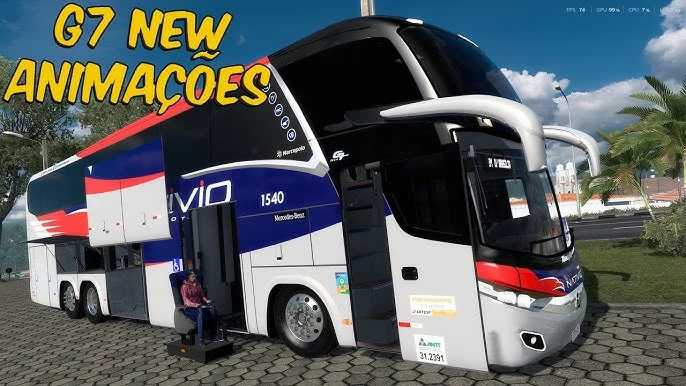

Marcopolo G7 1600 LD MB 2024 v1.0 ETS2
Standalone Bus Model
– High-quality 3D model
– High-quality detailed exterior
– High-quality detailed interior
– The model has its own interior
– The model has its own sound
– The model has its own wheels
– The model has passenger seats
– Speedometer and tachometer illumination
– The character is correctly positioned in the driver’s seat
– Engine power option
– Transmission and gearbox option
– Wheel and rim option
– Body color/metallic paint/skins option
– Correct position of the Marcopolo logo
– Functional headlights, brake lights, taillights, front and rear turn signals, steering wheel, and reverse lights
– Correct player position
– Functional lights
– Functional mirrors
– External customization options
– Compatible with all major game functions
– Buy at the Acces Mod store
Credits: Norman Rodrigues, Julio Cesar
How to install ETS2 mods or ATS Mods
In Euro Truck Simulator 2 it’s easy to install mods. You just need to download mod from here, copy/unzip files into: “My Documents\Euro Truck Simulator 2\mod” folder or if you play ATS please install mods to: “My Documents\American Truck Simulator\mod” folder. To unzip files you can use: WinRAR or 7zip. After that you need to activate the mods you want to use.