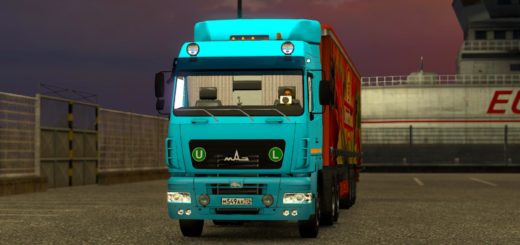
MAN F2000 EVO by XBS v1.57 ETS2
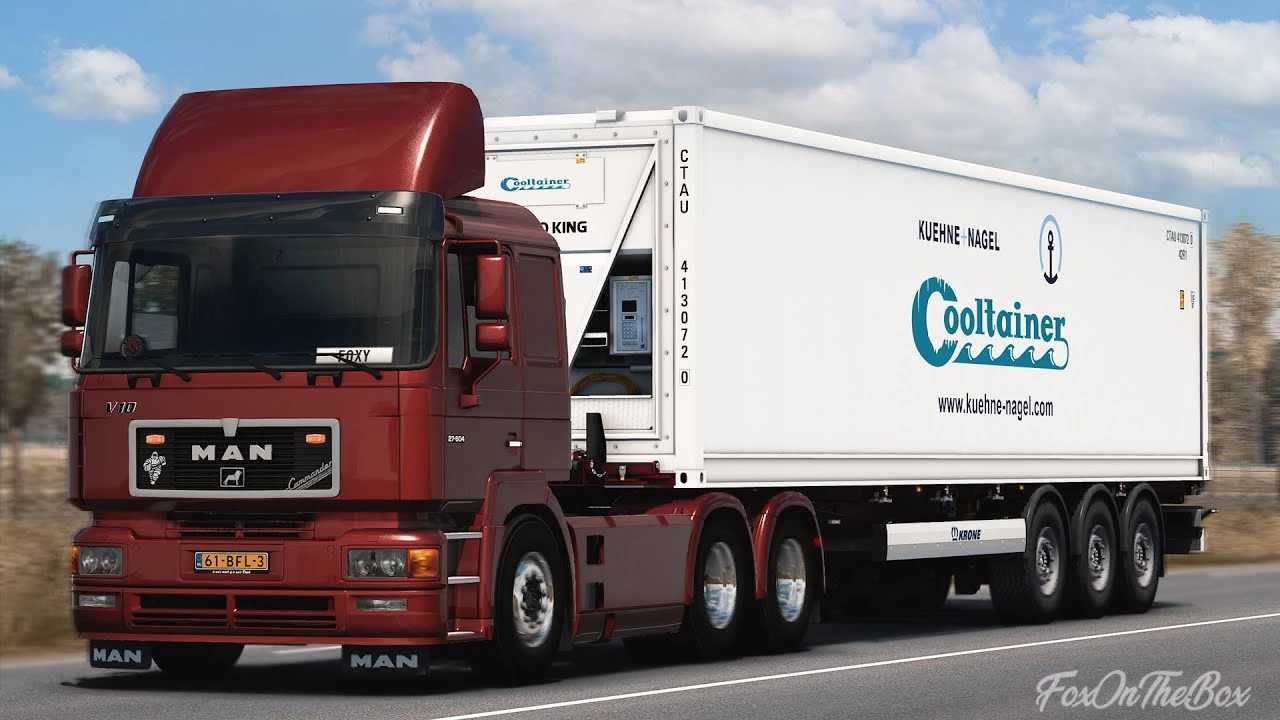

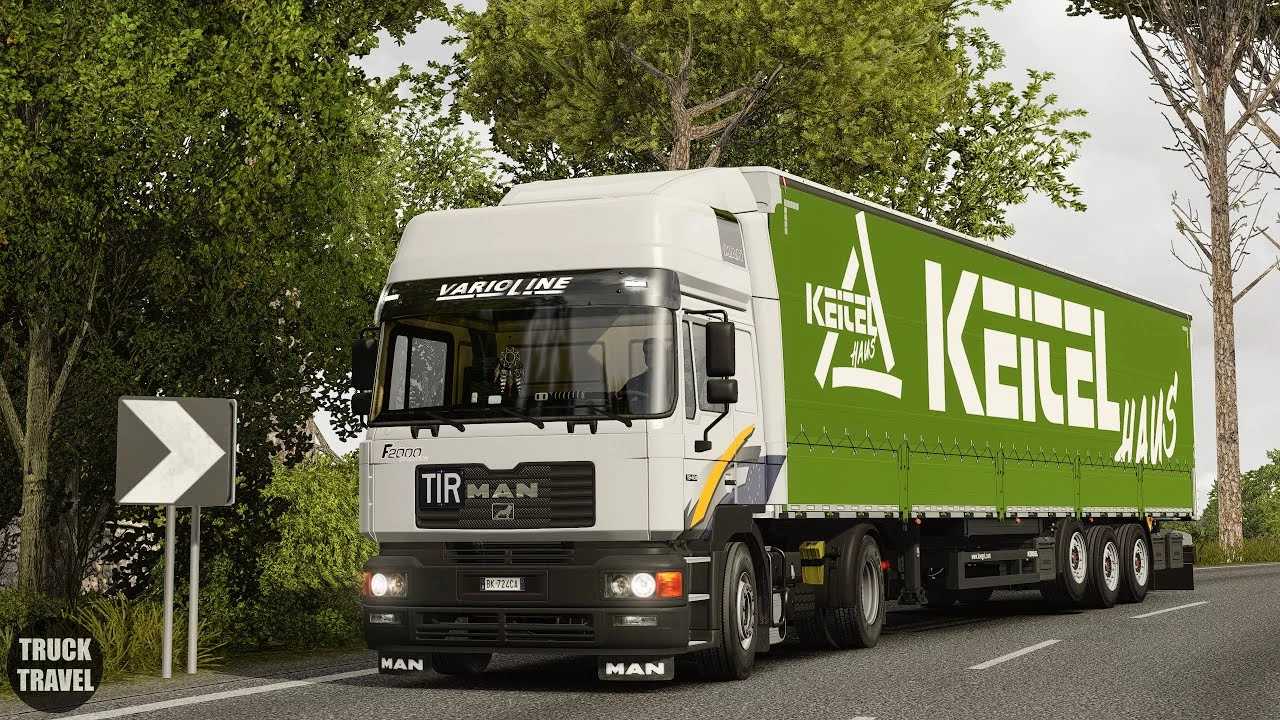
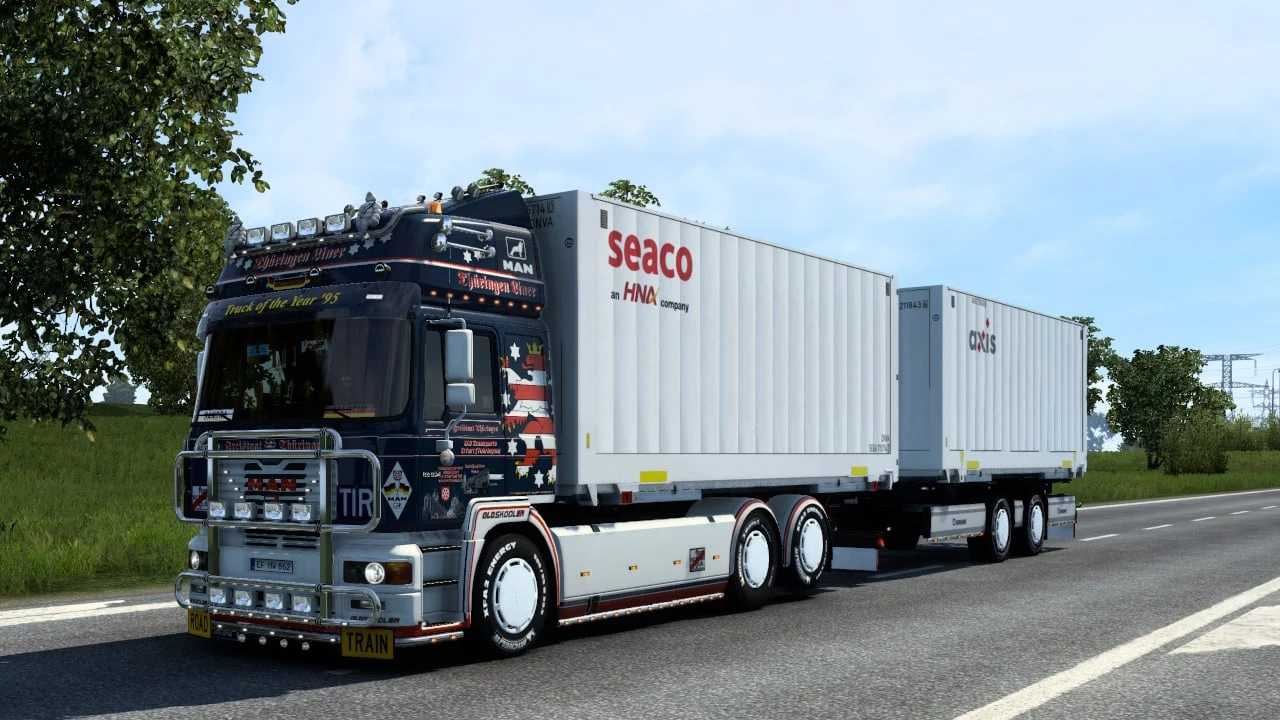
MAN F2000 EVO by XBS v1.57 ETS2
Changelog:
New Version 1.57!!!
Template for skinning the convertible top and the XML for Modstudio
– Update for Christmas, heavy haul, 10×4, 1000 hp V12, some small new options for tuning parts, heavy haul skins included. Thanks to Ventyres3d and my community for the implementation.
XML for skinning revised; for the ballast bed, use the template from the Hamburg convertible top.
The GEARBOX layout is located at: Documents/Eurotrucksimulator2/steam_profiles/(your profile IDs)
This gives you the layout for the Eaton Fuller, which is now required for manual transmission in the MAN. The transmissions have 2 additional creeper gears + 2 additional reverse gears. The ZF layout does NOT support this. In the CONTROLLER settings, select Eaton Fuller 18 for the shift layout and have fun!
Features:
– 2 Cabins
– 10 Chassis: FL/BB 4×2 v10, 6×2/4 Midlift, BDF 6×2 Taglift, FNLL 6×2 Tag, 6×4,8×2/4,8×4, etc.
– D2840 V10 Euro 2 Engines
– ZF16 Transmissions
– 3 Interior variants
– Support for SiSL Pack, Belka Accessories, Swapbody by Sebastian7870, etc.
– Alot of new tuning parts
– Templates
Compatibility: 1.57
Credits: KieskutscherEF, XBS
How to install ETS2 mods or ATS Mods
In Euro Truck Simulator 2 it’s easy to install mods. You just need to download mod from here, copy/unzip files into: “My Documents\Euro Truck Simulator 2\mod” folder or if you play ATS please install mods to: “My Documents\American Truck Simulator\mod” folder. To unzip files you can use: WinRAR or 7zip. After that you need to activate the mods you want to use.