M8 Rework v1.0 ETS2


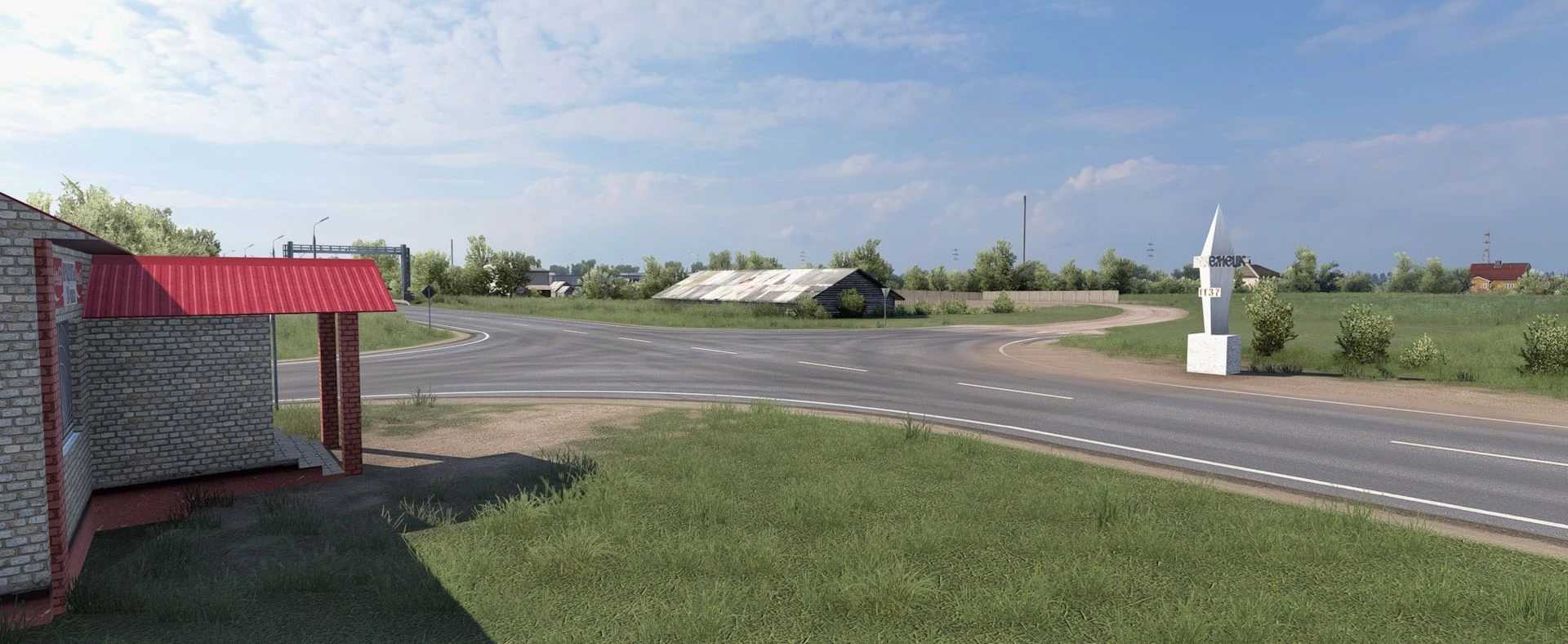
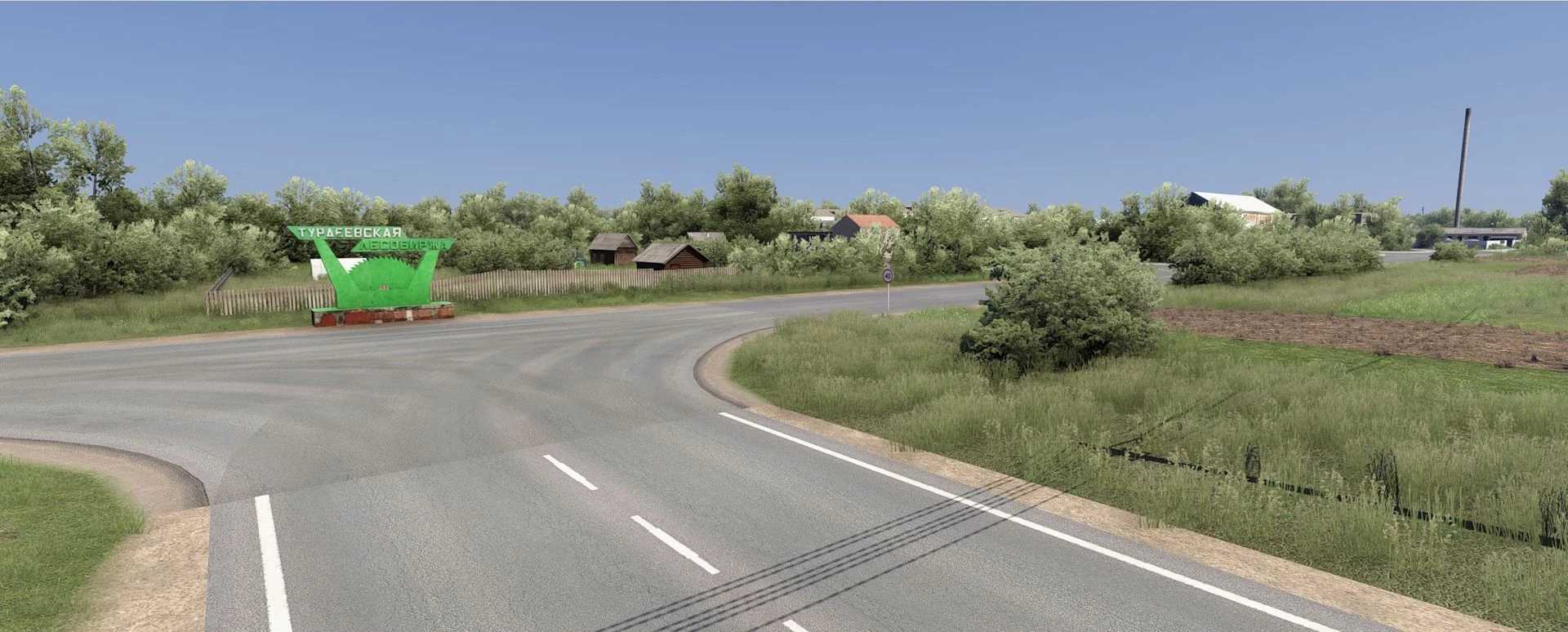
M8 Rework v1.0 ETS2
Redesigned M8 Arkhangelsk – Moscow highway.
Added the city of Novodvinsk, the village of Yemetsk, Turdeevsk
The mod is an addition to the Russia map by Palych
Credits: CONDOR28
How to install ETS2 mods or ATS Mods
In Euro Truck Simulator 2 it’s easy to install mods. You just need to download mod from here, copy/unzip files into: “My Documents\Euro Truck Simulator 2\mod” folder or if you play ATS please install mods to: “My Documents\American Truck Simulator\mod” folder. To unzip files you can use: WinRAR or 7zip. After that you need to activate the mods you want to use.
Report bugs in the comments and help modders improve this mod. Always check the comments, you can find a solution.