Live Stream Radio – All U.S. States Project v1.0 ATS

Live Stream Radio – All U.S. States Project v1.0 ATS
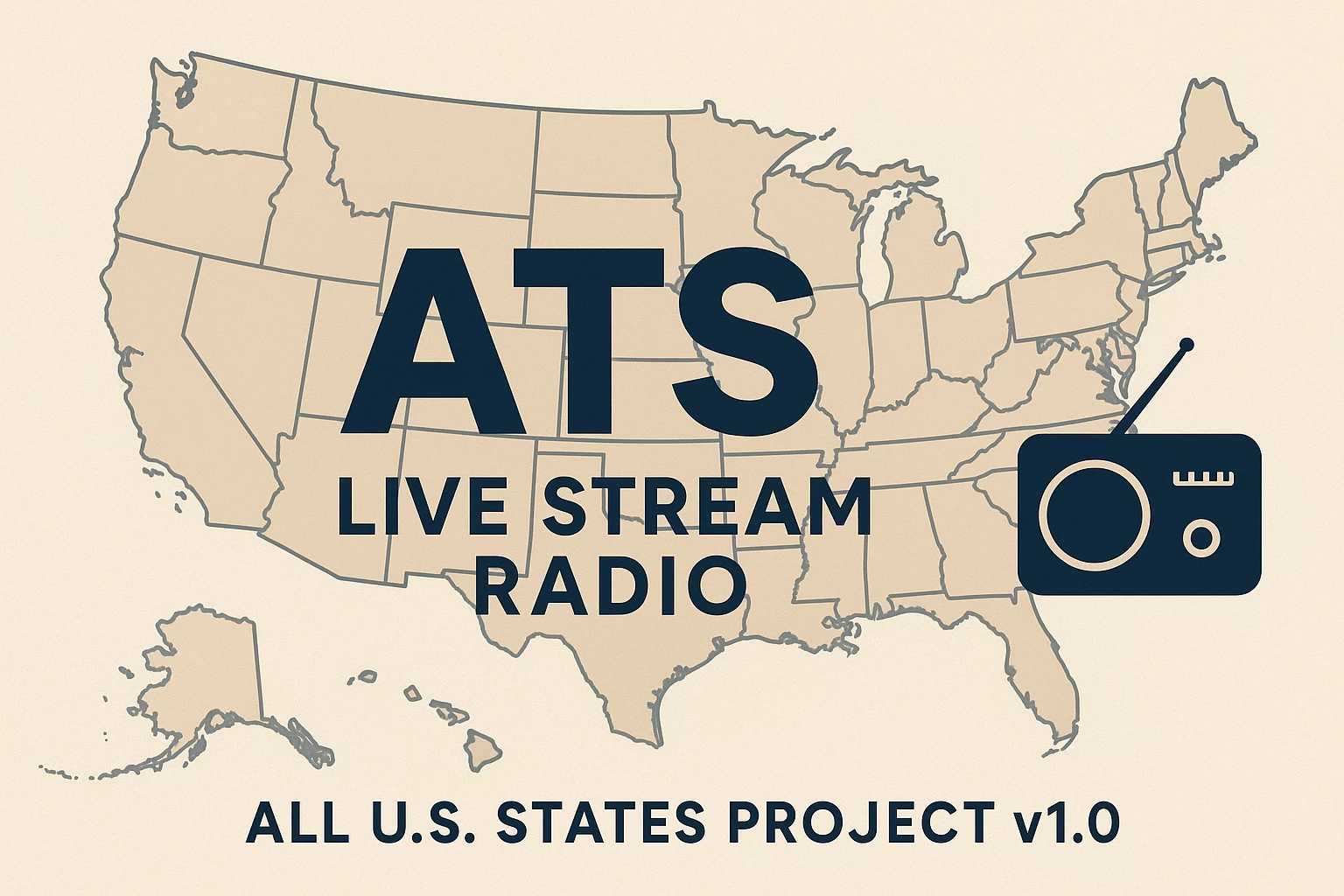
This mod expands the in-game radio list by adding real live radio streams from all U.S. states currently available in American Truck Simulator.
At this stage, the mod already includes:
Louisiana (upcoming DLC area) – 127 stations
Iowa – 66 stations
That’s a total of 193 new stations, added to the original 41 from the base game!
I’ve tried to cover a wide variety of genres so there’s something for everyone — from news, Christian music, and campus radio to blues, rock, country, and classical stations.
Please note:
Some streams might not work in every country. Living in Germany, I couldn’t access or verify all U.S. radio streams.
Since I work a regular job, I can only add about one state per week, so updates will roll out gradually.
Adding the 193 stations so far took roughly 4 hours of research, testing, and setup.
Enjoy authentic American radio while hauling across the country!
Future Plans / Upcoming States
Next planned states to be added:
Missouri, Arkansas, Nebraska, Kansas, Oklahoma, Texas, Montana, Wyoming, Colorado, Idaho, Utah, Washington, Oregon, New Mexico, Arizona, and California.
To install the mod, simply open the downloaded .ZIP file and move its contents into your
Documents → American Truck Simulator folder:
C: → Users → [Your Username] → Documents → American Truck Simulator
Credits: SCS, EthalCore
How to install ETS2 mods or ATS Mods
In Euro Truck Simulator 2 it’s easy to install mods. You just need to download mod from here, copy/unzip files into: “My Documents\Euro Truck Simulator 2\mod” folder or if you play ATS please install mods to: “My Documents\American Truck Simulator\mod” folder. To unzip files you can use: WinRAR or 7zip. After that you need to activate the mods you want to use.