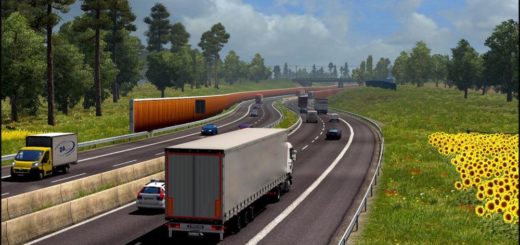
Kinematic Reshade Reborn v1.1 ETS2
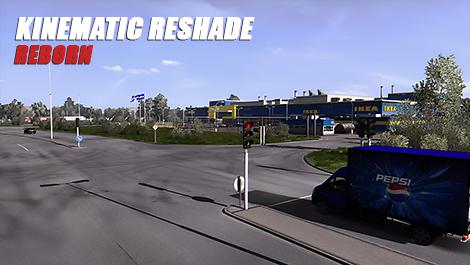

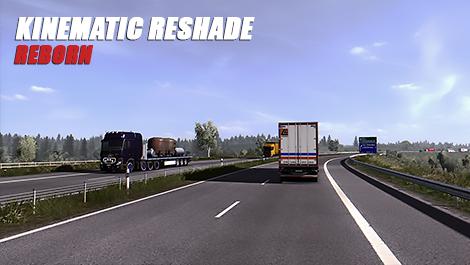
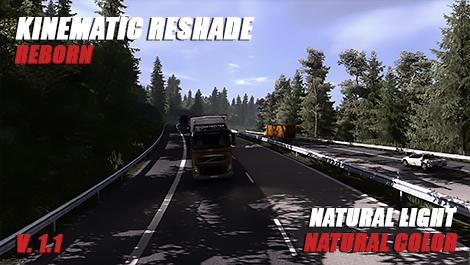
Kinematic Reshade Reborn v1.1 ETS2
Kinematic Reshade offers some changes in the visual section of the game so that you can enjoy a more realistic and pleasant experience in your travels.
It reduces the fogging and blurring effect of the game, increases the contrast between light and shadow and balances the colour for a more natural feel. In addition, the subtle use of chromatic aberration takes the level of detail to another level, both day and night.
The internal configuration of the game must be as follows:
Recommended brightness:
– High Dynamic Range: Yes
– Deph of Field: Yes
– Sunshafts: Yes
– Color correction: Yes
– The rest: Your graphic settings and the mods you use, logically, high visual quality values will enhance your experience
Highly recommended Mods to use this preset:
– Project Next-Gen Graphic Mod
– Realistic Brutal Weather or, preferably, Realistic Graphics Mod + No bloom Add-on
Important:
Do not change the order of the shaders and enables the performance mode
Remember to turn off Night Light in Windows 10 if you play at night
Kinematic Reborn is designed for vanilla game and may not offer the best experience if used with mods like JBX Graphics or Naturalux
Changelog:
1.1 reinforces the chromatic aberration to give the game a better feeling of graphic depth, while modifying small settings to improve the image.
Credits: chopoland
How to install ETS2 mods or ATS Mods
In Euro Truck Simulator 2 it’s easy to install mods. You just need to download mod from here, copy/unzip files into: “My Documents\Euro Truck Simulator 2\mod” folder or if you play ATS please install mods to: “My Documents\American Truck Simulator\mod” folder. To unzip files you can use: WinRAR or 7zip. After that you need to activate the mods you want to use.