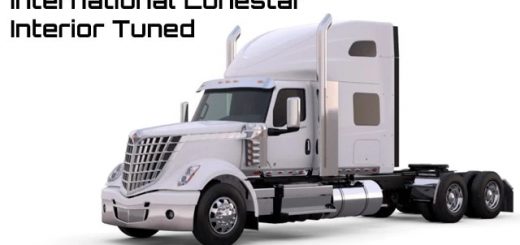
Kenworth T680 Interior/Exterior Rework for ATS



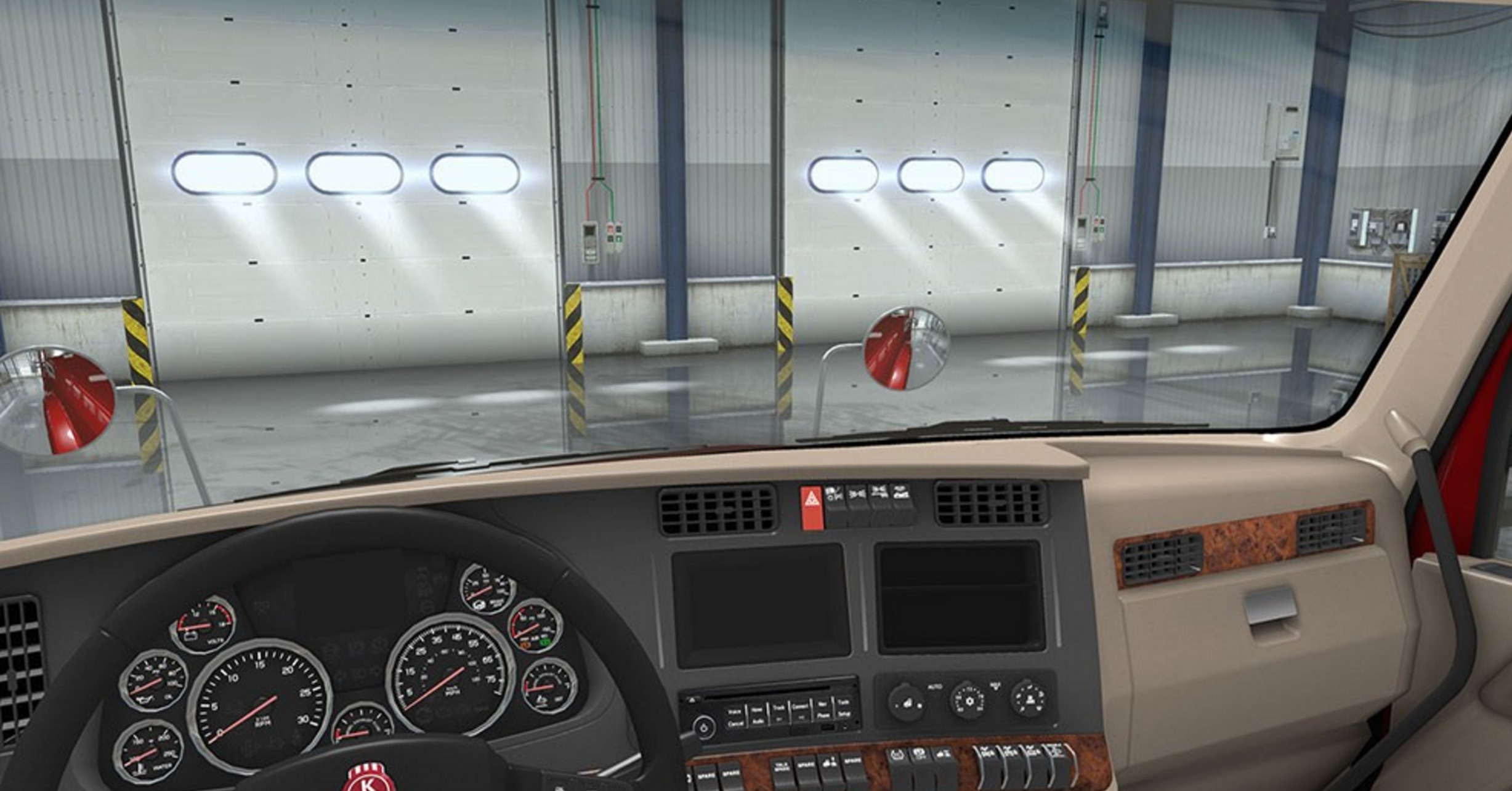
Kenworth T680 Interior/Exterior Rework for ATS
Changed all interior textures to improve similarity to real life truck (used high-res textures) – plastic, wood, fabric, leather parts, floor mat, interior lamps, bed cover texture, Kenworth logo on wheel and radio;
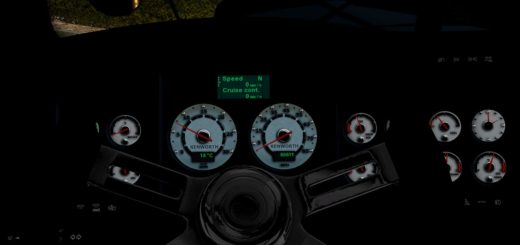
Improved dashboard: updated colors of gauges, changed backlight of symbols to uneven; all icons, symbols and dials are brighter now;
Added small windshield tint and added reflections to driver/passenger doors windows;
Updated outside truck textures: windshield (added tint, changed reflective parameters) headlights (housing and lamps), roof lights, blinkers, tail lights, work lights. Added new light mask;
Also, improved chrome parts, Kenworth logotypes, grills, motor texture, fuet tanks and tank cap texture, all three door handles, t680 badge, reworked all three types of mudflaps, chassis texture and suspension textures;
Added four new modes for windshield wipers. Now they acts like in real life.
Installation instructions:
1.Extract scs file from downloaded archive to mod folder of ATS;
2.Open in-game mod manager and enable “Kenworth T680 Interior/Exterior Rework” mod;
3.Play!
Credits: AlexeyP, SCS Software
How to install ETS2 mods or ATS Mods
In Euro Truck Simulator 2 it’s easy to install mods. You just need to download mod from here, copy/unzip files into: “My Documents\Euro Truck Simulator 2\mod” folder or if you play ATS please install mods to: “My Documents\American Truck Simulator\mod” folder. To unzip files you can use: WinRAR or 7zip. After that you need to activate the mods you want to use.