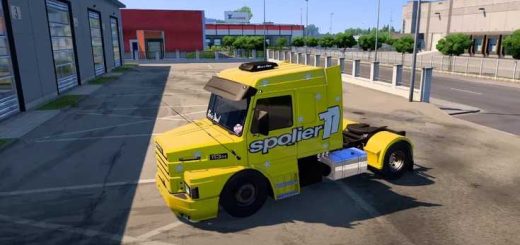
IVECO HI-WAY Rafa Gamers SHOP PISC v2.1 ETS2
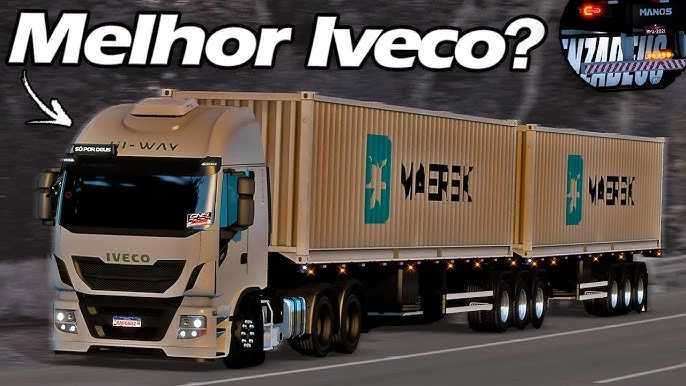

IVECO HI-WAY Rafa Gamers SHOP PISC v2.1 ETS2
The IVECO HI-WAY “Rafa Gamers v2.1 SHOP PISC” is a popular mod for Euro Truck Simulator 2 (ETS2) that is widely known in the Brazilian modding community. “Rafa Gamers” is the name of the mod’s creator (or one of its creators), while “SHOP PISC” is the online store where the mod can be purchased.
Mod Features
The mod is not a simple “re-skin” of the game’s standard Iveco Hi-Way. It is a detailed modification that adds a series of features and accessories to replicate the style of Brazilian trucks.
Extensive Customization: The mod allows players to personalize the truck with a wide variety of accessories, such as decals, auxiliary lights, horns, antennas, and custom logos.
Interior Accessories: Various items are added to the cabin, such as Bibles and other decorations, to create a more authentic and personalized driving experience.
Chassis and Engines: These mods typically include chassis options, such as 6×2 and 6×4, and support the stock Iveco Hi-Way engine.
Custom Sounds: Many mods of this type, especially those from creators like “Rafa Gamers” and “Rafa Sound,” include custom engine sounds that make the experience more realistic. Some mods even come with “fix” files to ensure compatibility with “Rafa Sound” sound packs.
How to Obtain and Install
The mod is a paid product and is distributed through the “SHOP PISC” store. Installation is similar to other third-party ETS2 mods.
1. Purchase and Download: After purchase, the mod is downloaded as a file with the .scs extension.
2. Mods Folder: The .scs file should be copied and pasted into the Euro Truck Simulator 2 mods folder, which is usually located in Documents/Euro Truck Simulator 2/mod.
3. In-Game Activation: In-game, access the “Mod Manager” in your profile. There, activate the mod and make sure it is correctly positioned in the list if there are other mods that may conflict.
4. Dealership Purchase: After activation, the truck will be available for purchase at one of the in-game Iveco dealerships or at a dedicated “mod dealership.”
Credits: RAFA
How to install ETS2 mods or ATS Mods
In Euro Truck Simulator 2 it’s easy to install mods. You just need to download mod from here, copy/unzip files into: “My Documents\Euro Truck Simulator 2\mod” folder or if you play ATS please install mods to: “My Documents\American Truck Simulator\mod” folder. To unzip files you can use: WinRAR or 7zip. After that you need to activate the mods you want to use.