Grand Utopia of America v1.1 ATS



Grand Utopia of America v1.1 ATS
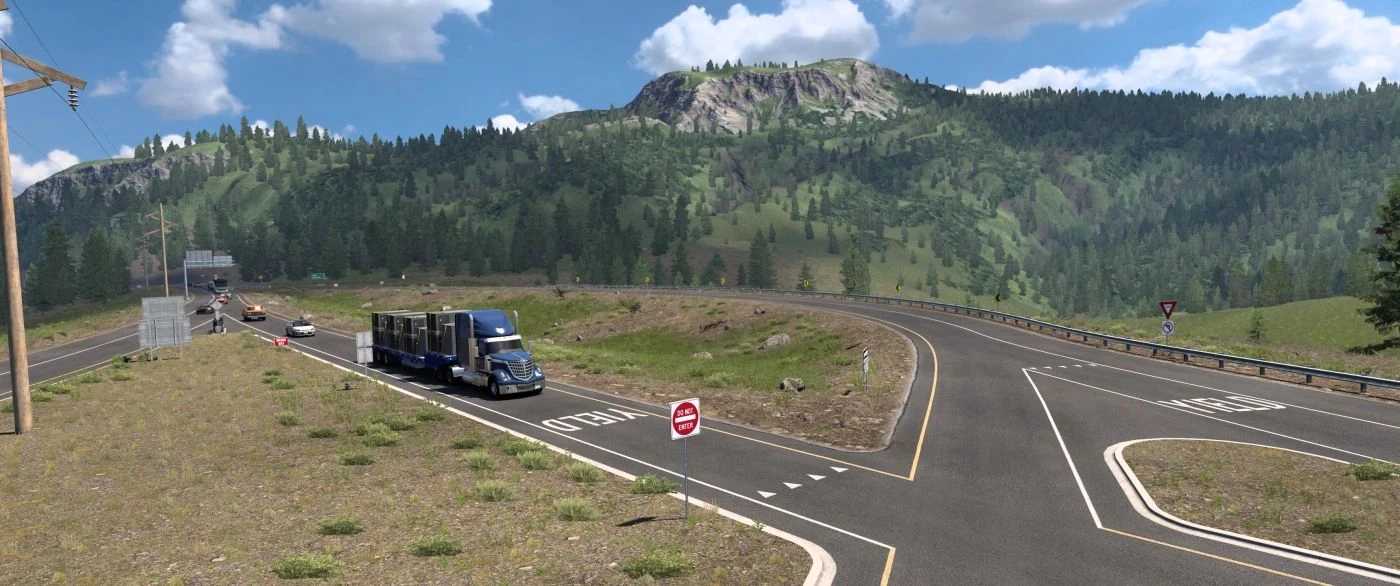
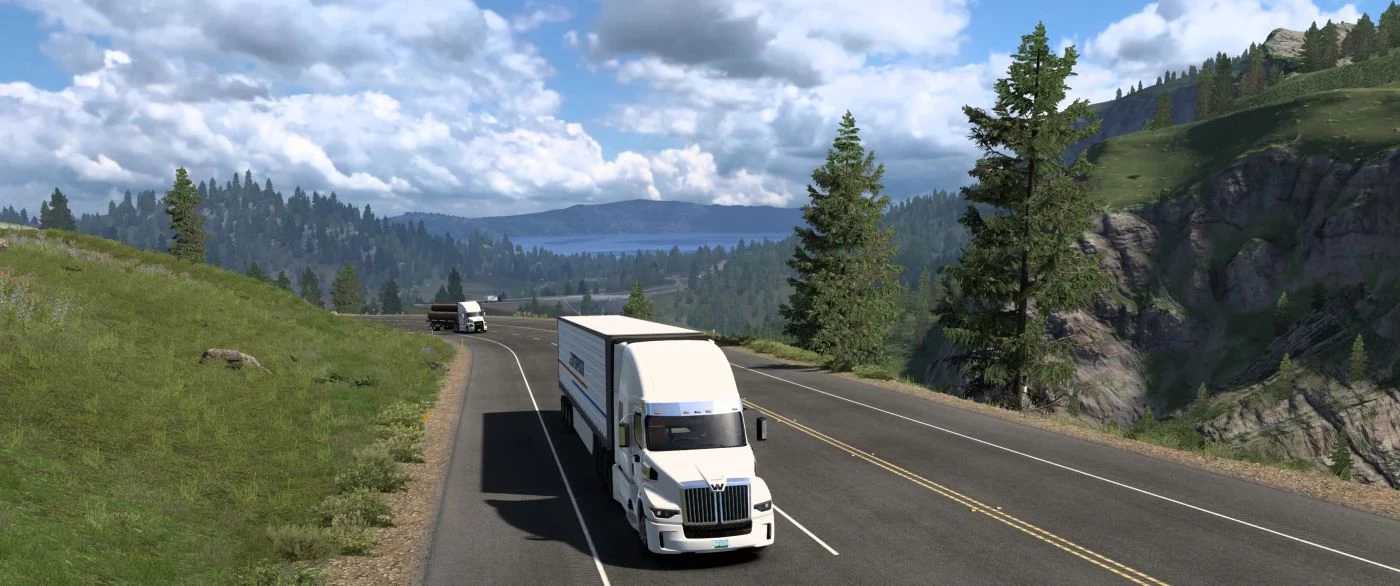
Grand Utopia of America (GUOA) invites you to discover a fictional archipelago nestled in the heart of the Paciflantic Ocean.
Although officially unincorporated into the United States, this territory has its own identity, rhythm and atmosphere.
GUOA is not just a map, but a real adventure, carefully crafted for simulation and immersion enthusiasts.
Realistic scale, handcrafted construction
Developed on a 1:1 scale, GUOA offers a driving experience where every mile counts.
There are no shortcuts or illusions of grandeur here: distances are real, roads take their time, and landscapes flow naturally.
Each section of the map is entirely hand-crafted, guaranteeing consistent visual quality, credible topography and a meticulous ambience.
New:
adding Washington DLC requirement
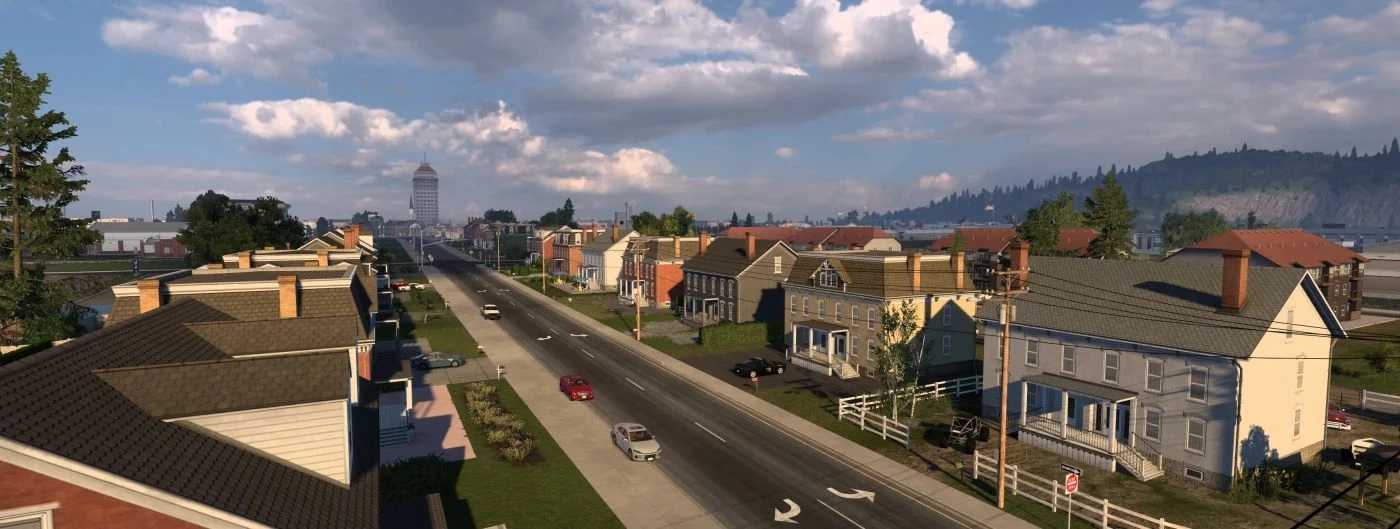
adding 5 cities in Lochburn County : Flatfields, Pamparina Bay, Port Oxheller, Valbeach and Woodbridge.
adding 1 decorative hamlet : Cypress Landing (LB).
adding/extending 4 roads : LB County 1, LB County 4, GU Route 66 and Historic GU Route 66.
adding some custom companies: Carter & Sons Lumber Company, Oxheller Dockworks, Posted, The Cantal Saloon and White Gull Marina.
adding ATS base map compatibility (use GUOA – Base Map Connection add-on, available on TruckyMods)
adding Esterlon map compatibility (use GUOA – Esterlon Connection add-on, available on TruckyMods)
adding some warehouses “for lease” for player’s VTC
fixing bugs and errors
Credits: MyGodness
How to install ETS2 mods or ATS Mods
In Euro Truck Simulator 2 it’s easy to install mods. You just need to download mod from here, copy/unzip files into: “My Documents\Euro Truck Simulator 2\mod” folder or if you play ATS please install mods to: “My Documents\American Truck Simulator\mod” folder. To unzip files you can use: WinRAR or 7zip. After that you need to activate the mods you want to use.