Grand Utopia Map v1.19 ETS2




Grand Utopia Map v1.19 ETS2
Main changes:
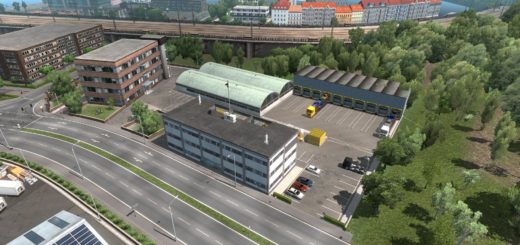
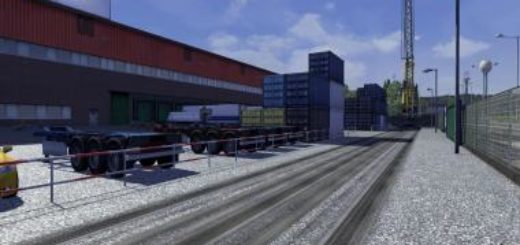
complete renovation of the Castelnoir urban area, including improvement of the Arcelor Distribution site and of the Pétroval industrial area
improvement of long-distance views in the Utopia port area (Utopia city center is now visible from the other side of the bay)
Road network:
replacement of all road signs in Castelnoir area
creation of an A2/A3 interchange to prepare the map expansion to the north
modification of the N4 layout to create a logical connection with the new A2/A3 interchange
improvement of many road sections (curves, textures, etc.)
addition of metropolitan numbering for certain roads in the urban area
snow removed from the road to Le Paradis
Cities and villages:
refresh of Castelnoir, La Palmyre and Sainte-Agnès
addition of a cinematic viewpoint to Port-Aelvinque and La Palmyre
Player VTC:
addition of 20 depots available for rent across the archipelago
Official custom companies:
addition of Arcelor Distribution and Utopia Pétrole & Gaz
Other modifications:
update of offense-related parameters
fix of several bugs and mapping errors
Credits: MyGodness
How to install ETS2 mods or ATS Mods
In Euro Truck Simulator 2 it’s easy to install mods. You just need to download mod from here, copy/unzip files into: “My Documents\Euro Truck Simulator 2\mod” folder or if you play ATS please install mods to: “My Documents\American Truck Simulator\mod” folder. To unzip files you can use: WinRAR or 7zip. After that you need to activate the mods you want to use.