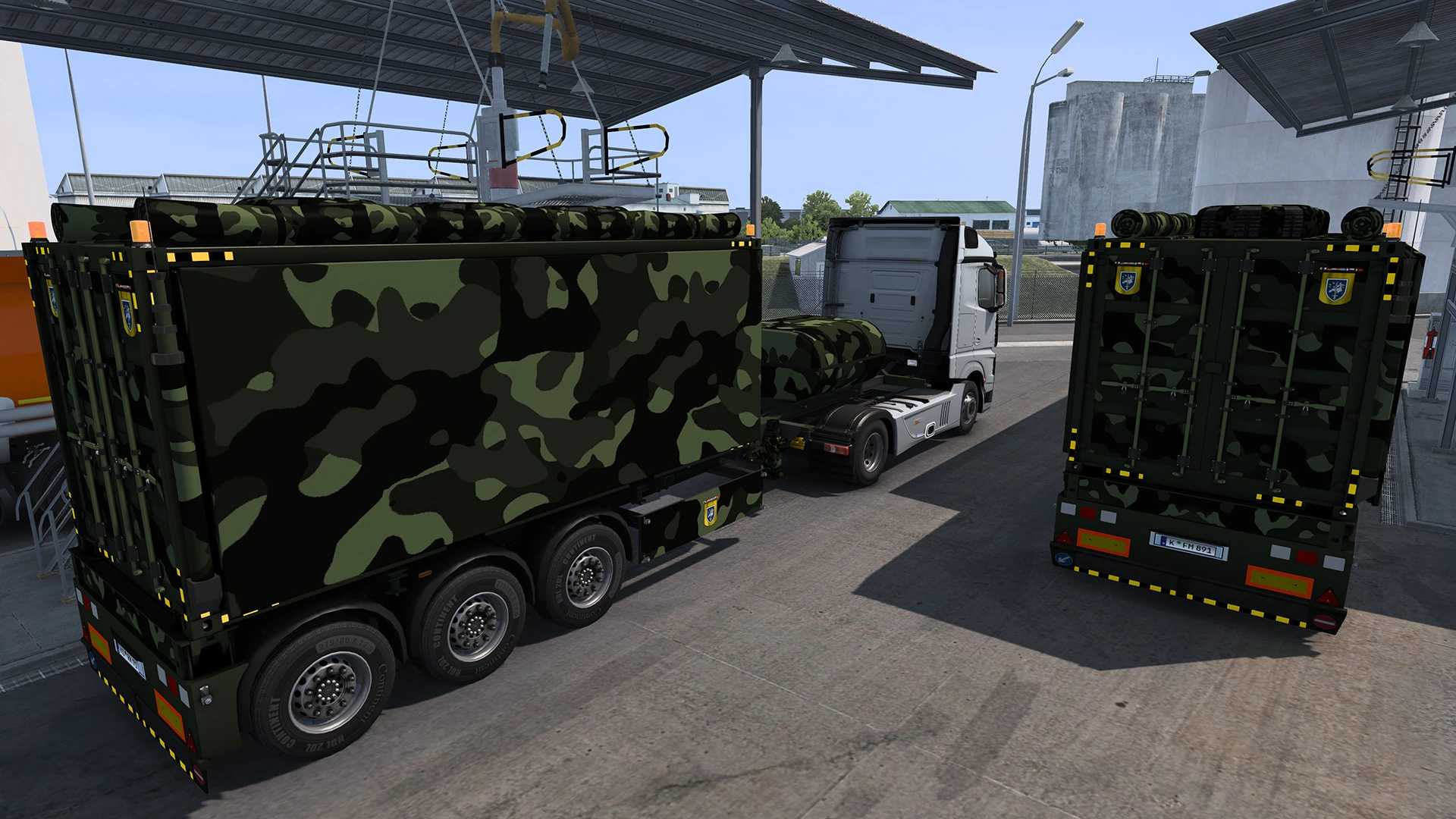
GOOSENECK CONTAINER G3 MILITARY TRAILER ETS2 1.58.x ETS2


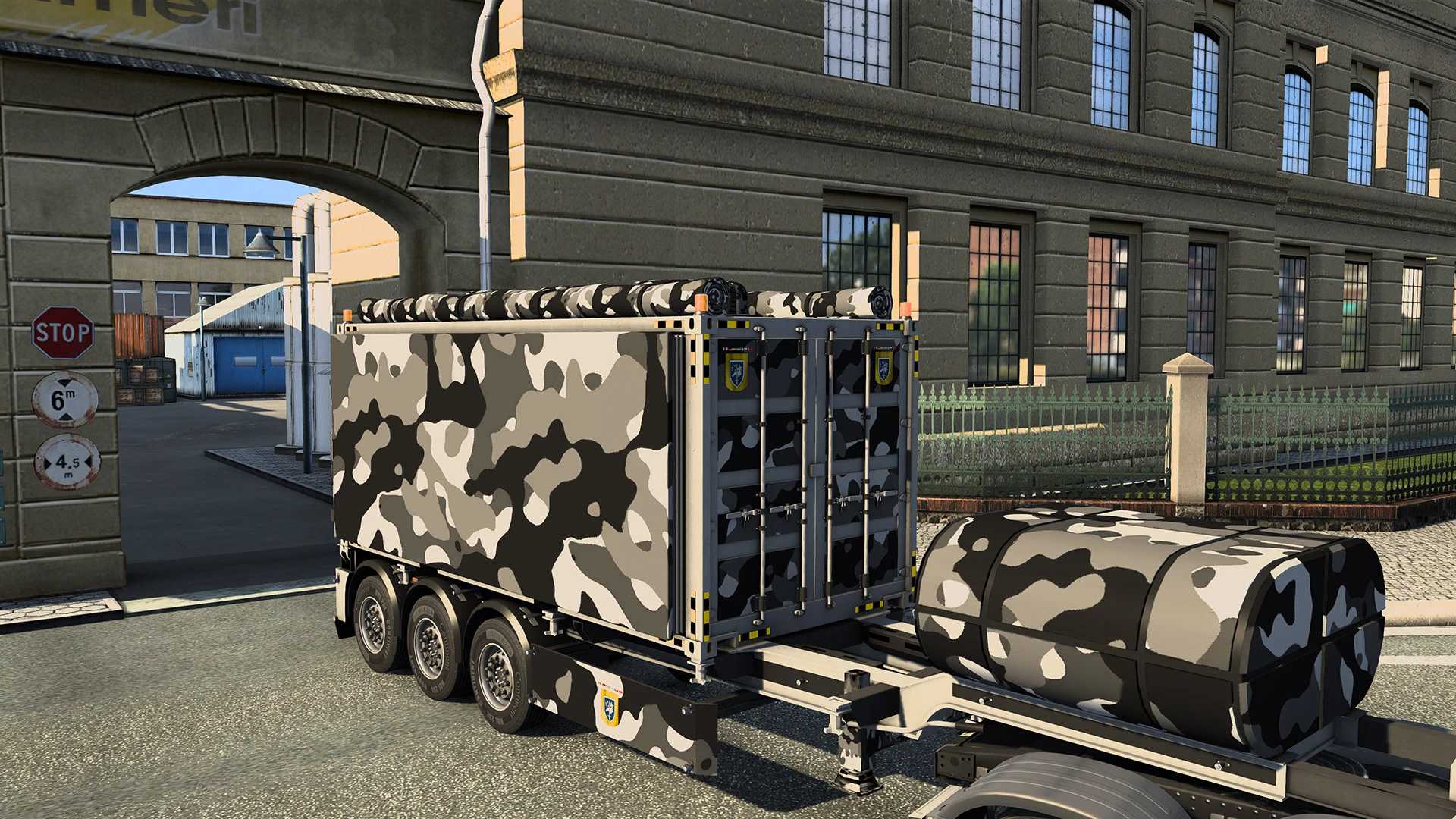
GOOSENECK CONTAINER G3 MILITARY TRAILER ETS2 1.58.x ETS2
Notice: I only upload my mods to ets2.lt, modhub.us, modland.net, and ets3mods.com, and the server is Modsfire. Make sure that Modsfire shows “Verified creator: RussianGuy”. If it doesn’t, you’ve been scammed, and this isn’t the original mod. Thanks. RussianGuy
FIXES/CHANGES:
Fixed cargo not visible (adaptation to new SCS cargo system).
Adjusted trailers names.
Fixed beacons not working.
Fixed reflective parts.
Fixed trailer shadow.
Added cargo icons (SCS style).
Deleted unnecesary/duplicate files.
Updated to latest DLC’S.
Name: ETS2 [Trailer] Gooseneck 20ft Military
Truck: All
Game: Euro Truck Simulator 2
Game version: 1.58.x
Info about ETS2 [Trailer] Gooseneck 20ft Military:
Mod Author: RussianGuy (update/fix), SASq (main mod)
Trailer Model: SCS Software
Trailer Modification: SASq
Cargo: SASq
Container G1 Pack Skins:
Desert
Urban
Green
Maybe you need to rest several times before you can see the “Gooseneck 20ft Military” in jobs list.
You can find the trailer in game trailers reviews:
section: “Gooseneck 20ft”
cargo: “Military uniforms, food rations & spare parts.”
Gooseneck 20ft Military is standalone.
Normal cargo jobs.
Credits: RussianGuy, SaSq
How to install ETS2 mods or ATS Mods
In Euro Truck Simulator 2 it’s easy to install mods. You just need to download mod from here, copy/unzip files into: “My Documents\Euro Truck Simulator 2\mod” folder or if you play ATS please install mods to: “My Documents\American Truck Simulator\mod” folder. To unzip files you can use: WinRAR or 7zip. After that you need to activate the mods you want to use.