Frosty Winter v5.8 ATS

Frosty Winter v5.8 ATS
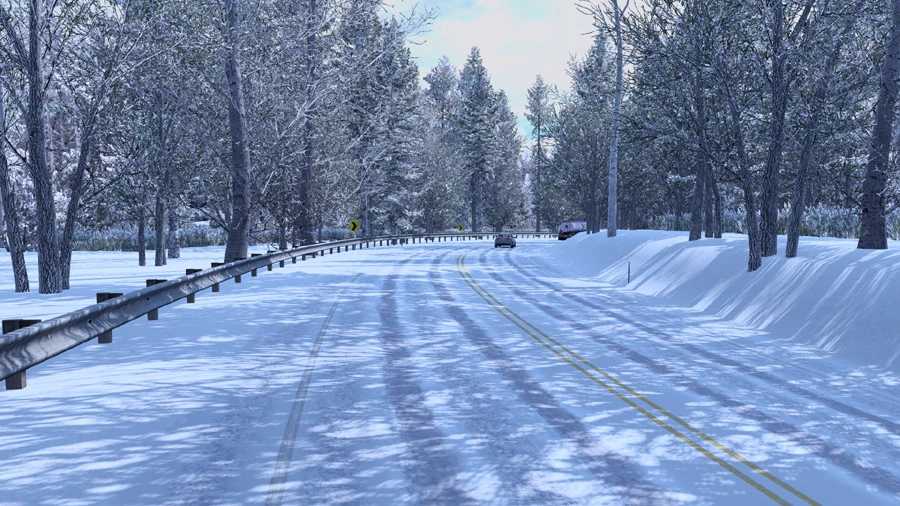
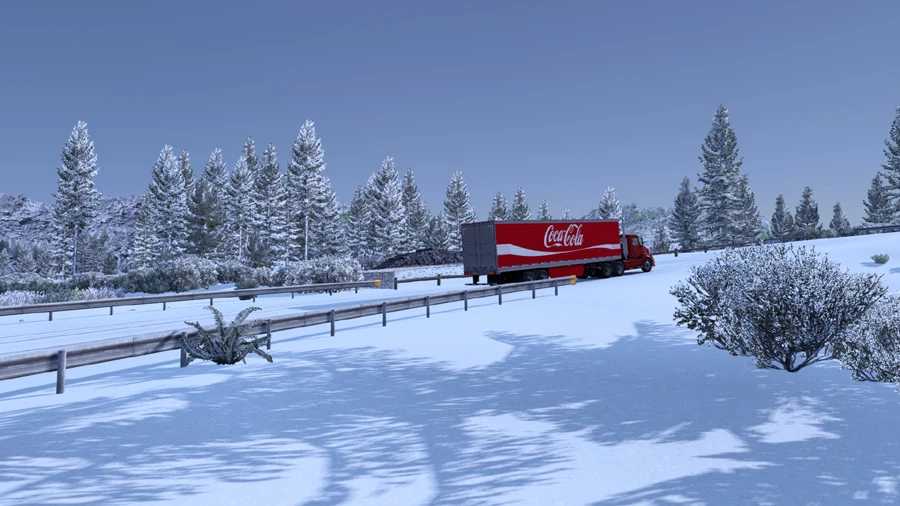
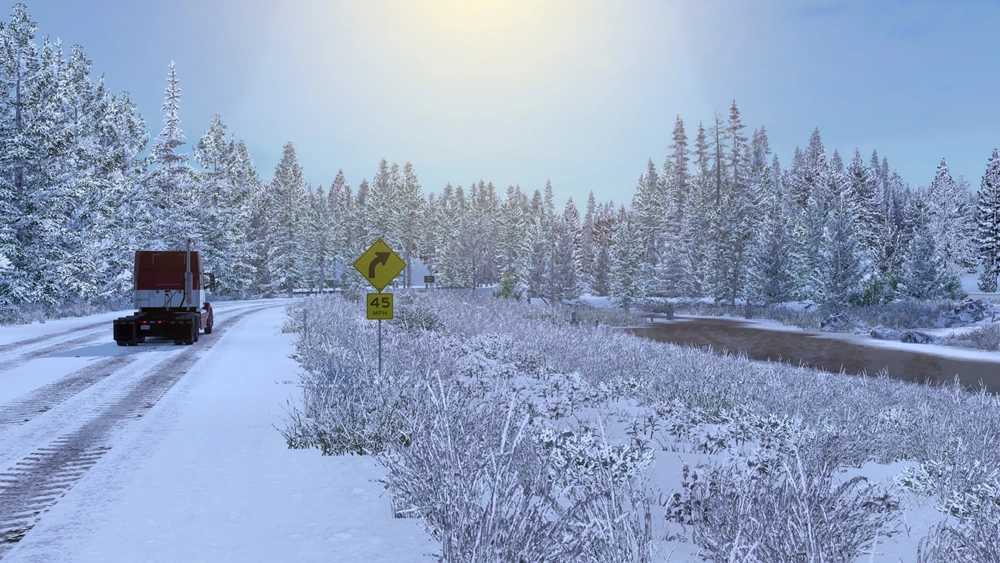
This mod simulates winter for American Truck Simulator.
Key Features
Winter weather and environment
Snow instead of rain
Winter vegetation
Winter road textures
Snowy roofs
Winter daylight hours and temperatures
Winter wheel spray
Pedestrians in winter clothing
Out of sight vegetation LOD transitions
Less visible low LOD vegetation
Less vegetation pop in
Grass rendered at a further distance
Smoother looking graphics
Frosty Wheels, Clear Roads and Physics addons available for download
Compatibility Latest Version: ATS 1.58
Changes in v5.8
Vegetation Improvements
Lighting improvements
Clear roads addon updated
Bump maps added to more road textures
Changes in v5.7
Updated for 1.57
Recommended Settings
Vegetation Detail: High
Notes
The yellow and green areas you will sometimes see is terrain that has been painted by map editors, there is currently no way to remove this, make sure that grass density is on high as this will cover most of it.
Tunnels are just normal roads which are covered by a model, so it’s not possible to have them without snow.
It’s not possibe to have some areas without snow as assets are shared throughout the map.
Important!!
Frosty is a winter weather and graphics mod, using other weather/graphics/lighting mods will effect the lighting/graphics/snowfall made for this mod and may cause conflicts and crashes.
Frosty should be placed on top in Mod Manager, if you are also using any of the addons then place them above Frosty.
Credits: Grimes
How to install ETS2 mods or ATS Mods
In Euro Truck Simulator 2 it’s easy to install mods. You just need to download mod from here, copy/unzip files into: “My Documents\Euro Truck Simulator 2\mod” folder or if you play ATS please install mods to: “My Documents\American Truck Simulator\mod” folder. To unzip files you can use: WinRAR or 7zip. After that you need to activate the mods you want to use.