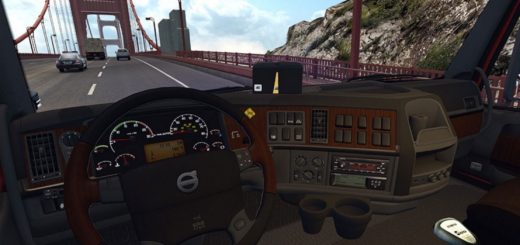
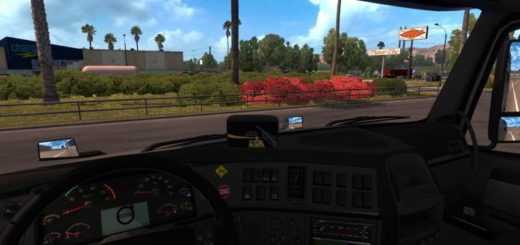
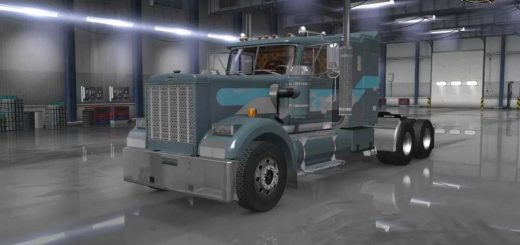
Freightshaker Classic XL v10.1 1.57 ATS
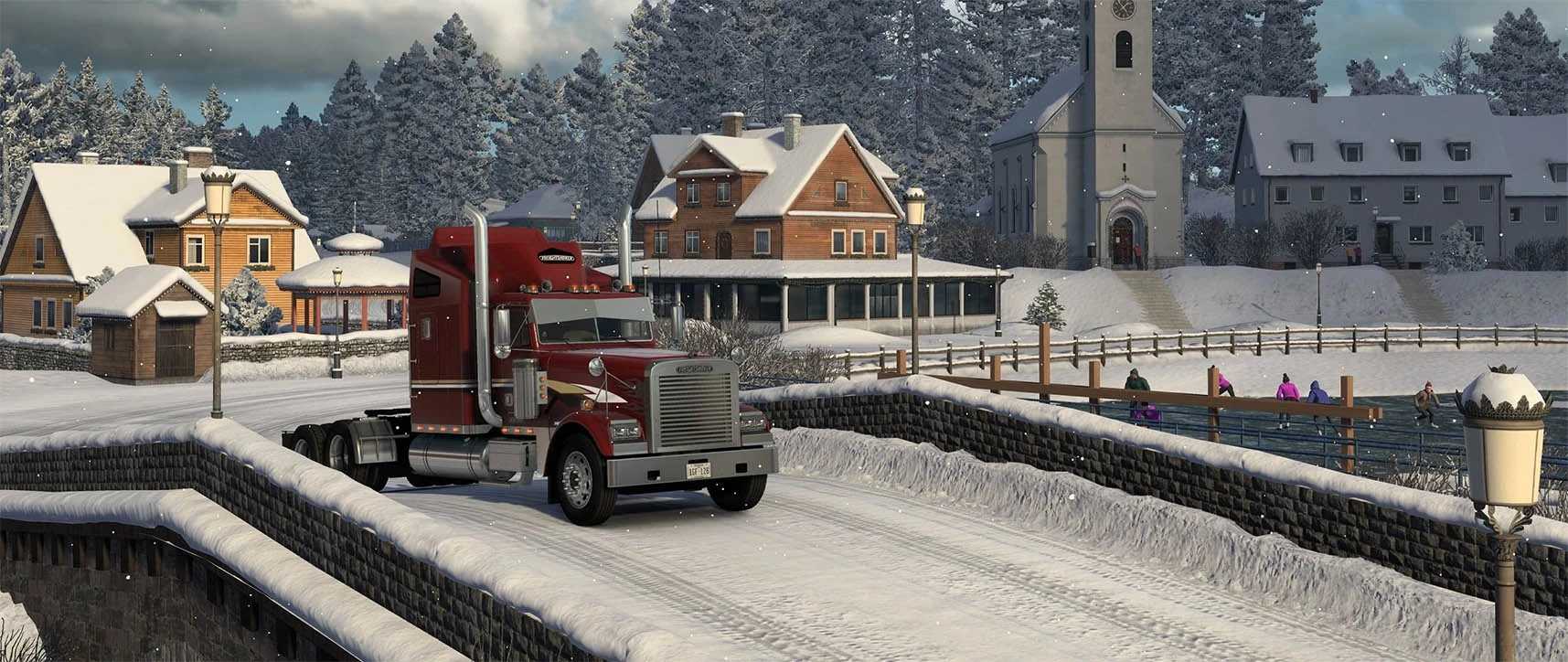

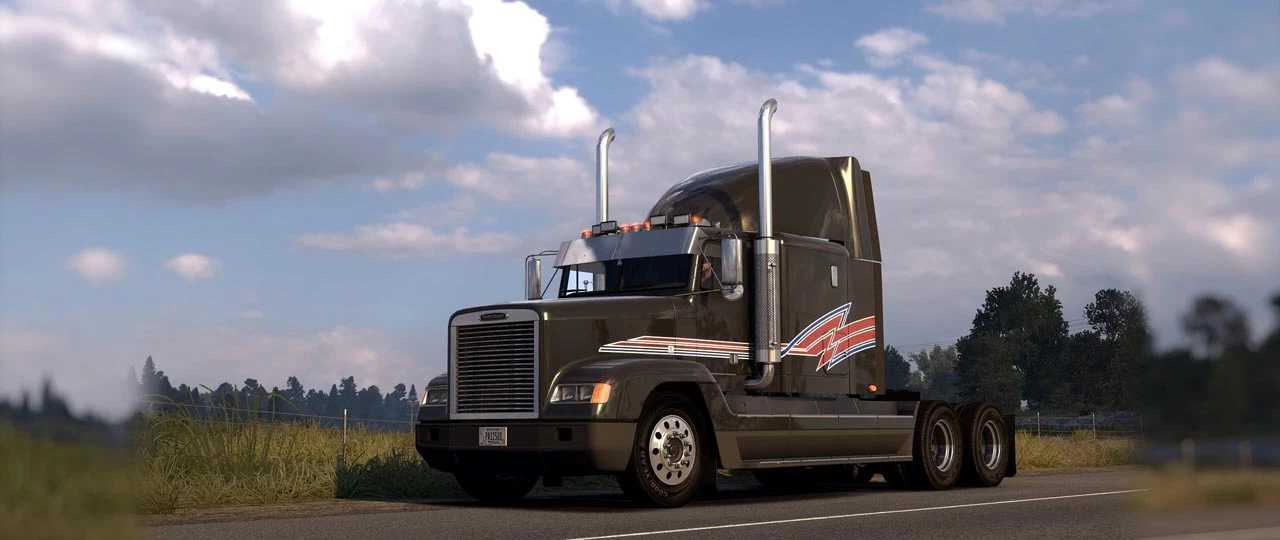

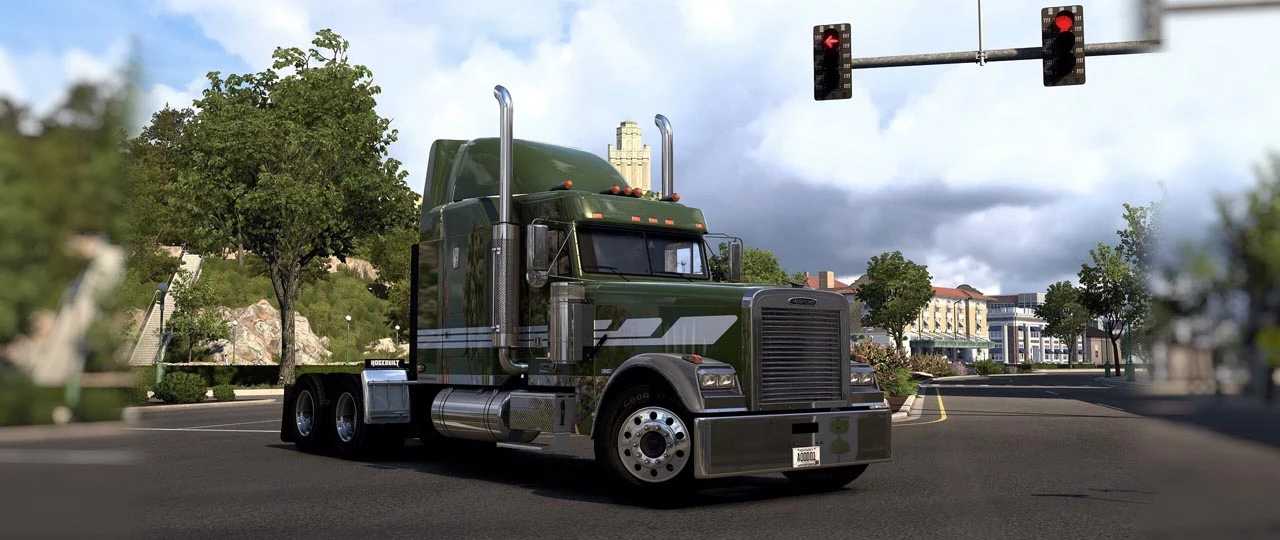
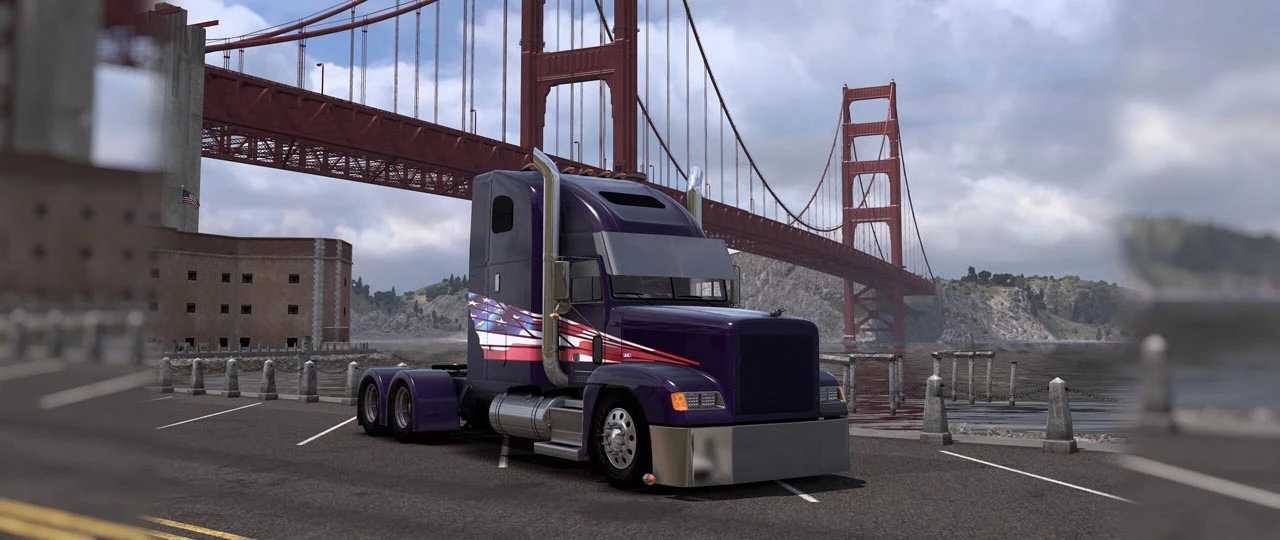
Freightshaker Classic XL v10.1 1.57 ATS
Changelog
1. Added a new cabin – 64″ RAISED ROOF SLEEPER BOX (Able Body).
2. Remade from scratch 84″ RAISED ROOF and 70″ RAISED ROOF cabs.
3. New AO for all cabs.
4. Added new versions of visors for all cab types.
5. Added new headlight options.
6. Added Whale Tail spoilers for all cabins.
7. Added decorative chrome elements to body body panels.
8. Added the ability to freely install lights on the rear wall of the cab.
9. Added a standard FLD 120 steering wheel.
10. Added the ability to install a radio head unit.
11. Added new CB radio options.
12. Added short versions of side fairings for all cabs.
13. Added new options for beacon lights.
14. Added new options for air horns.
15. Added new options for grab handles.
16. Added XML file (inside Open Definition).
17. Bug fixes.
Description
Not only Classic XL anymore, now it’s also FLD120!
Includes:
10 Cabin Options
8 Chassis Options
FLD120 as chassis option
Standard and Custom interior options
Compatibility with SISL’s mega pack and DLC Cabin Accessories
Skinpack and template for your skins
Engines and Sounds by Kapitan Kriechbaum
Lots of accessories
Compatible with our DLC Wrecker
Current version of the mod:
10.1 (Compatible with ATS 1.57)
Credits: -
How to install ETS2 mods or ATS Mods
In Euro Truck Simulator 2 it’s easy to install mods. You just need to download mod from here, copy/unzip files into: “My Documents\Euro Truck Simulator 2\mod” folder or if you play ATS please install mods to: “My Documents\American Truck Simulator\mod” folder. To unzip files you can use: WinRAR or 7zip. After that you need to activate the mods you want to use.