Freightliner Cascadia 125 v3.2 1.57 ATS
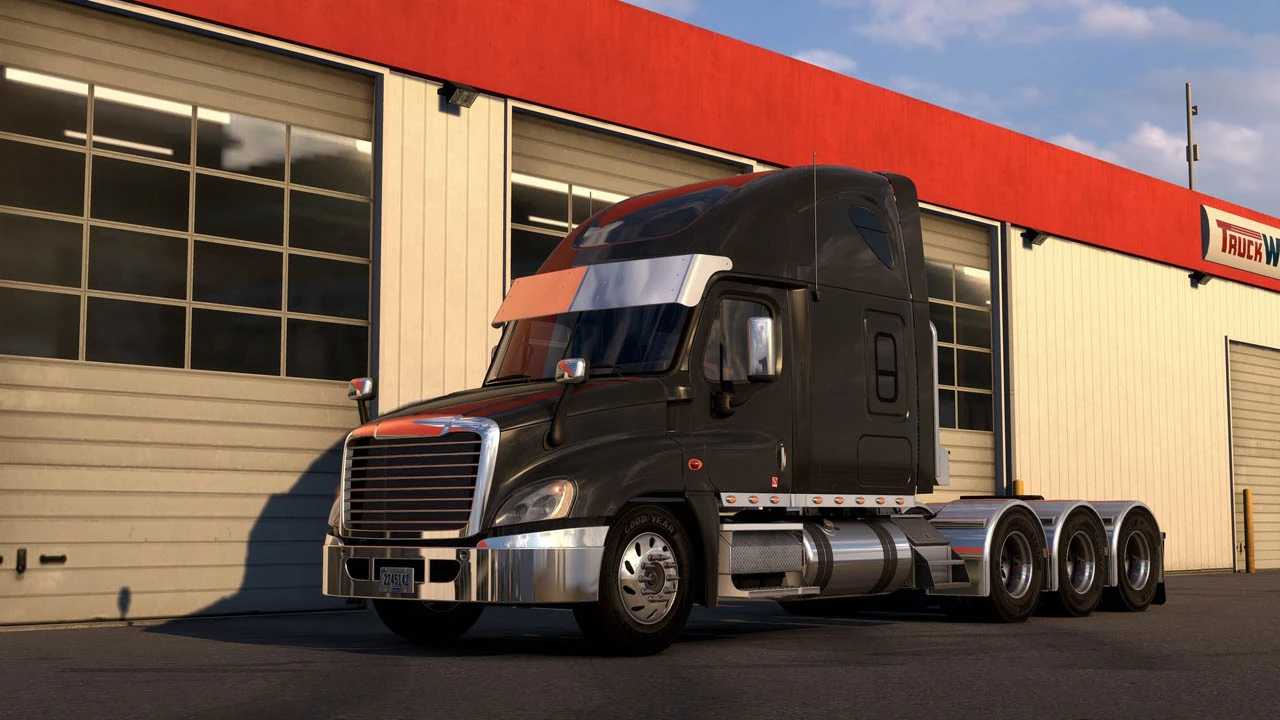

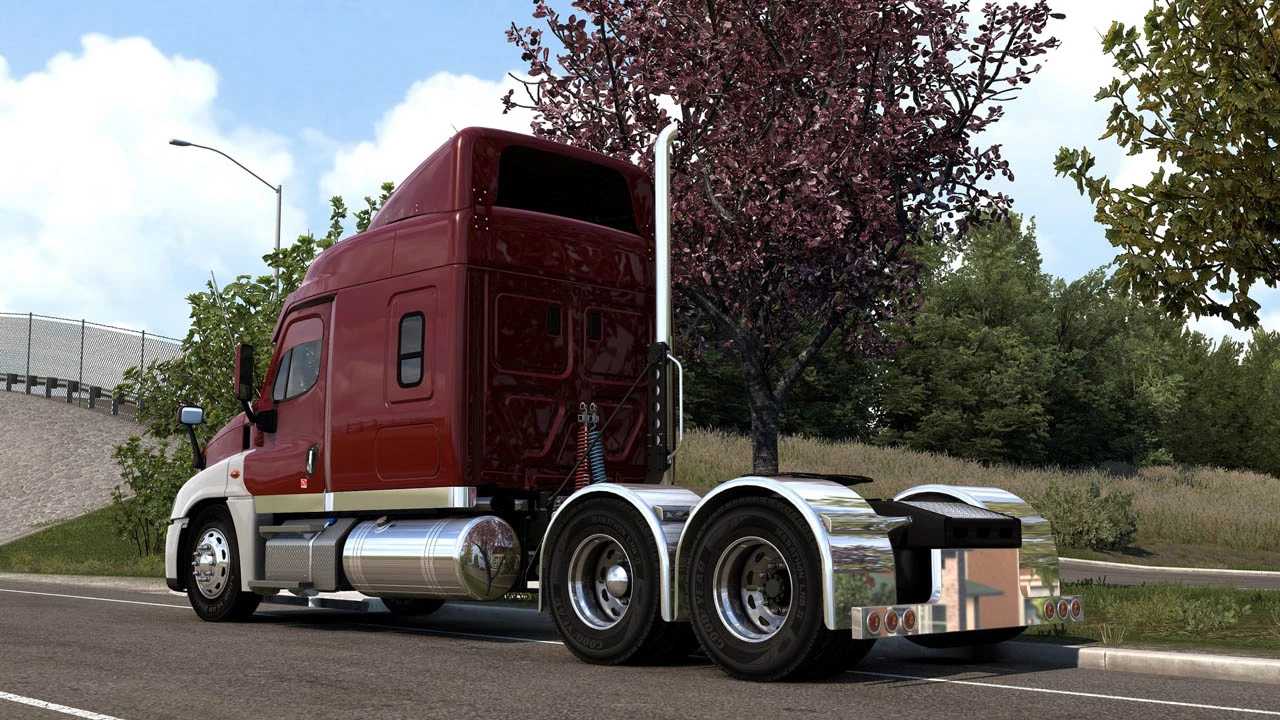

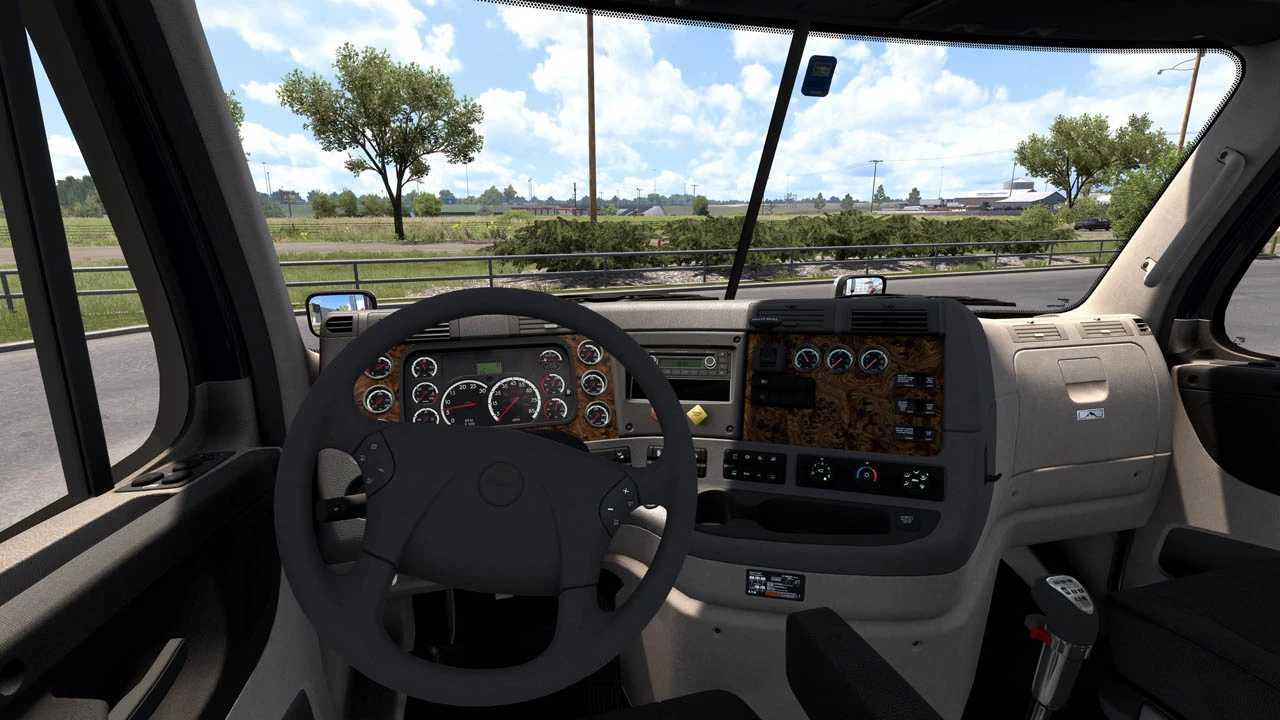
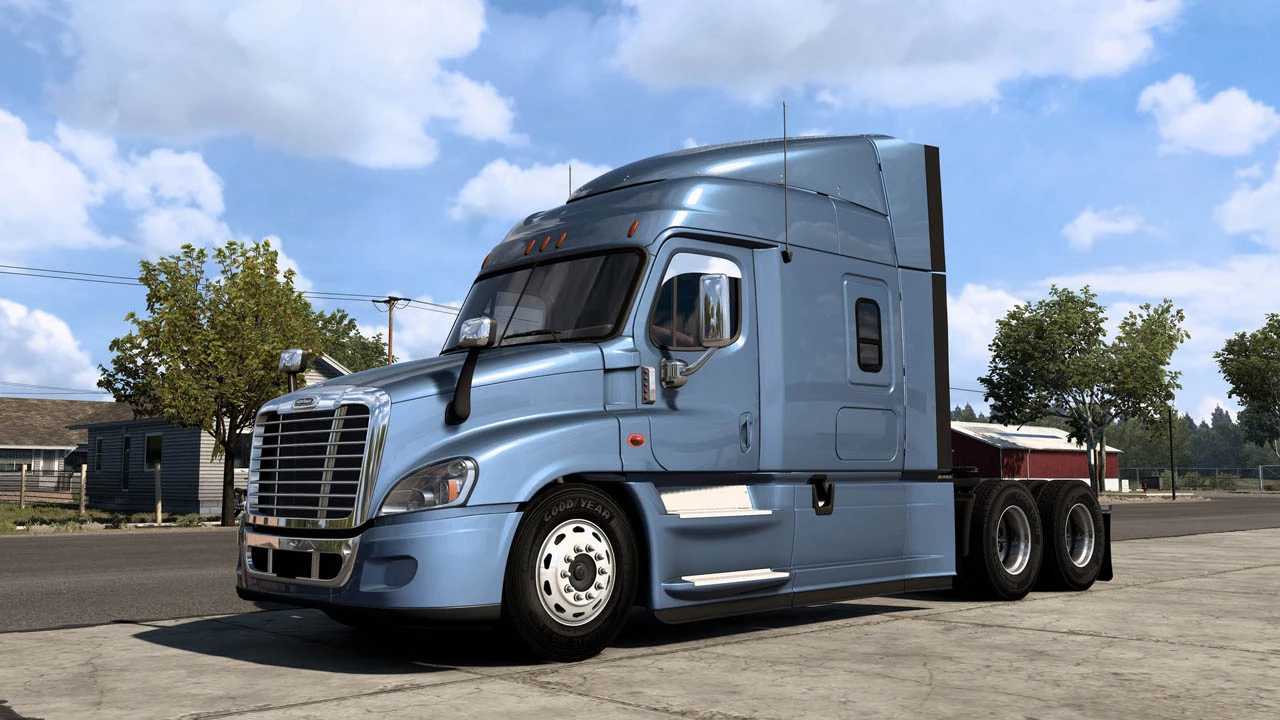
Freightliner Cascadia 125 v3.2 1.57 ATS
Changelog
1. Added the ability to choose the side of the cabin with or without a window
2. Added chrome trims on the hood, front fenders, rear windows and toolboxes, on the cabin, spoiler, on the windows on high cabins
3. Added 3 new bumpers
4. Added 2 bumper guards
5. Added 2 new turn signals in white and orange (chrome, paint, black)
6. Added 4 new visors
7. Added new chassis with a short hood
8. Added new side skirts for new chassis
9. Added protection for the rear windows on DayCab
10. Added new models of air horns on the roof
11. Added a new dashboard
12. Added new CB Radios
13. Added new beacons
14. Added light slots on skideskirts
15. Added a door handle option “paint/chrome”
16. Added steps variants on the sideskirts (chrome, paint, aluminum, black)
17. Added TV set to the interior
18. Added short sideskirts.
19. Reworked original sunvisor on DayCab
20. Added the ability to install lights on the backwall in any order.
Features
High-quality exterior model
High-quality interior model
7 Chassis (4×2/6×4/8×4/8×6 with different length)
6 Cabins (DayCab, 48″ XT, 60″ XT, 60″ Raised Roof, 72″ XT, 72″ Raised Roof)
Evolution version original options
Different dashboard options
Compatibility with SISL’s mega pack and DLC Cabin Accessories
Skinpack and template for your skins
Lots of customization options
Engines and Sounds by Kapitan Kriechbaum
Current version of the mod:
3.2 (Compatible with ATS 1.57)
Credits: -
How to install ETS2 mods or ATS Mods
In Euro Truck Simulator 2 it’s easy to install mods. You just need to download mod from here, copy/unzip files into: “My Documents\Euro Truck Simulator 2\mod” folder or if you play ATS please install mods to: “My Documents\American Truck Simulator\mod” folder. To unzip files you can use: WinRAR or 7zip. After that you need to activate the mods you want to use.