FFB Plugin for (G25, G27, DFGT, etc) v 2.4 for ATS
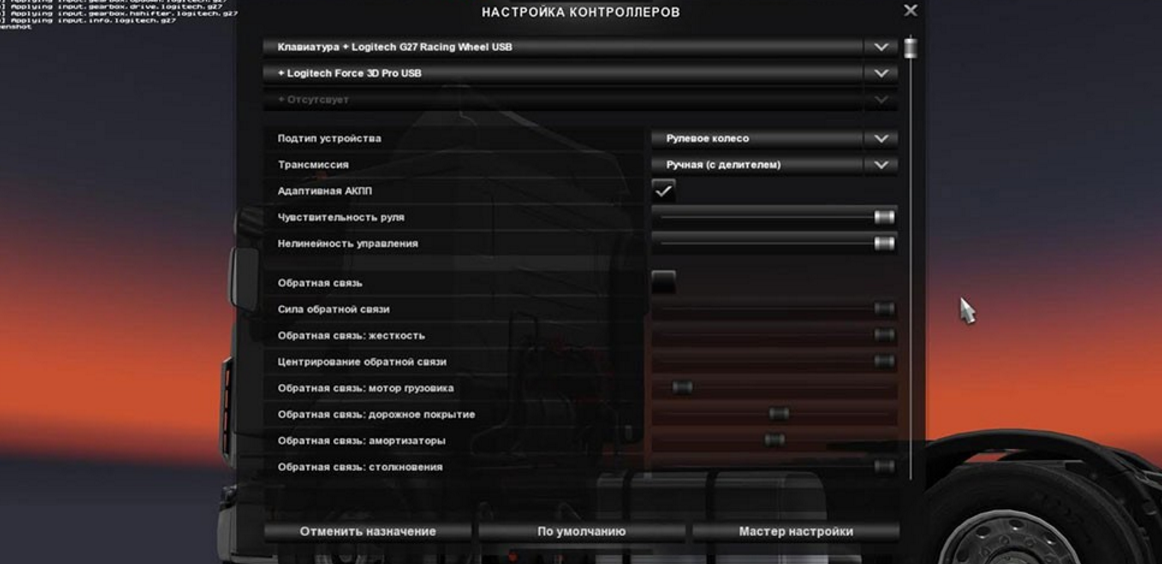

FFB Plugin for (G25, G27, DFGT, etc) v 2.4 for ATS
Look readme inside the archive!
Euro Truck Simulator 2 + American Truck Simulator: force feedback plugin (version 2.4) for Logitech steering wheel controllers with 900 degrees rotation range (G27, G25, Driving Force GT).
Completely replaces the feedback in the game
System requirements:
1) Euro Truck Simulator 2 v 1.17 or higher, American Truck Simulator v 1.0.0 or higher.
2) Logitech controller driver + Logitech profiler software installed
3) Microsoft Visual C++ Redistributable 2012 (x32 & x64)
Installation for ATS:
Download archive and extract all files.
Put .dll и .ini into the specific folder (!x64 only for ATS!):
American Truck Simulatorbinwin_x64plugins.
If “plugins” doesn’t exists – just create it there. If plugin located correctly – you will see warning game message about third-party applications. In the game.log.txt you’ll see information about plugin initialization.
Credits: Supric
How to install ETS2 mods or ATS Mods
In Euro Truck Simulator 2 it’s easy to install mods. You just need to download mod from here, copy/unzip files into: “My Documents\Euro Truck Simulator 2\mod” folder or if you play ATS please install mods to: “My Documents\American Truck Simulator\mod” folder. To unzip files you can use: WinRAR or 7zip. After that you need to activate the mods you want to use.