Far East Russia v25 1.55 ETS2
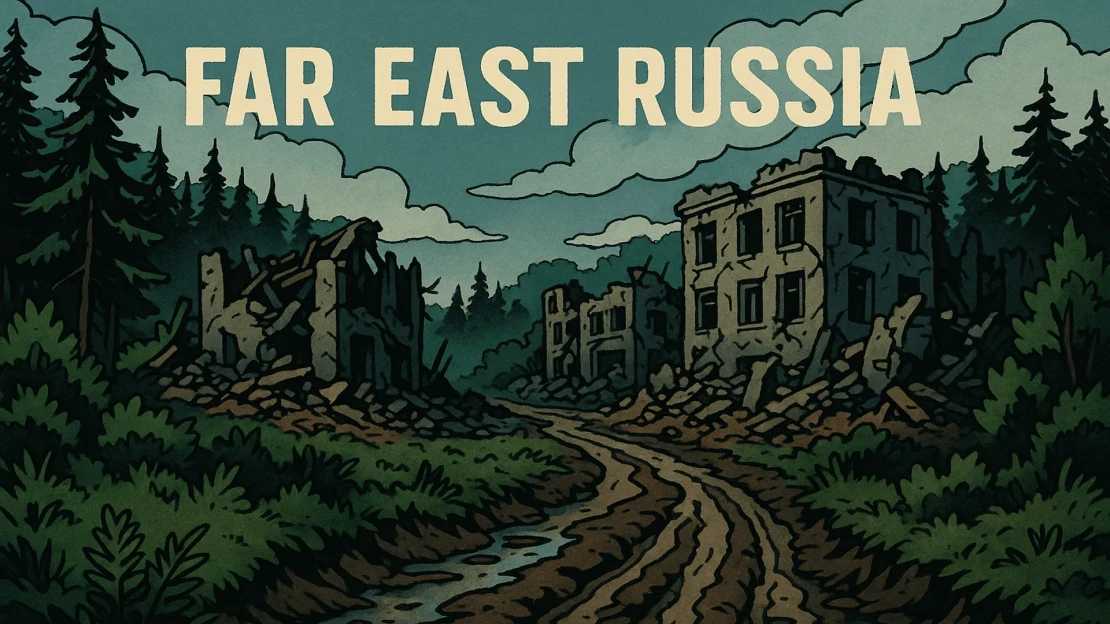


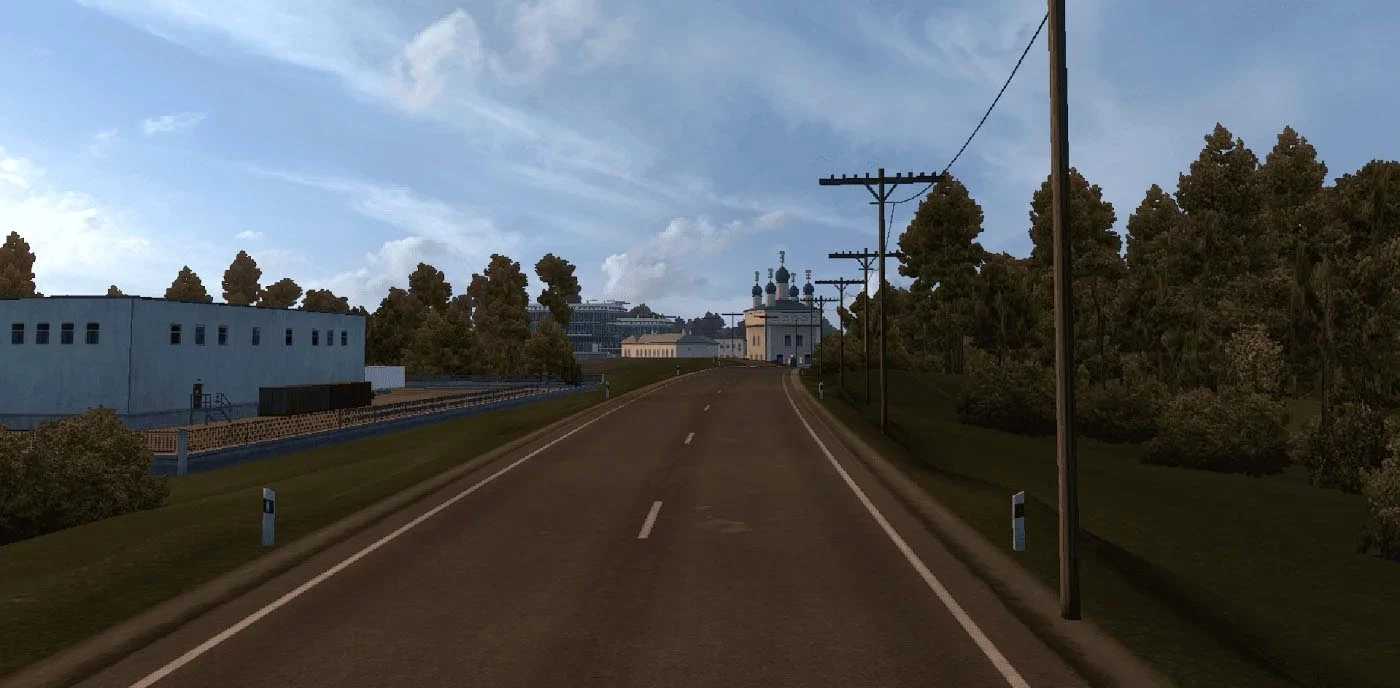
Far East Russia v25 1.55 ETS2
Changelog Alpha 25
Rebuilded:
Part of P-504 near Nizhniy Bestiakh
Part of A-360 near Nizhniy Bestiakh
Tiny part of 98K-001 near Nizhniy Bestiakh
Nizhniy Bestiakh’s river port
Whole Nizhniy Bestiakh
Fixed:
Nizhniy Bestiakh not showing on map
some company icons not showing
Key Features:
Numerous handcrafted cities and settlements to discover.
Diverse terrains, from dense forests to challenging off-road paths.
Smooth integration with existing major map mods for a cohesive experience.
Optimized performance ensuring a smooth ride across vast landscapes.
Compatibility:
Off the Grid
Trans-Siberian Truckway
Game versions 1.53 – 1.55
Load Order:
TOP
Far East Russia – OTGR RC
Far East Russia
Trans-Siberian Truckway
Off The Grid
BOTTOM
Compatibility: 1.55
Credits: jirkanedela
How to install ETS2 mods or ATS Mods
In Euro Truck Simulator 2 it’s easy to install mods. You just need to download mod from here, copy/unzip files into: “My Documents\Euro Truck Simulator 2\mod” folder or if you play ATS please install mods to: “My Documents\American Truck Simulator\mod” folder. To unzip files you can use: WinRAR or 7zip. After that you need to activate the mods you want to use.