ETS 2 FX V2.0 Mod

ETS 2 FX V2.0 Mod
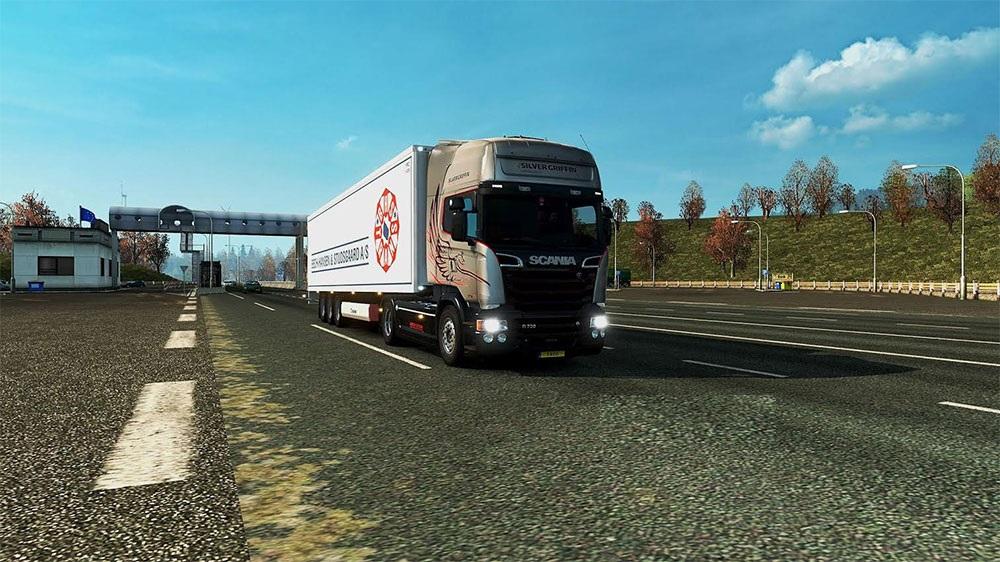
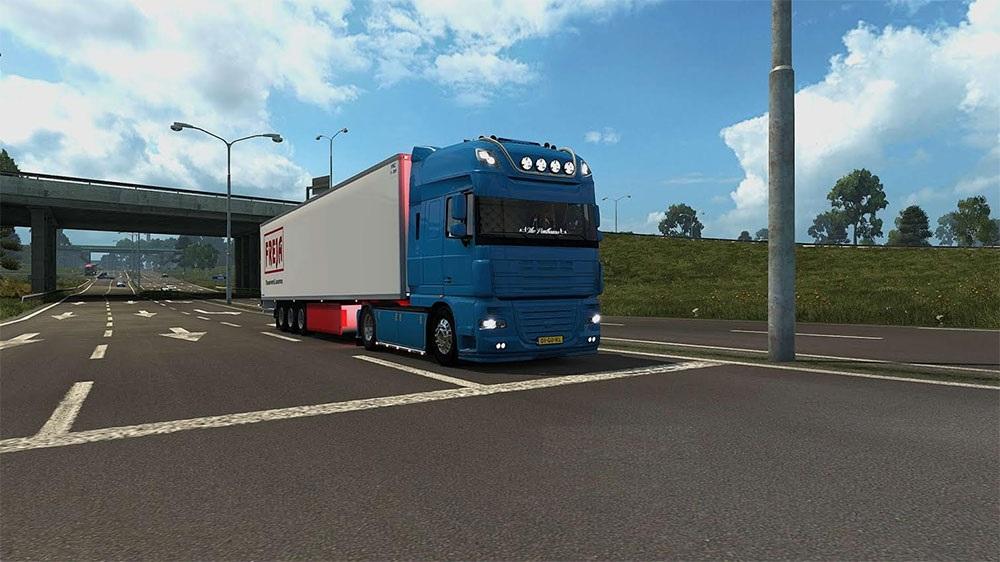
Here is my own Sweet FX (Reshade) Mod for ETS 2.
I don’t like the HDR and Bloom Effect in ETS2, also the colors (colorcorrection), so i decided to take the Sweet FX Shaders to make my own.
2 Things to say:
* Scroll = Activate / Deactivate Effects
* Print = Screenshot (in your ets 2 Folder – win_x64 or win_x86)
(You can also Change the Toggle Key in Global Settings.txt in the Sweet FX Folder)
Install: Put all the Files in your ETS 2 Folder – Steam/steamapps/EuroTruck Simulator 2/bin/win_x64 or win_x86
1 more thing
Disable ingame HDR, Antialiasing, Bloom, Colorcorrection
If you have questions, ask me, i will do my best to help you.
Credits: CeeJay.dk, Crosire, VinylBreaker
How to install ETS2 mods or ATS Mods
In Euro Truck Simulator 2 it’s easy to install mods. You just need to download mod from here, copy/unzip files into: “My Documents\Euro Truck Simulator 2\mod” folder or if you play ATS please install mods to: “My Documents\American Truck Simulator\mod” folder. To unzip files you can use: WinRAR or 7zip. After that you need to activate the mods you want to use.
Report bugs in the comments and help modders improve this mod. Always check the comments, you can find a solution.