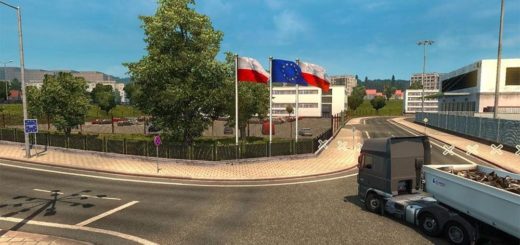
DinDix v1.0 1.57x ETS2


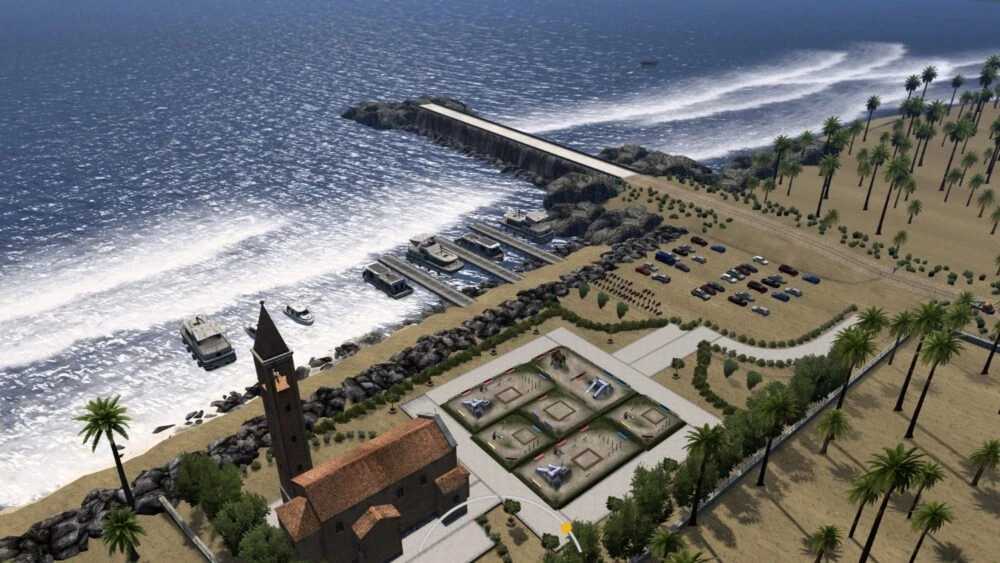

DinDix v1.0 1.57x ETS2
When creating a new profile, select the “dindix.mbd” file. You can start the game from any of the following locations:
– Chundal
– Farm
– City
– Hills
The map offers a variety of landscapes: motorways, off-road, serpentine mountain roads, scenic routes and hidden locations.
Navigation and more than 100 freight orders in the transportation market are available.
– Does not require special add—ons – works with the basic version of the game
– It is recommended to use SMC graphics
– Graphics settings: “High” (preferably)
Truck Dealers:
– Highway — MAN
– City — IVECO
– Village — Volvo
– Mercedes Beach
– Hills — Renault
– Chundal — DAF
– Quarry — Scania
– There is no dealer farm
Credits: Dinu Dixon
How to install ETS2 mods or ATS Mods
In Euro Truck Simulator 2 it’s easy to install mods. You just need to download mod from here, copy/unzip files into: “My Documents\Euro Truck Simulator 2\mod” folder or if you play ATS please install mods to: “My Documents\American Truck Simulator\mod” folder. To unzip files you can use: WinRAR or 7zip. After that you need to activate the mods you want to use.
Report bugs in the comments and help modders improve this mod. Always check the comments, you can find a solution.