Caterpillar 1693 engines pack for 1.56 released v1.1 ATS
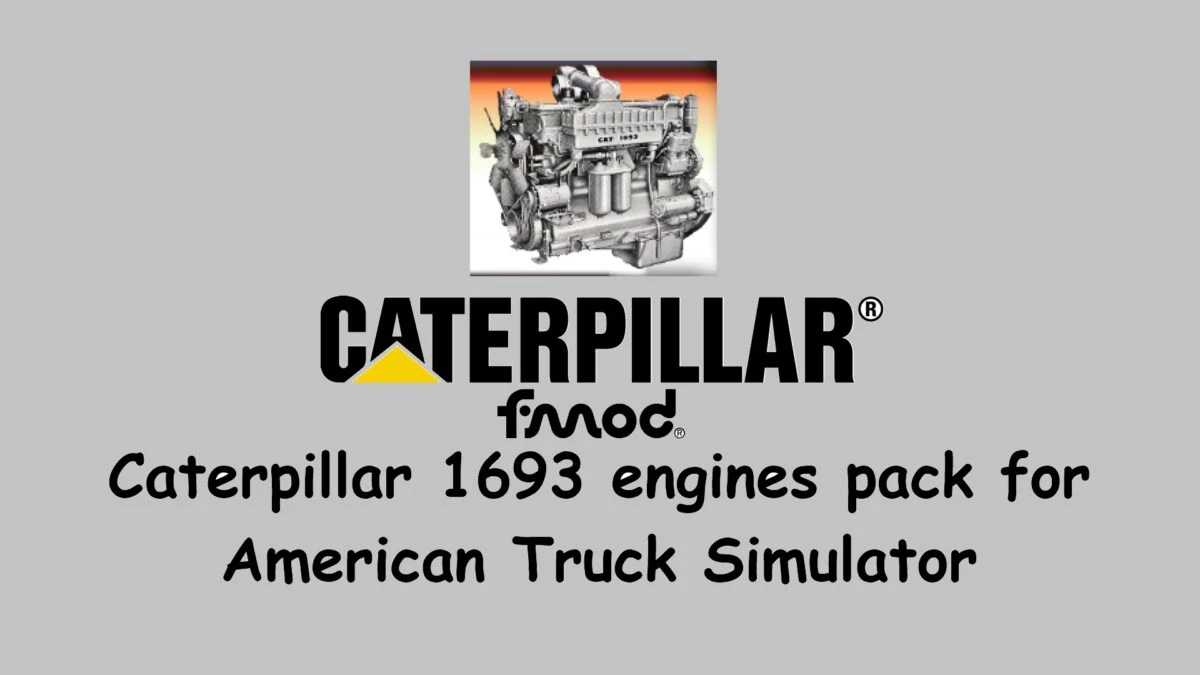

Caterpillar 1693 engines pack for 1.56 released v1.1 ATS
Updates: v 1.1
– Correction of the exhaust turbo audio, according to FMod requirements.
About Caterpillar 1693 engine:
The Cat 1693 engine is a six-cylinder, four-stroke engine that operates on diesel fuel.
It has a displacement of 15.8 liters, which allows for excellent power and torque output.
The engine features a turbocharger, which helps to improve performance and efficiency by increasing the amount of air delivered to the combustion chamber.
The mod contains the following settings:
– 1693T 325HP
– 1693TA 375HP
– 1693TA 380HP
– 1693TA 425HP
– 1693TA 500HP (Tuned)
Support for the following trucks:
Freightliner:
– FLB (Harven)
– FLC (XBS)
Kenworth
– K100 (CyrusTheVirus)
– K100e (OverFloater)
– W900 (SCS)
– W900a (Bigddady)
– W900b (GTM)
Mack
– SuperLiner (CyrusTheVirus)
– R Series (Harven)
Peterbilt
– 389 (SCS)
– 389 (Viper2)
– 379 (Stas556/Fox071rus/dmitry68)
– 359 (Outlaw Transport)
Functional from version 1.56 and later for American Truck Simulator.
Note: samples similar to the engine had to be obtained because although the mod exists in version 1.31, it does not have at least adequate exhaust and charging sounds, and it did not have the samples that are required for the FMOD sound system.
Credits: eelDavidGT, vsTerminus, odd_fellow
How to install ETS2 mods or ATS Mods
In Euro Truck Simulator 2 it’s easy to install mods. You just need to download mod from here, copy/unzip files into: “My Documents\Euro Truck Simulator 2\mod” folder or if you play ATS please install mods to: “My Documents\American Truck Simulator\mod” folder. To unzip files you can use: WinRAR or 7zip. After that you need to activate the mods you want to use.