Brutal Traffic v7.7 ETS2
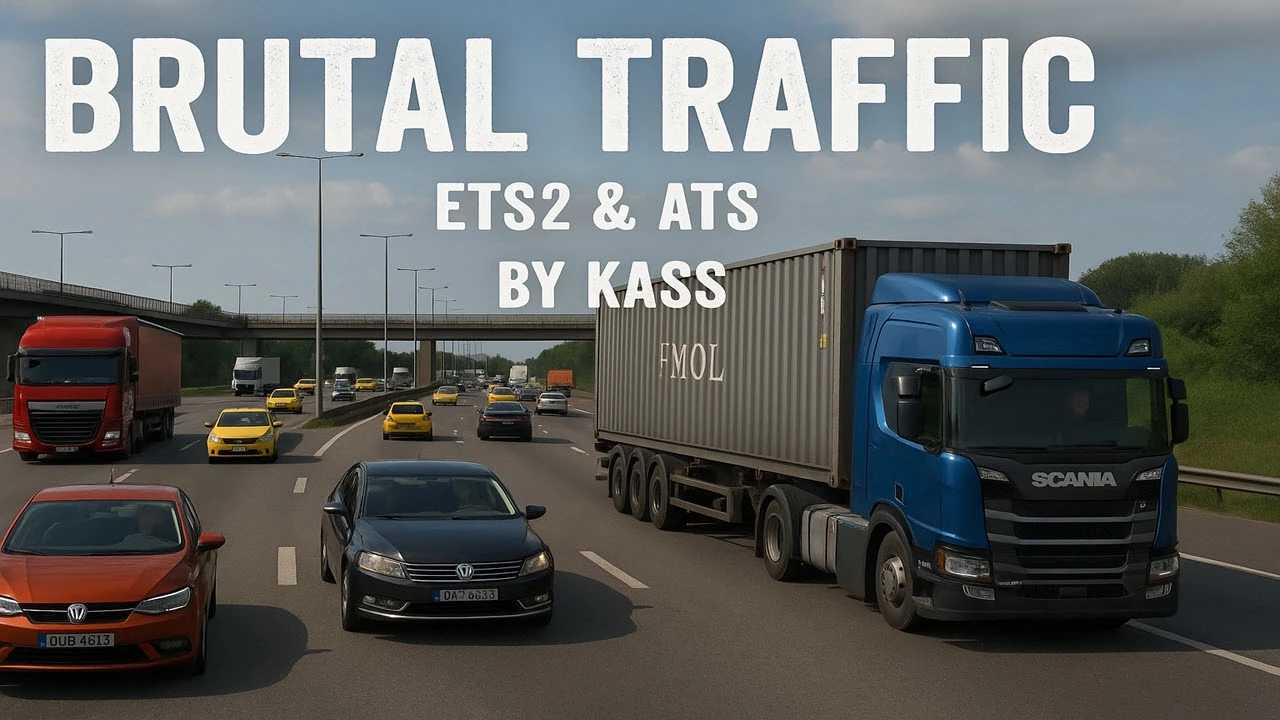

Brutal Traffic v7.7 ETS2
Compatible with all maps and all dlc’s
Realistic Traffic Jams
Enhanced Traffic Behaviour
Compatible with Any AI Traffic Packs
Lowered Ammount of Trucks and Buses
Improved Traffic Flow
Road Traffic Accidents
Custom Road Events
Realistic Traffic Density Adjustments for Day and Night
Smarter Traffic at Intersections and Junctions
AI Vehicles React to Weather Conditions
Reworked vehicle color palette for realistic real-world paint
Reduced saturation for more natural, less vibrant tones
Adjusted brightness to avoid overexposure in daylight
Improved blacks and greys for better depth and contrast
Enhanced metallic colors for realistic reflections (gold, silver, bronze)
Optimized blues, greens, reds, and purples for realistic traffic vehicles
Refined UI red highlight for better visual comfort
Tweaks AI Spawn Distances
Tweaks AI Traffic Rules
General Tweaks & Improvements
Credits: Kass
How to install ETS2 mods or ATS Mods
In Euro Truck Simulator 2 it’s easy to install mods. You just need to download mod from here, copy/unzip files into: “My Documents\Euro Truck Simulator 2\mod” folder or if you play ATS please install mods to: “My Documents\American Truck Simulator\mod” folder. To unzip files you can use: WinRAR or 7zip. After that you need to activate the mods you want to use.