Brewbuilt 379 Truck Edition v1.3 ATS
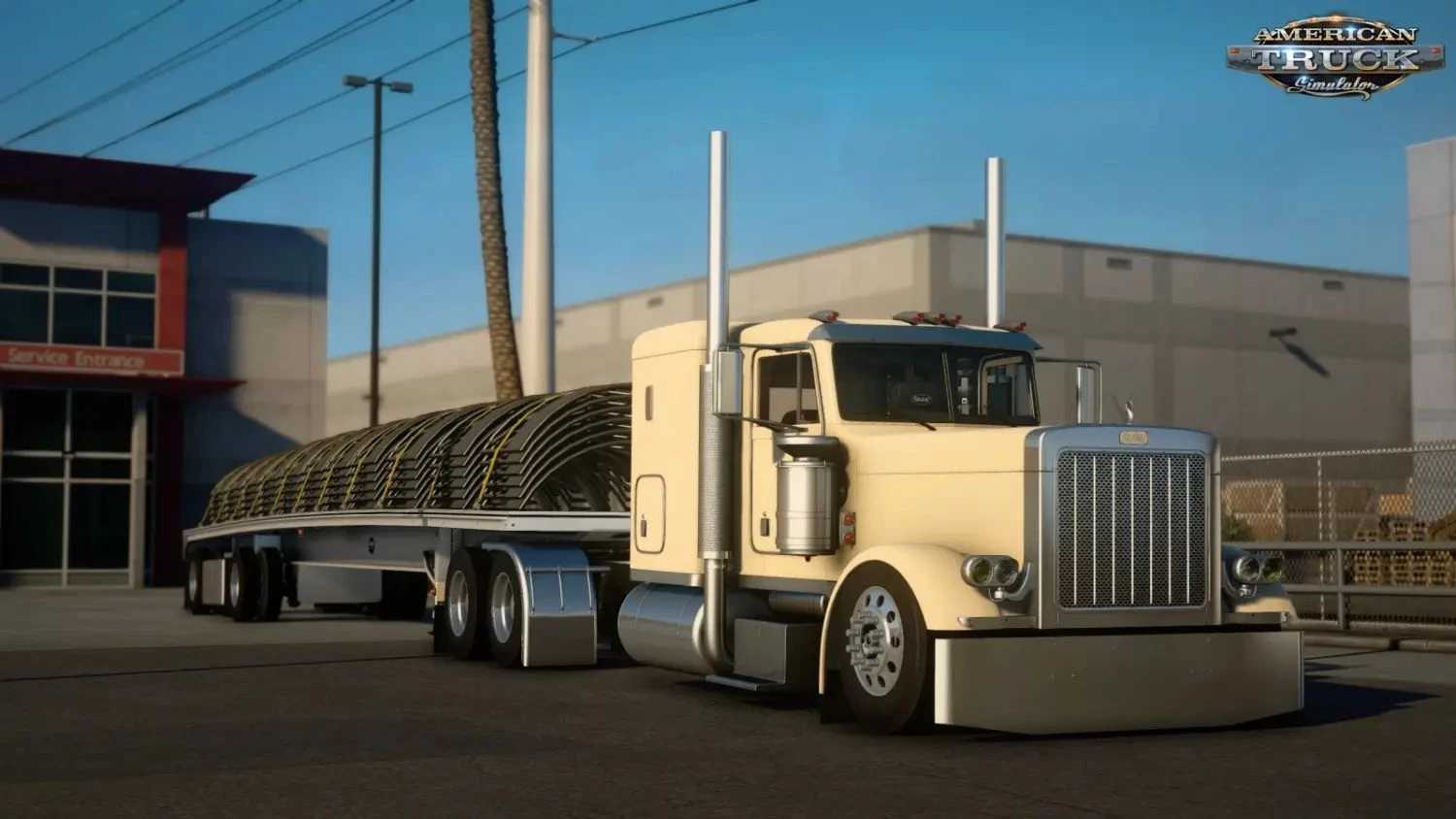

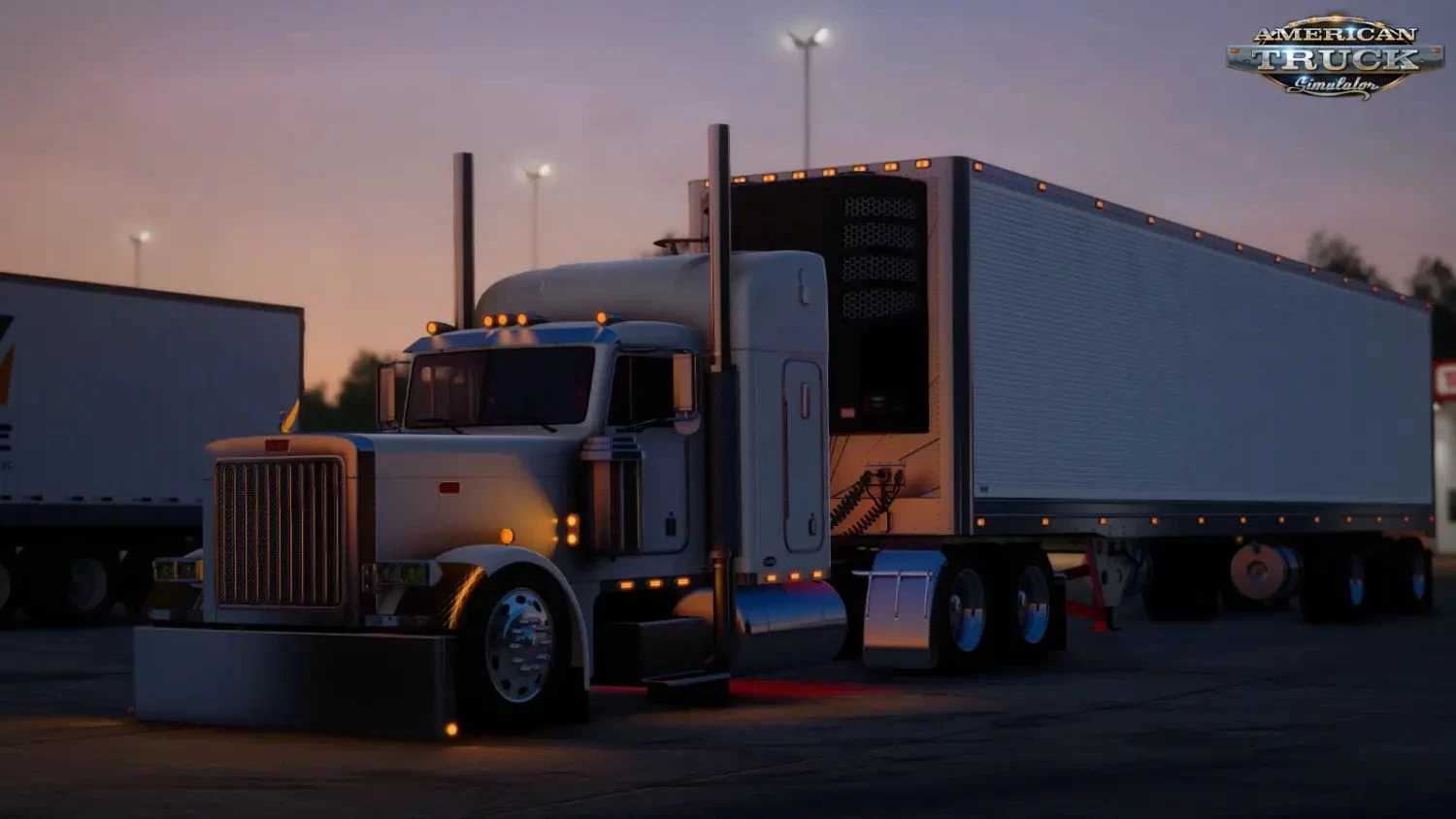
Brewbuilt 379 Truck Edition v1.3 ATS
Standalone Truck (Available at Peterbilt Dealer / Mod Dealer)
Authentic Peterbilt 379 Base with Brewbuilt Custom Overhaul
Multiple Chassis Options: 6×4, 6×2, Extended Wheelbases
High-Power Engine Configurations (Cummins, Detroit, Cat – 500–800+ HP tunes)
Extensive Exterior Tuning: Multiple Chrome Bumpers/Grilles/Fenders/Steps, LED Lightbars/Aux/Beacons/Watermelon Lights, Towering Antenna Packs/Flags, Custom Visors/Sunshades, Dual/Triple Exhaust Stacks, Sideskirts/Mudflaps, Tanks (Chrome/LED Lit)
10+ Custom Brewbuilt Skins + Metallic/Matte Paint + 4K Skin Template
Detailed Interior: Leather Seats, Custom Dash Trims, Steering Wheels, CB Radios, GPS, Multi-Color Ambient Lighting
Advanced Dashboard (Digital Displays, Animated Gauges)
High-Quality 3D Model with PBR Textures, AO Baking & 4K Details
Realistic Animations: Wipers, Lights/Mirrors/Hood/Doors, Passenger Views
Custom Engine/Transmission Sounds, Jake Brake & Advanced Physics
Full LED Lighting Package (Headlights/Taillights/Indicators/Brakes/Reversing)
Trailer Hitch/Coupling Support & Heavy Load Handling
Compatible with DLCs & Major Tuning Packs
Optimized Performance, No Errors, VR Ready
Credits: Brewbuilt
How to install ETS2 mods or ATS Mods
In Euro Truck Simulator 2 it’s easy to install mods. You just need to download mod from here, copy/unzip files into: “My Documents\Euro Truck Simulator 2\mod” folder or if you play ATS please install mods to: “My Documents\American Truck Simulator\mod” folder. To unzip files you can use: WinRAR or 7zip. After that you need to activate the mods you want to use.