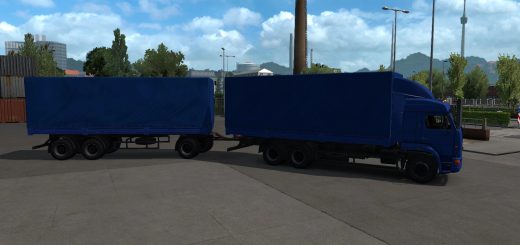
Big Stars – Actros/Arocs SLT v1.9.0 ETS2




Big Stars – Actros/Arocs SLT v1.9.0 ETS2
Changelog 1.9.0
1.9.0 for 1.58.X
Fixed “missing configuration options”
Replace (rebuy) the vehicles in your savegame. Please excuse the inconvenience.
Overview:
New Actros & Arocs SLT as seperate vehicles
Two 8×4 chassis in 3300 & 3900mm length for Actros
Bigspace in 2500mm width for both vehicles
Gigaspace in 2500mm width for Actros
Front bumpers selectable (orignal, SLT)
Rear fenders selectable (original, tearplate in 2 variants)
Badges removable
“Front grill” selectable (plastic, paint)
“Sides/front fenders” selectable (plastic, paint)
Towing hitch selectable (without, straight, tilted)
Set of “heavy cargo plates/signs”
License plates selectable (different positions, texture & generated by the game)
Customizable light plates in large & medium size for both vehicles
Roofbars, new transmission, skins, and more …
Credits: WrittenExample, Thunderhawk, D4LYNCHHD
How to install ETS2 mods or ATS Mods
In Euro Truck Simulator 2 it’s easy to install mods. You just need to download mod from here, copy/unzip files into: “My Documents\Euro Truck Simulator 2\mod” folder or if you play ATS please install mods to: “My Documents\American Truck Simulator\mod” folder. To unzip files you can use: WinRAR or 7zip. After that you need to activate the mods you want to use.