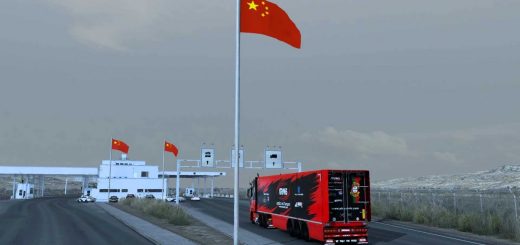
Berdyansk.Road to the Sea of Azov v0.8 1.56 ETS2




Berdyansk.Road to the Sea of Azov v0.8 1.56 ETS2
Changes on the map in version 0.8:
Adaptation of the map for version 1.56.x
Added the city of Berdyansk (small part), entrance from the airport.
The village of Banovka was rebuilt.
The village of Novopetrivka has been rebuilt.
Village rebuilt Agribase.
The Banovka – Lunacharskoye road section has been updated.
The Kulikovskoye – Urzuf road section has been updated.
The Berdyansk-Novopetrivka road section has been updated.
The section of the Mangush – Agrobaza* road has been updated (in accordance with the Tavrida-2 highway under construction).
In Molochansk, a secondary road* has been removed (it was displayed in the navigator, but the road to it was closed).
Minor adjustments have been made throughout the map.
Minor bugs found have been fixed.
In the future, other outdated (from the first versions of the map) road sections will also be updated.
Autonomous map.Scale 1:1.Game version – 1.56x.
More than 700+ real kilometers of roads. There are hidden roads.
More than 50 settlements
The map requires DLC MAPS (Going East,Scandinavia,Vive la France,Italia,Beyond the Baltic Sea,Road to the Black Sea,Iberia,West Balkans)
Credits: MadButcher
How to install ETS2 mods or ATS Mods
In Euro Truck Simulator 2 it’s easy to install mods. You just need to download mod from here, copy/unzip files into: “My Documents\Euro Truck Simulator 2\mod” folder or if you play ATS please install mods to: “My Documents\American Truck Simulator\mod” folder. To unzip files you can use: WinRAR or 7zip. After that you need to activate the mods you want to use.