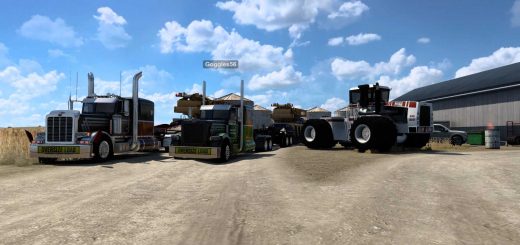
Australian Outback Map v5.3 ATS
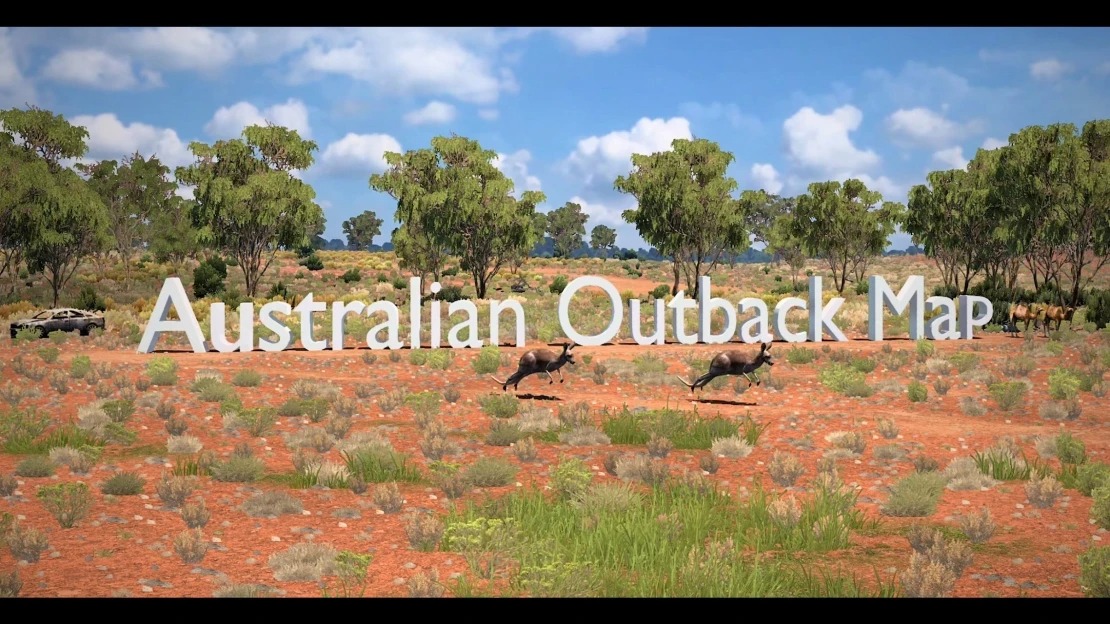

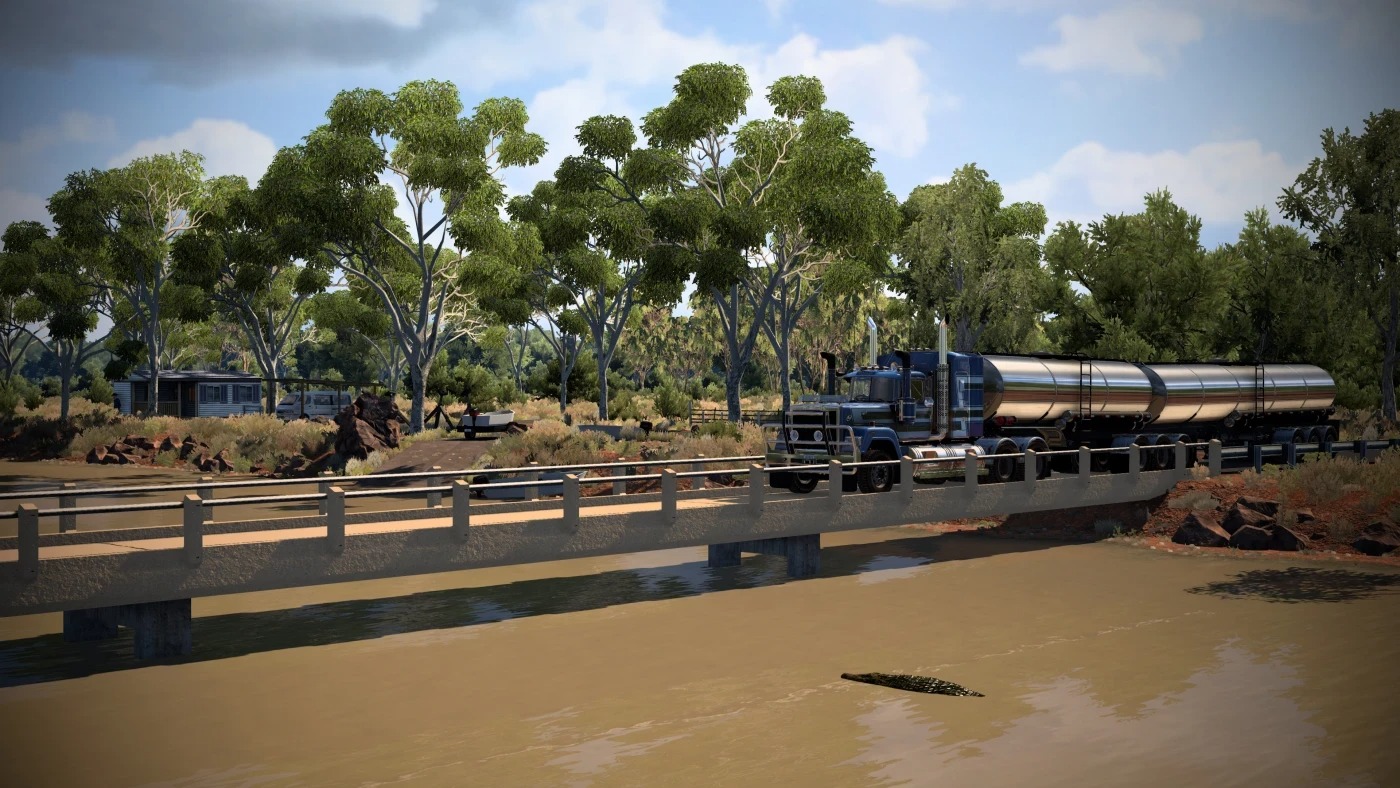
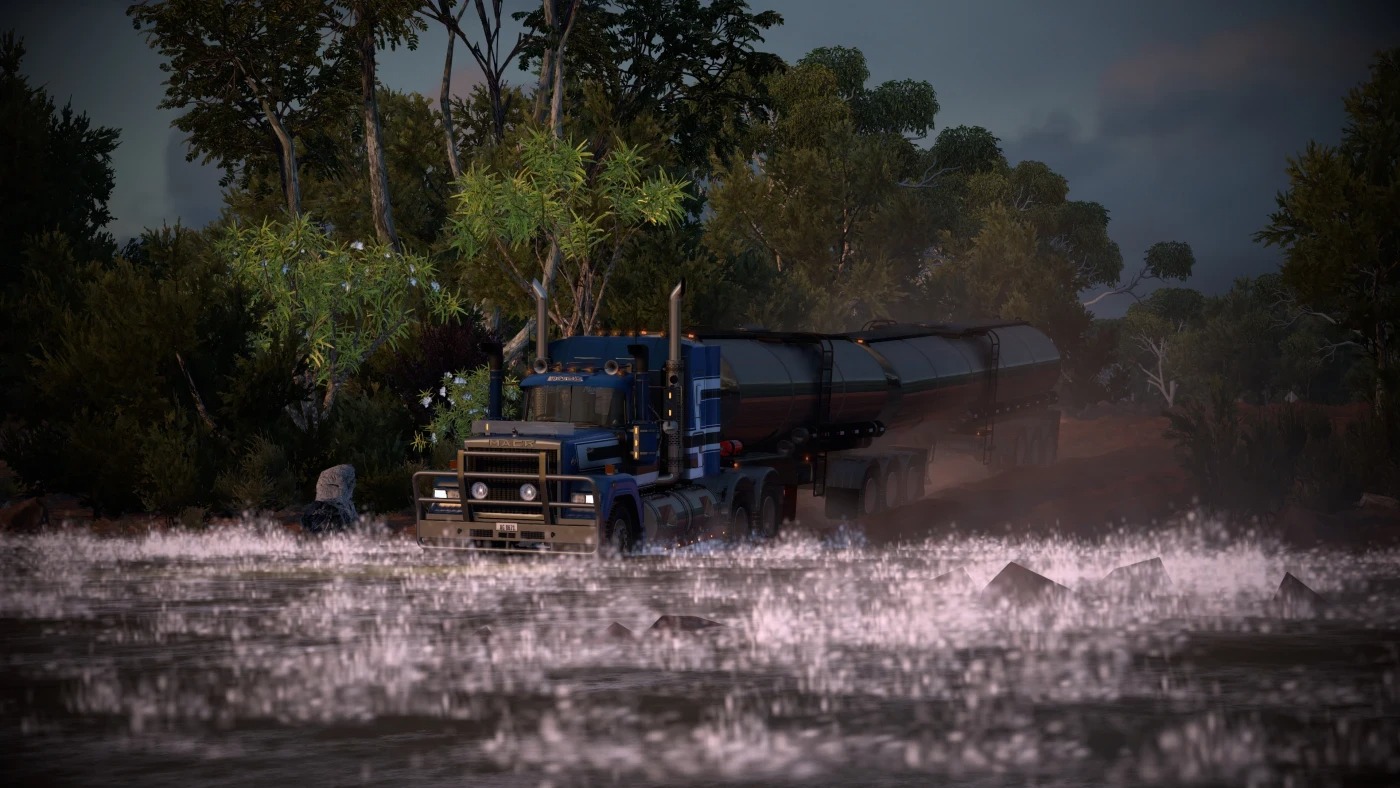
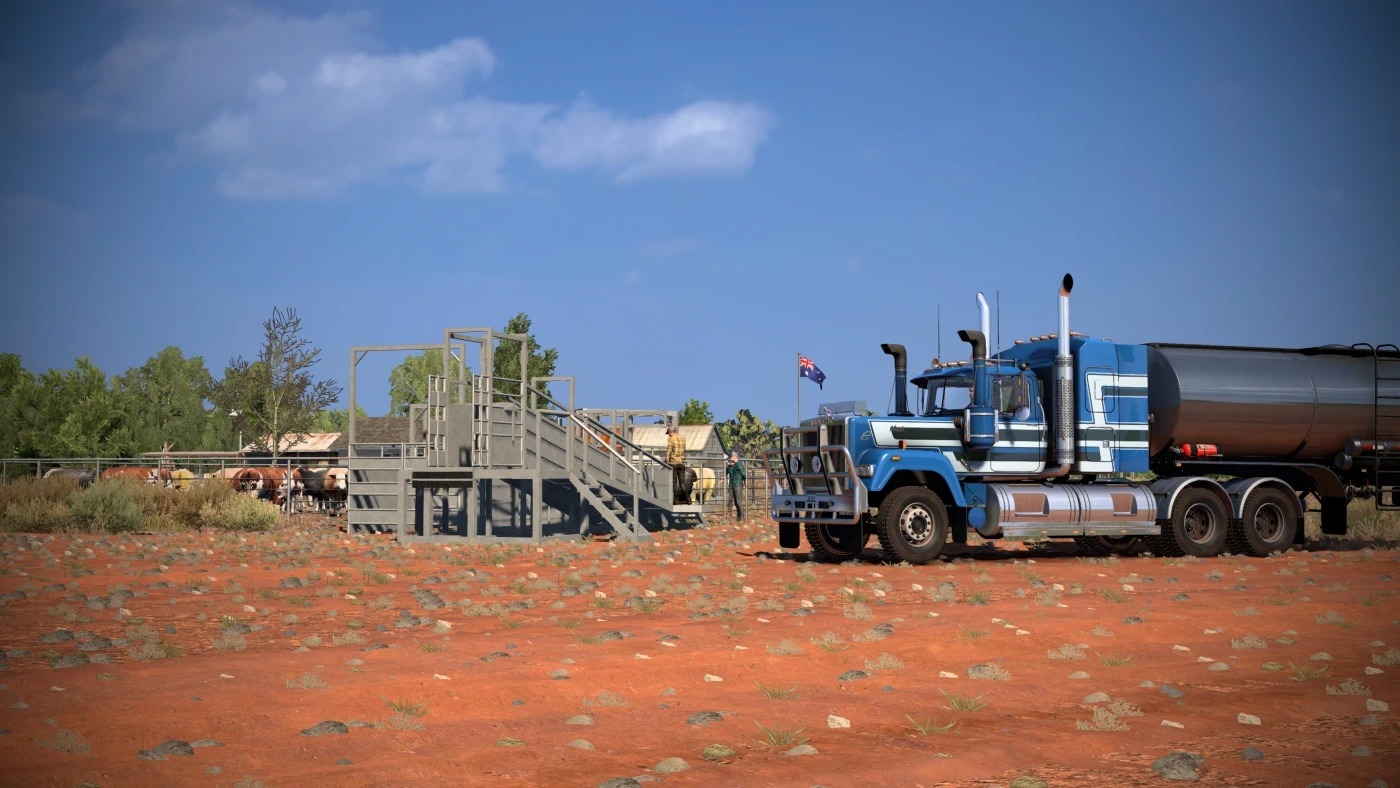
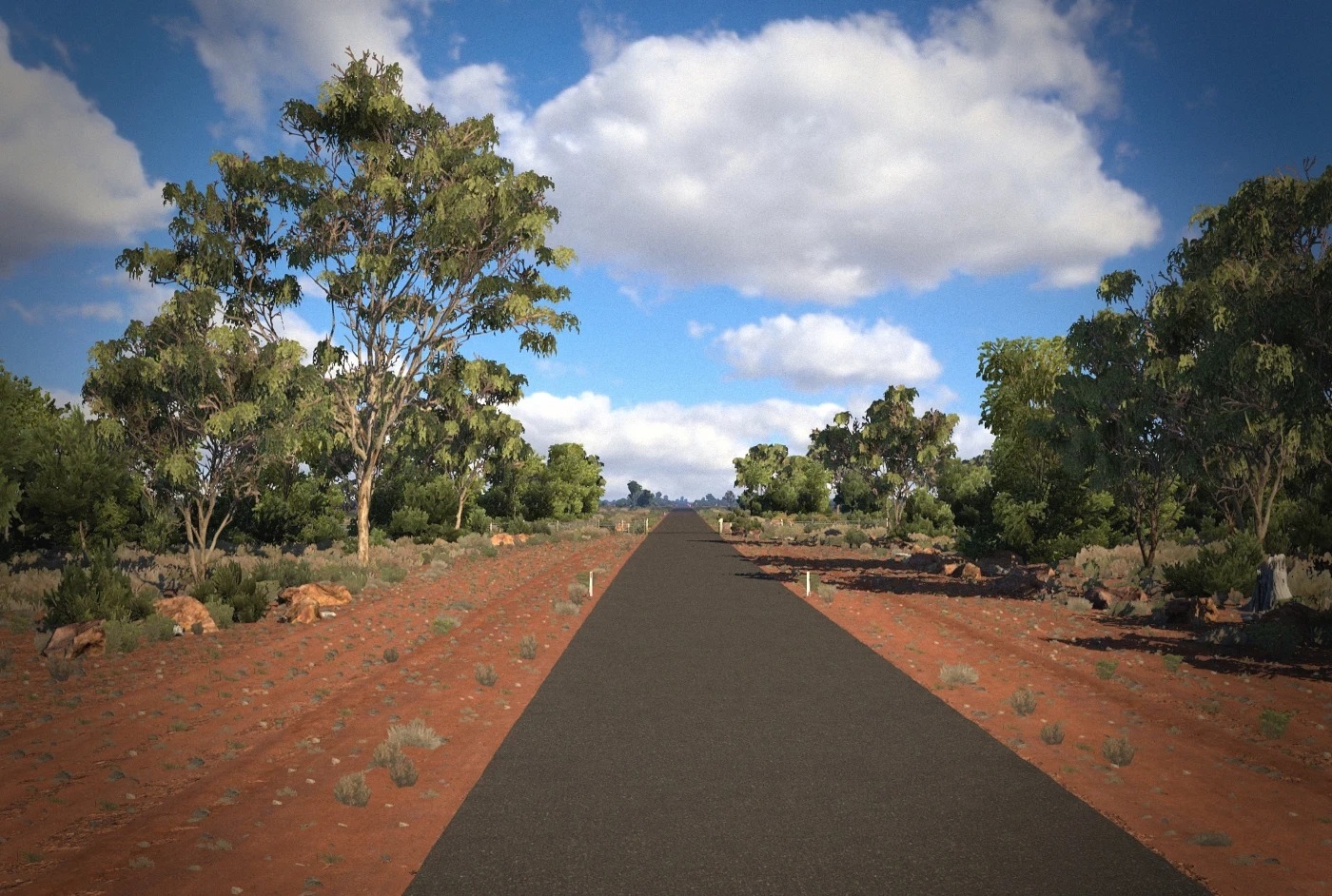
Australian Outback Map v5.3 ATS
Features
Australian Outback Map v5.3
– 1:2 scale
– 3D outback roads to give the player an interactive experience with their truck and the roads they drive on. Your truck will be reacting with cracks, bumps, holes and lots of other variations on the bitumen or dirt.
– 3D bitumen roads also features a realistic/common road width of 3.5m.
– Australian AI traffic on the left side of the roads.
– Custom garages.
– Custom companies.
– Custom vegetation.
– Custom truck dealers. (Some are placeholder until bigger cities are in, where they can be placed realistically.)
– Detailed locations.
– Accurate road and navigation signs.
– Wildlife (Cows, kangaroos, Camels & koalas)
– Railroad and water crossings.
– Support for various trailer mods.
Changelog v5.3
Updated the Australian Outback Map from 1.53 to 1.58
Bug fixes: Custom navigation map area’s being white, converted prefabs to latest version, cargo definitions are updated and fixed so cargo routes will spawn (This was bugged in 5.2), fixed terrain and vegetation defs, fixed couple animations not working properly and country def (Australia) is properly defined as rhd.
Credits: Rob Viguurs
How to install ETS2 mods or ATS Mods
In Euro Truck Simulator 2 it’s easy to install mods. You just need to download mod from here, copy/unzip files into: “My Documents\Euro Truck Simulator 2\mod” folder or if you play ATS please install mods to: “My Documents\American Truck Simulator\mod” folder. To unzip files you can use: WinRAR or 7zip. After that you need to activate the mods you want to use.