Altai Map v1.7 1.54 ETS2



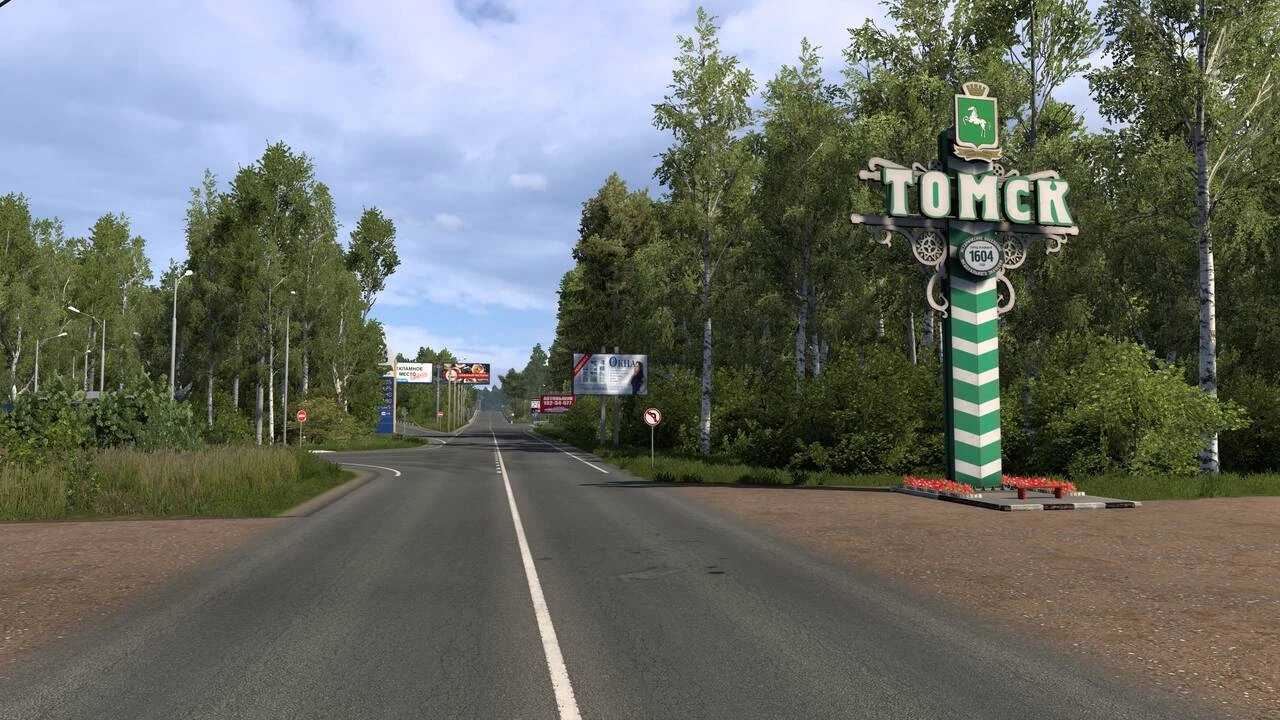
Altai Map v1.7 1.54 ETS2
CHANGES v1.7 (1.54.x)
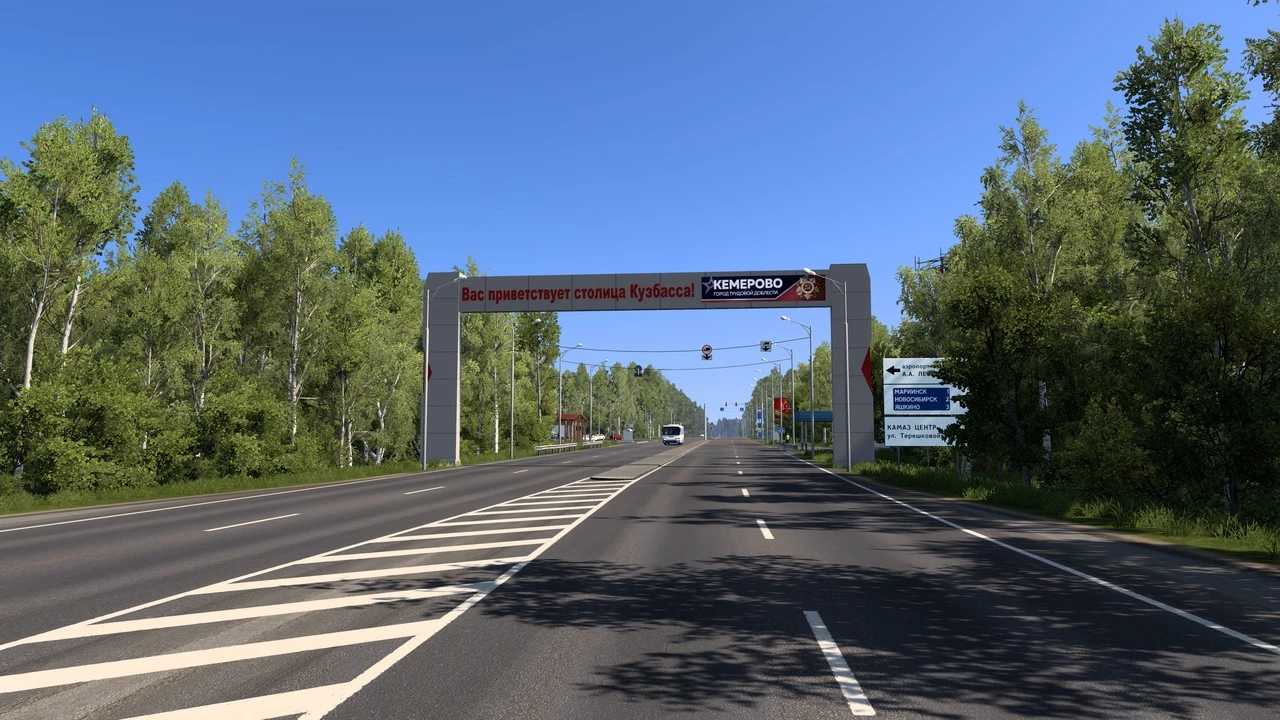
Added cities: Yeltsovka, Kuzedeevo, Novokuznetsk, Gramoteino, Leninsk-Kuznetsky, Kemerovo, Oparino, Yurga, Bolotnoye, Novobibeevo, Moshkovo, Kislovka, Tomsk.
Added highways: R-366, R-384, R-255, part of R-400.
Added companies: BelAZ, LIBHERR, Magnit, Tayozhny Park.
Belokurikha has been enlarged.
Slightly improved: Barnaul, Biysk, Tselinnoye, Smolenskoye.
Some 3D models have been reworked.
Improved optimization.
Fixed errors in the leading versions.
Map description:
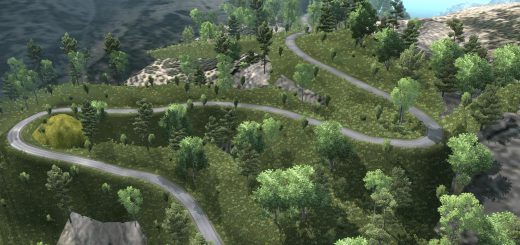
Take a ride through detailed cities of the Altai Territory, the Altai Republic, Tomsk and Kemerovo Regions, enjoy the beautiful landscapes of these places, the beauty of nature! The map is constantly being supplemented and improved.
Credits: Igromania TV
How to install ETS2 mods or ATS Mods
In Euro Truck Simulator 2 it’s easy to install mods. You just need to download mod from here, copy/unzip files into: “My Documents\Euro Truck Simulator 2\mod” folder or if you play ATS please install mods to: “My Documents\American Truck Simulator\mod” folder. To unzip files you can use: WinRAR or 7zip. After that you need to activate the mods you want to use.