Movable G-Force Meter v1.0 ETS2

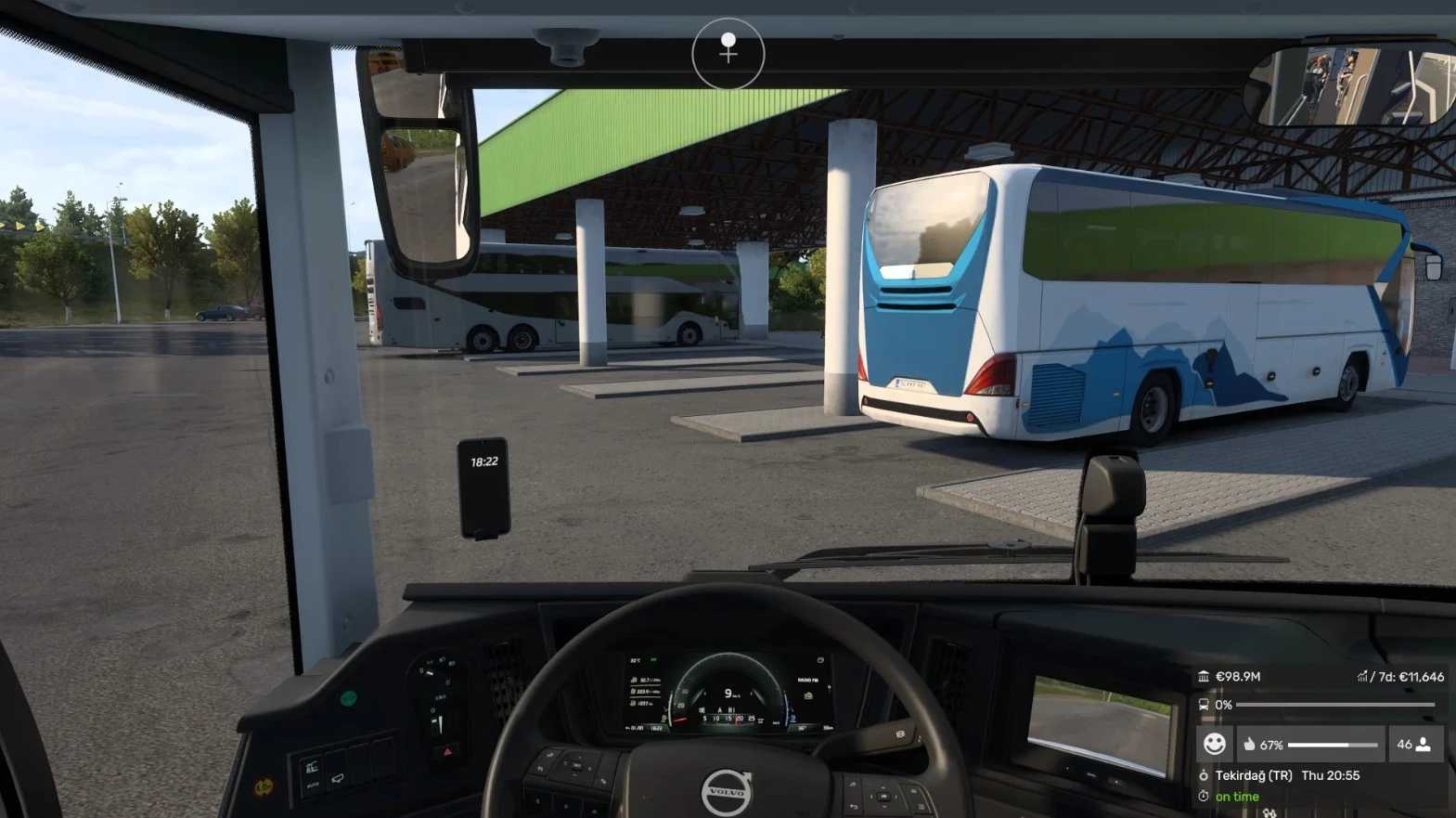
Movable G-Force Meter v1.0 ETS2
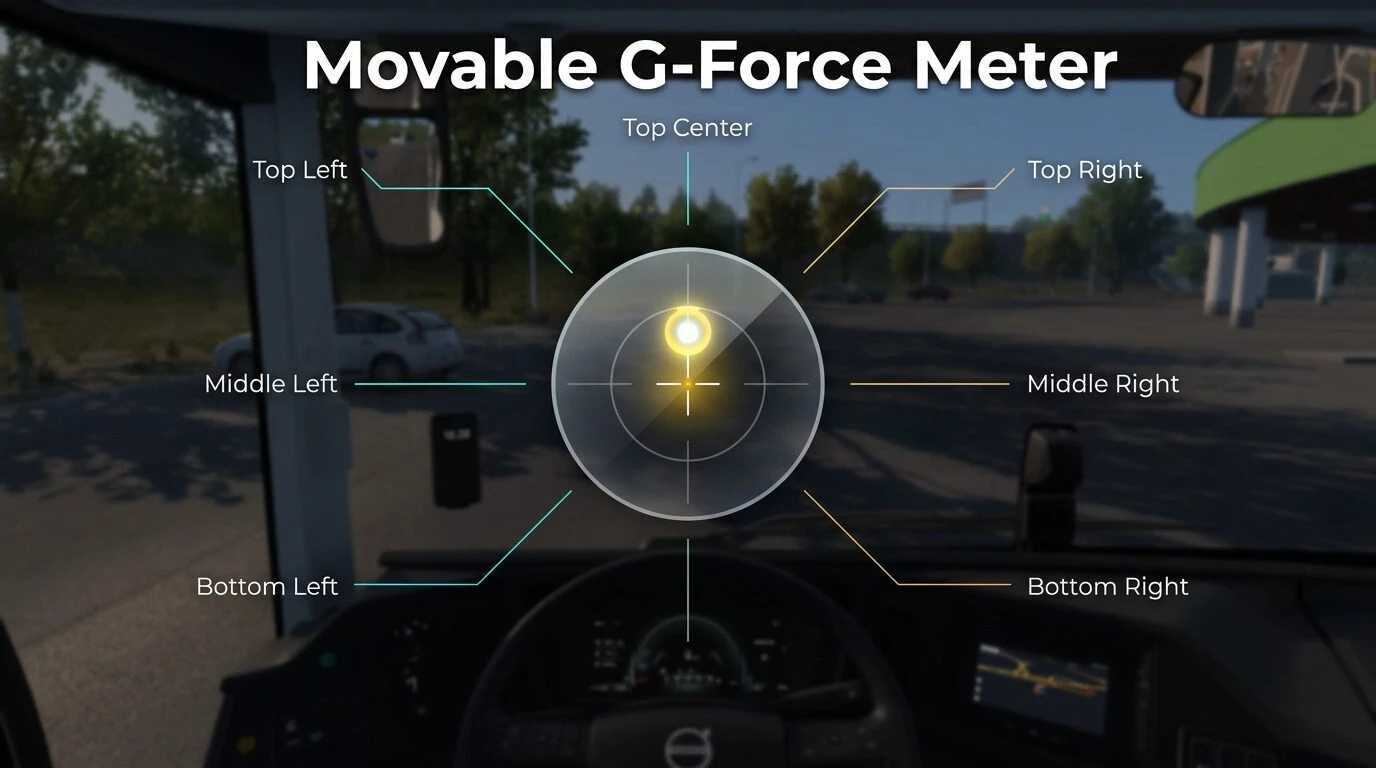
Movable G-Force Meter (7 Positions)
By default, Euro Truck Simulator 2 only allows you to toggle the Coaches DLC G-Force meter on or off, locking it to the bottom center of your screen.
This mod lets you move the G-Force meter to your preferred spot on the screen.
Available Positions:
Top Left
Top Center
Top Right
Middle Left
Middle Right
Bottom Left
Bottom Right
Features:
Fully compatible with both Left-Hand Drive (EU) and Right-Hand Drive (UK) trucks/buses.
Supports all native HUD visibility options (Only in interior, Only in exterior, Enabled).
Lightweight UI modification — zero FPS impact.
Installation / Usage:
Extract the archive and place only ONE .scs file of your choice into your Documents/Euro Truck Simulator 2mod folder, then activate it in the Mod Manager.
Credits: YESILCINAR
How to install ETS2 mods or ATS Mods
In Euro Truck Simulator 2 it’s easy to install mods. You just need to download mod from here, copy/unzip files into: “My Documents\Euro Truck Simulator 2\mod” folder or if you play ATS please install mods to: “My Documents\American Truck Simulator\mod” folder. To unzip files you can use: WinRAR or 7zip. After that you need to activate the mods you want to use.