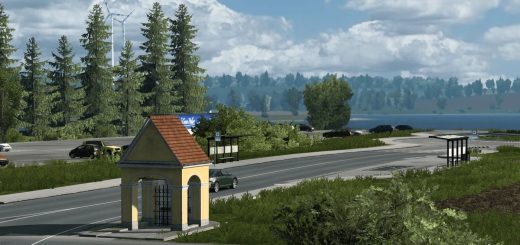
Early Winter Mod By jamik v1.0 ETS2
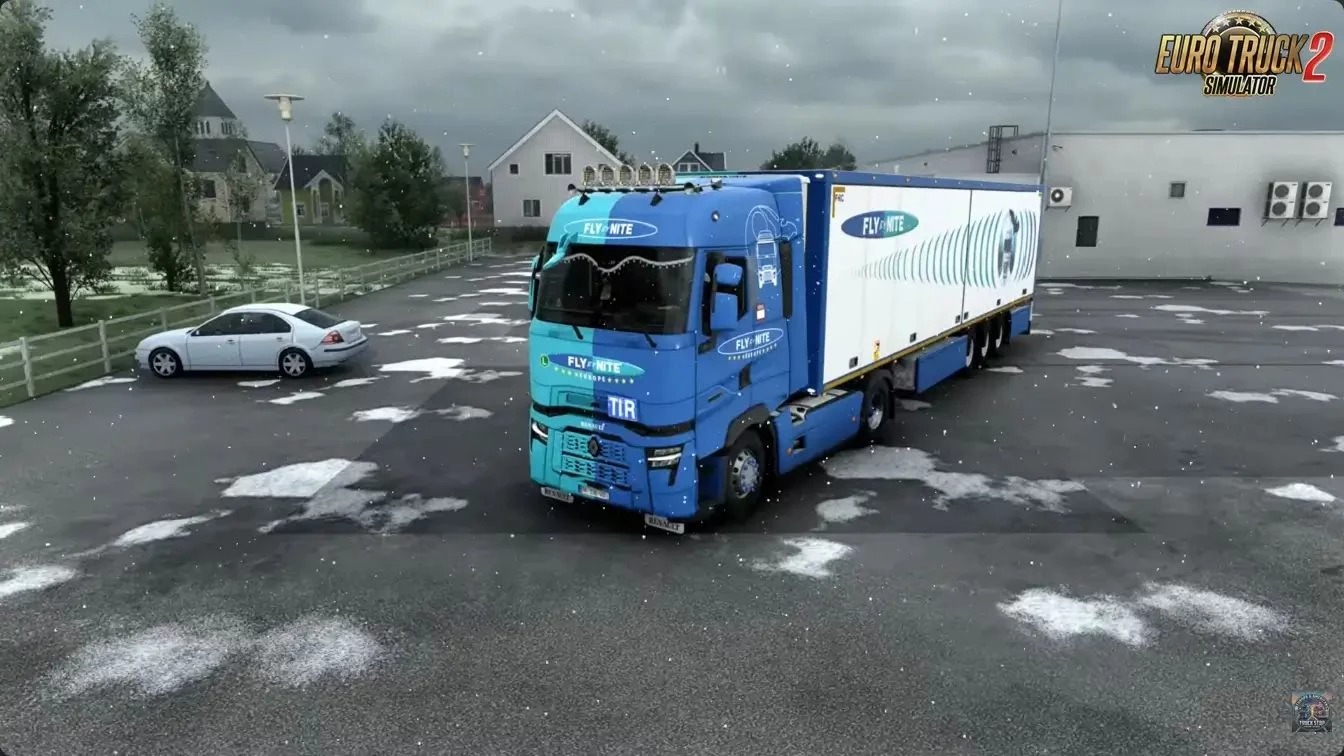

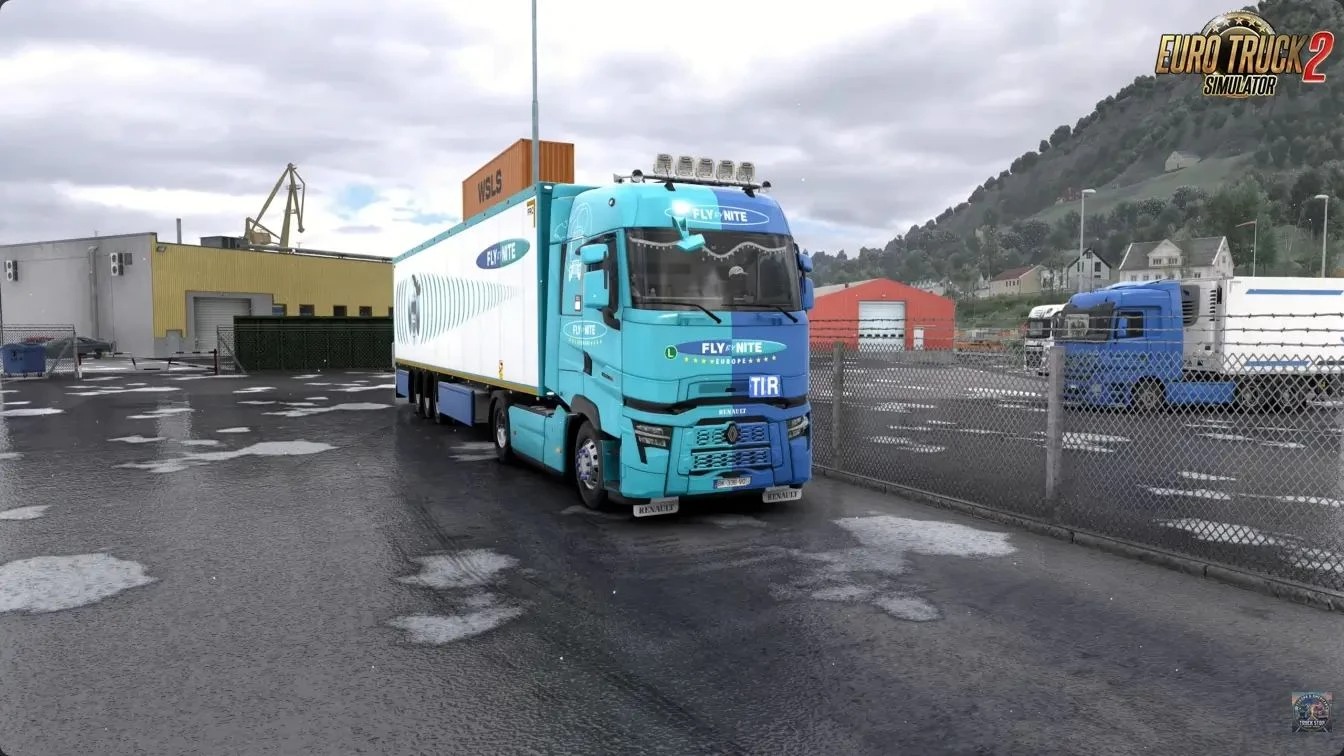


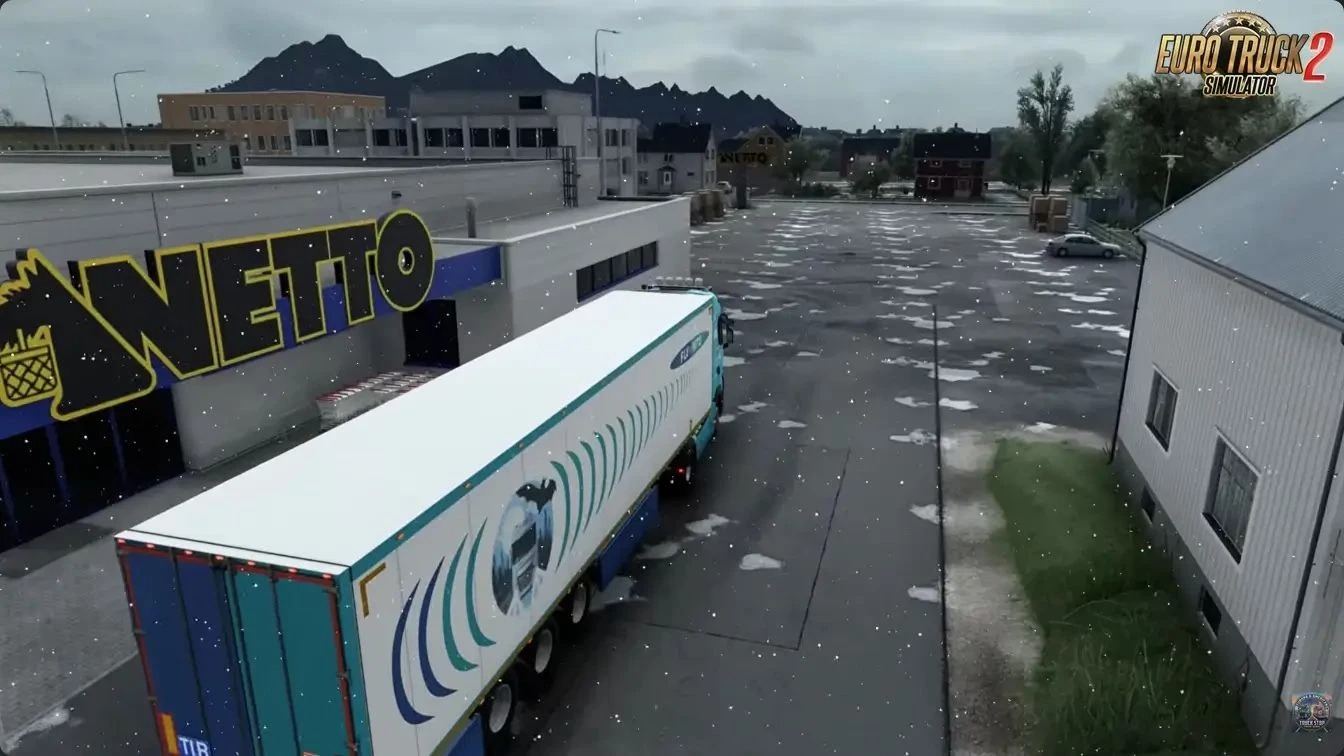
Early Winter Mod By jamik v1.0 ETS2
Experience the first snow, bare trees and slushy roads
It reworks the weather, lighting, vegetation, ground, and roads for a convincing early-winter atmosphere across the whole map.
Weather: snowfall replaces rain, no thunderstorms
Snow sticks to the windscreen and stays for a long time
Temperature: −8 to −2 °C during snowfall, around −2 °C on clear days, down to −10 °C at night
Lighting: weak cold sun, more haze and muted colours
Vegetation: bare deciduous trees and bushes, snow-covered conifers, dry grass, no flowers or crops
Ground: patchy snow on fields and meadows with grass poking through, less snow in forests and on rocks
Roads: wet dark asphalt, slush between wheel tracks and snow along the edges
Works on the entire map including all DLC regions (Baltic, Scandinavia, France, Italy, Balkans and more)
For version 1.62
Not compatible with other weather, terrain, road or vegetation mods (the one higher in the mod manager list has priority)
Tip: To force snowfall immediately, open the developer console and type `g_set_weather 1 f`
Credits: jamik
How to install ETS2 mods or ATS Mods
In Euro Truck Simulator 2 it’s easy to install mods. You just need to download mod from here, copy/unzip files into: “My Documents\Euro Truck Simulator 2\mod” folder or if you play ATS please install mods to: “My Documents\American Truck Simulator\mod” folder. To unzip files you can use: WinRAR or 7zip. After that you need to activate the mods you want to use.