
Map Project v26.11.162R6 ATS
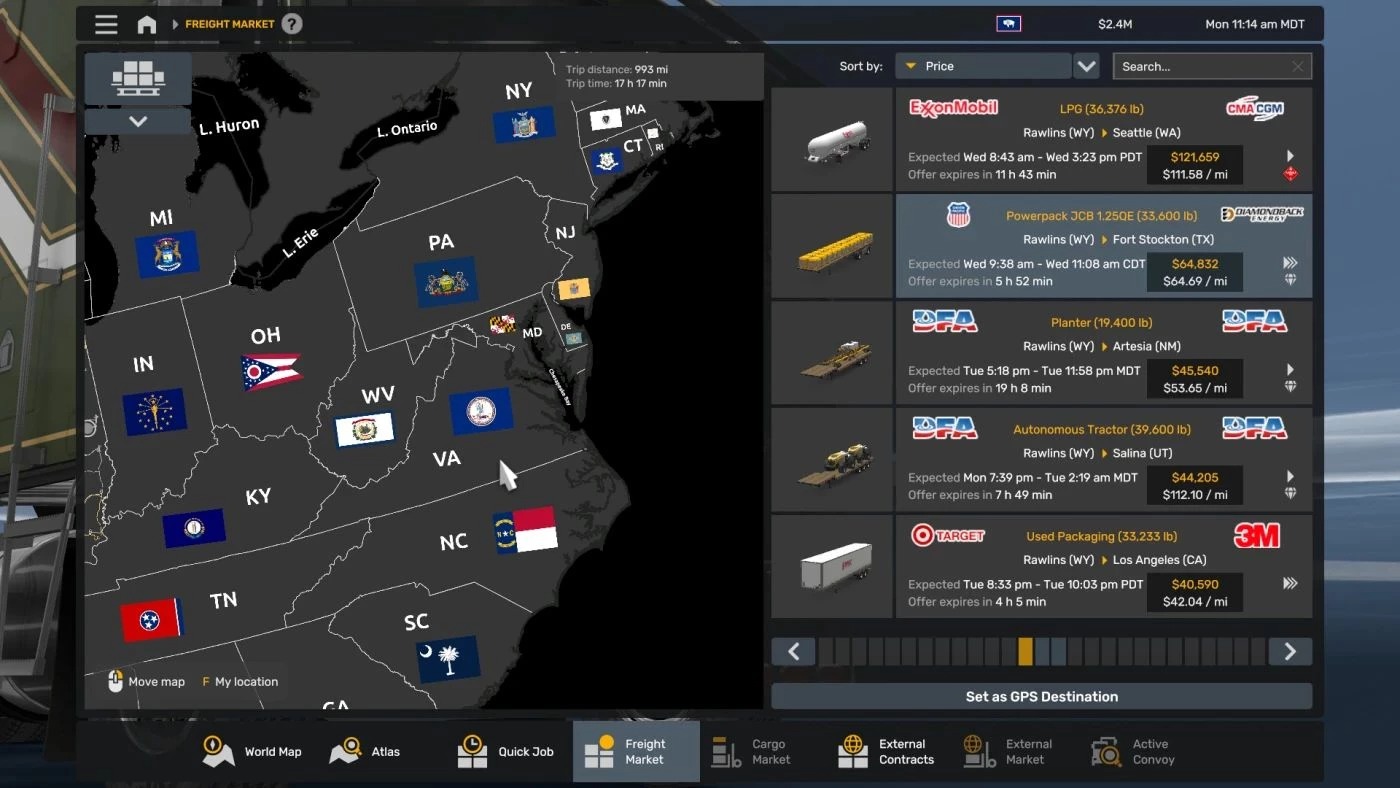

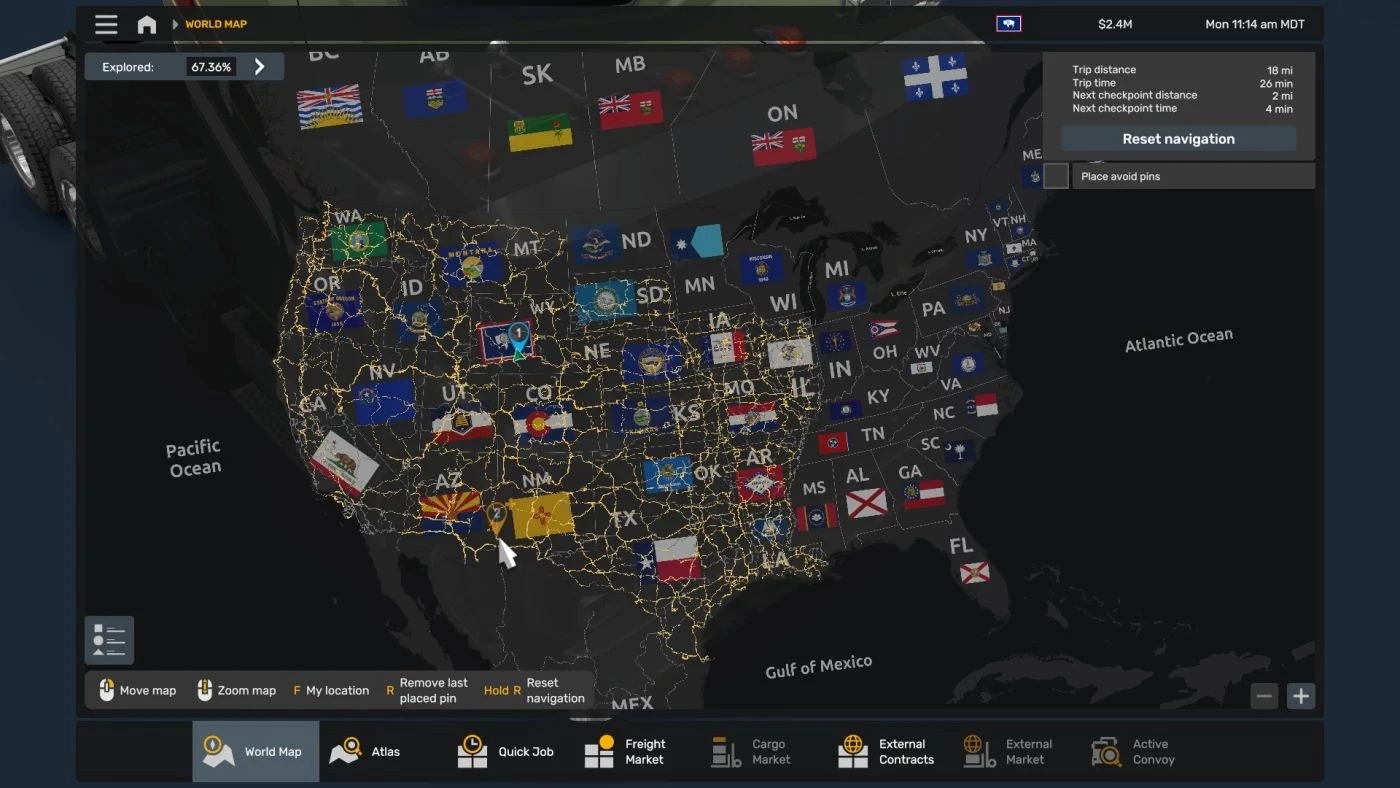
Map Project v26.11.162R6 ATS
A lightweight, custom background map addon designed for American Truck Simulator.
This project layers high-definition state flags, custom regional abbreviations and clean water labels over the North American map framework.
It is fully engineered for seamless compatibility with BenganJ’s background map framework, delivering uninhibited job market map zoom scaling and smooth navigation across expanded regional territories.
High-Definition Cartography Assets: Custom raster textures (.dds) featuring integrated state flags, regional markers, and water typography.
Expanded Camera & Zoom Scaling: fully customized map_data.sii configuration featuring 8 optimized zoom uplift tiers and wide-boundary camera limits designed for full North American coverage.
UI & Market Integration: custom-tuned map view and company manager UI overrides that prevent zoom locking and allow full map interaction directly inside freight markets, cargo markets and management screens.
v26.11.162R6 (Nov-20-2113)
Removed map zoom from Garage manager and Garage Purchaser to keep it from breaking the icons.
Credits: Meanshadows35
How to install ETS2 mods or ATS Mods
In Euro Truck Simulator 2 it’s easy to install mods. You just need to download mod from here, copy/unzip files into: “My Documents\Euro Truck Simulator 2\mod” folder or if you play ATS please install mods to: “My Documents\American Truck Simulator\mod” folder. To unzip files you can use: WinRAR or 7zip. After that you need to activate the mods you want to use.


