
Bus G Force Fix & Fast XP v1.0 ETS2
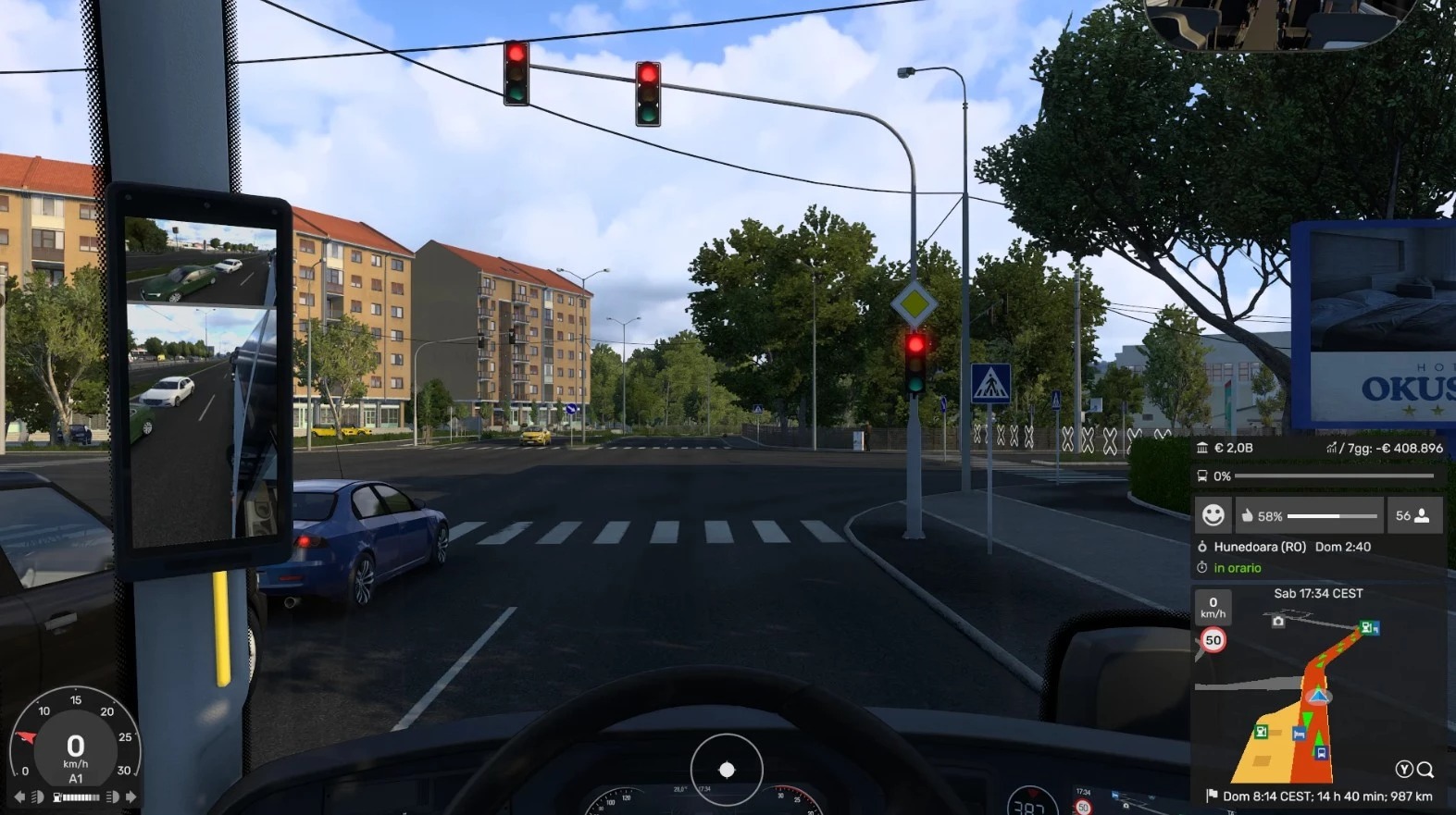

Bus G Force Fix & Fast XP v1.0 ETS2
This mod makes three small changes to the buses added with the Bus DLC:
No passenger penalties: Edits bus_economy_data.sii so passenger satisfaction no longer drops because of G-forces (acceleration and braking), speed, crashes, vehicle wear, lateness, or traffic offences.
Maximum satisfaction made easier: Passengers start with maximum satisfaction, and the rewards for driving without penalties, completing a stage, and arriving on time are greatly increased. The distance required for the no-penalty bonus is also reduced.
Reduced XP requirements: Edits bus_economy_data_xp.sii to lower the XP needed to level up to the minimum. Level thresholds range from 1 to 30, allowing you to progress through the bus levels very quickly.
Requirements:
Euro Truck Simulator 2 with the Bus DLC installed and active.
Installation:
1. Copy the .scs file into the “mod” folder in your ETS2 Documents folder.
2. Open the in-game Mod Manager and enable the mod.
3. Move it to the top of the mod list so it takes priority over the original files.
Notes:
The mod overrides only two files and does not replace the DLC.
The job failure limit for acceleration has also been raised.
Tested on game version 1.62.3.2. It may stop working after a game update.
Back up your profile before using the mod. Lowering the XP thresholds can cause you to gain many levels at once.
Credits: Luna Wolfie
How to install ETS2 mods or ATS Mods
In Euro Truck Simulator 2 it’s easy to install mods. You just need to download mod from here, copy/unzip files into: “My Documents\Euro Truck Simulator 2\mod” folder or if you play ATS please install mods to: “My Documents\American Truck Simulator\mod” folder. To unzip files you can use: WinRAR or 7zip. After that you need to activate the mods you want to use.


