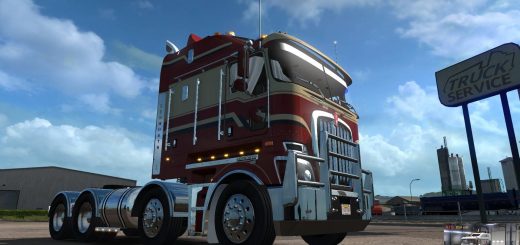
Kenworth K100E Reviva 1.62 ATS


Kenworth K100E Reviva 1.62 ATS
Features Kenworth K100-E:
Independent truck model
High‑quality 3D model with detailed exterior & interior
High‑quality rims & 3D tires
Realistic mirror reflections
Correct exhaust smoke positioning
Accurate license plate placement
Own wheels, sound & interior
Illuminated speedometer & tachometer needles
Driver correctly seated in cabin
Choice of body color / metallic paint / skins
Choice of wheels & rims
14 transmissions available
6 engine types
4 cabin options
11 interior options
12 chassis options
Accurate Kenworth logo placement
Functional headlights, brake lights, tail lights, turn signals & reverse lights
Correct player positioning
Tuning & accessories support (40+ groups)
Interior accessories support
Trailer cable support
Supports all major game functions
Available at Kenworth or Access Mod dealer
Credits: Overfloater
How to install ETS2 mods or ATS Mods
In Euro Truck Simulator 2 it’s easy to install mods. You just need to download mod from here, copy/unzip files into: “My Documents\Euro Truck Simulator 2\mod” folder or if you play ATS please install mods to: “My Documents\American Truck Simulator\mod” folder. To unzip files you can use: WinRAR or 7zip. After that you need to activate the mods you want to use.