TBX Mechanical Failures v1.1 ETS2

TBX Mechanical Failures v1.1 ETS2
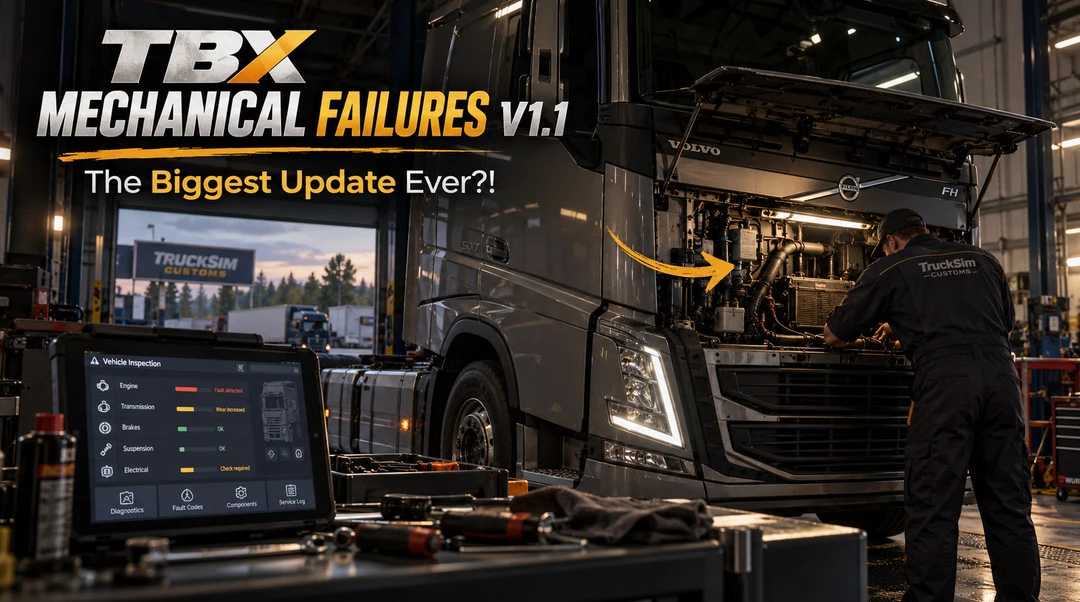
TBX Mechanical Failures introduces a completely new level of interaction with your truck and trailer. You no longer have to wait for something to break before you can start working on it, adding a whole new layer of mechanical interaction to ETS2.
Features
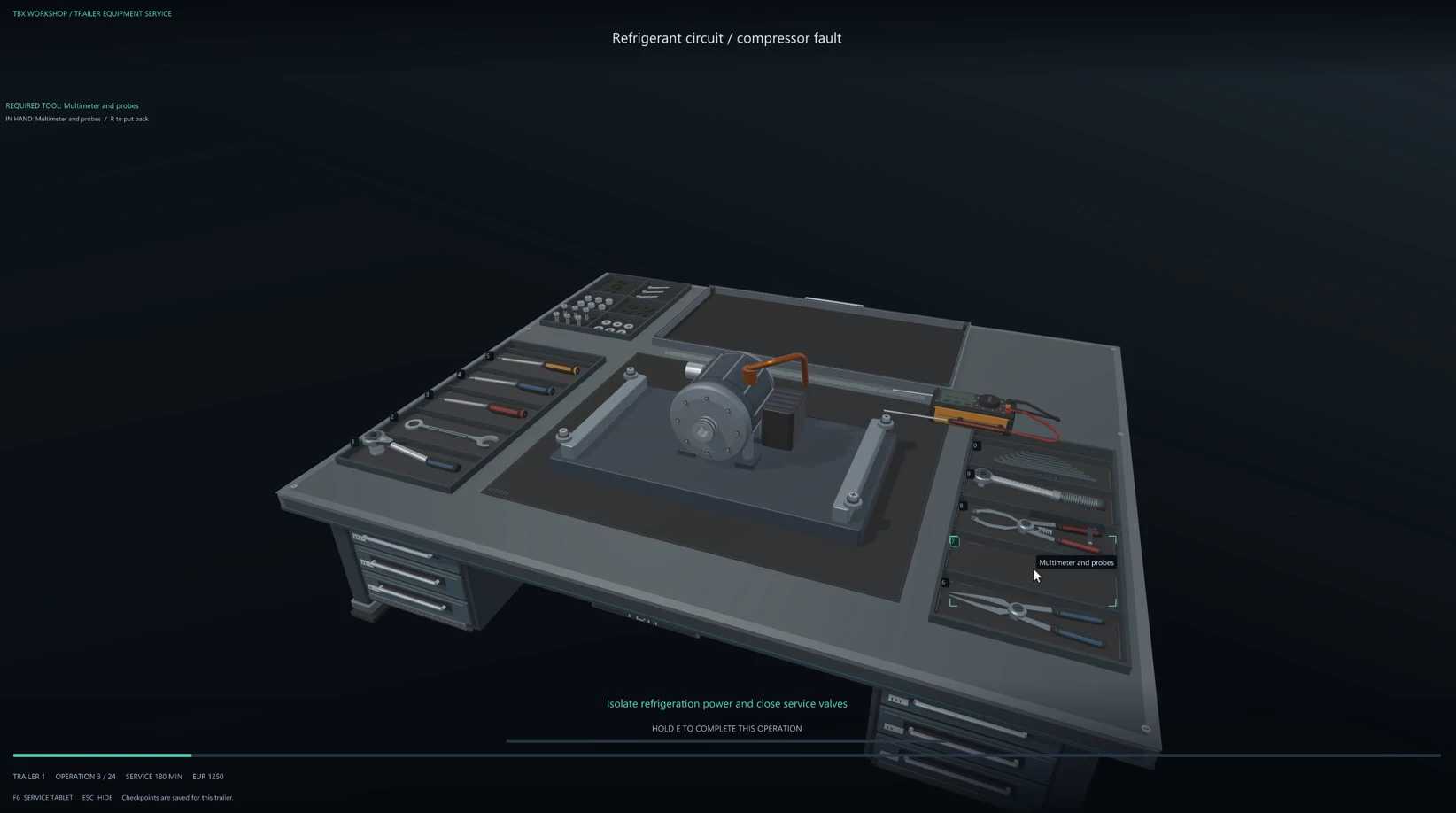
Inspect Equipment: Interact with components even when they are working perfectly fine, including opening assemblies and inspecting internal surfaces.
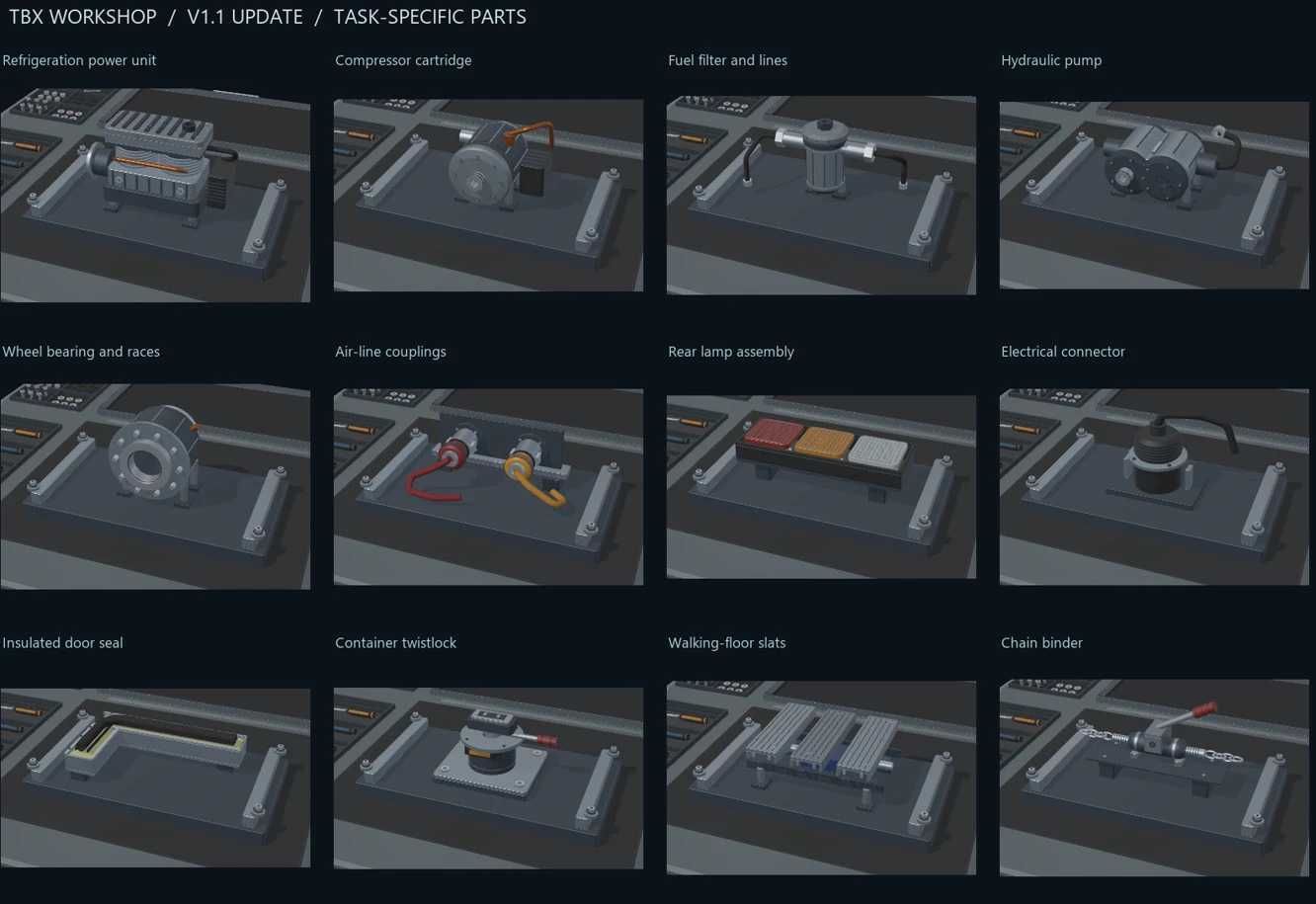
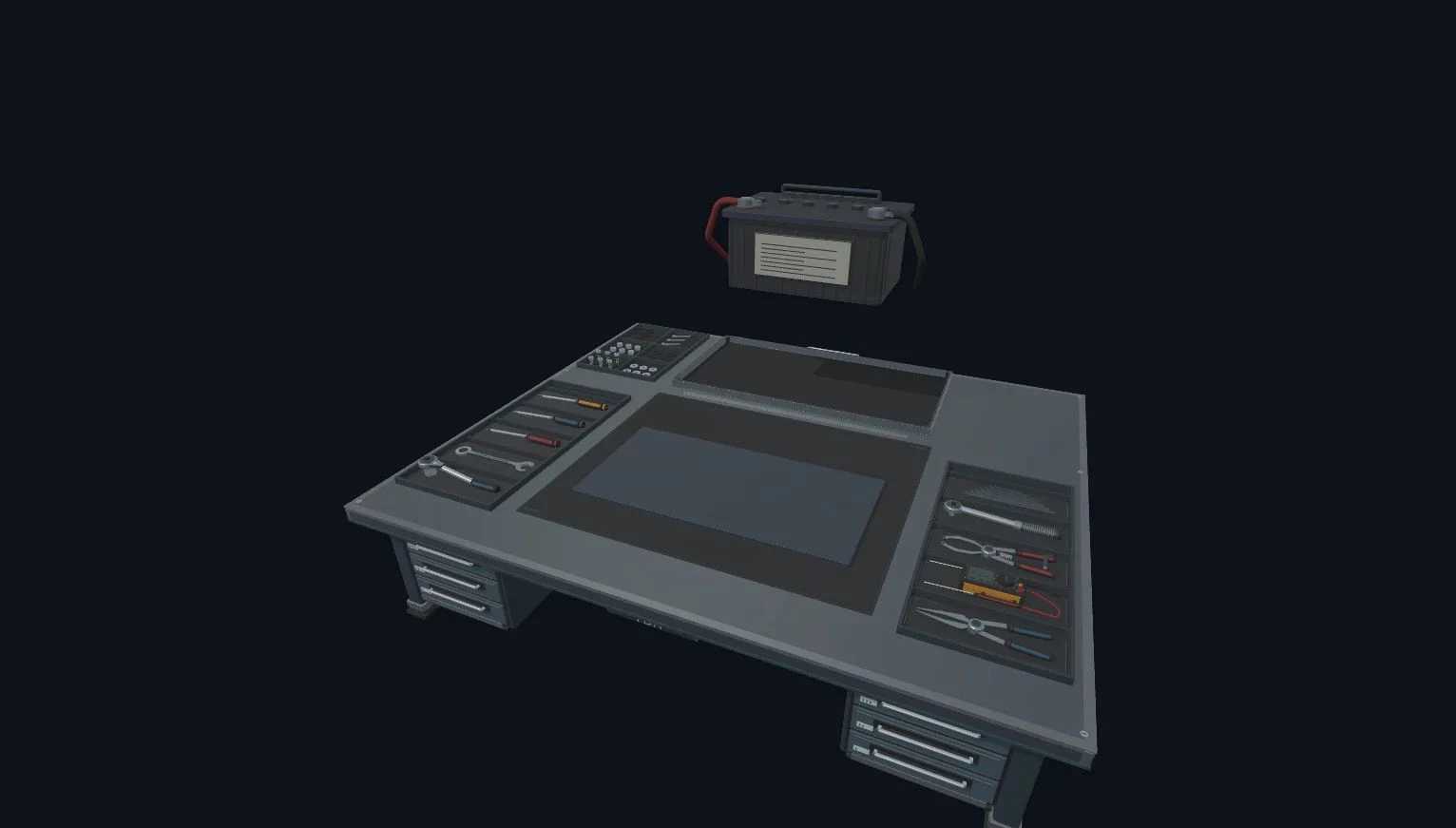
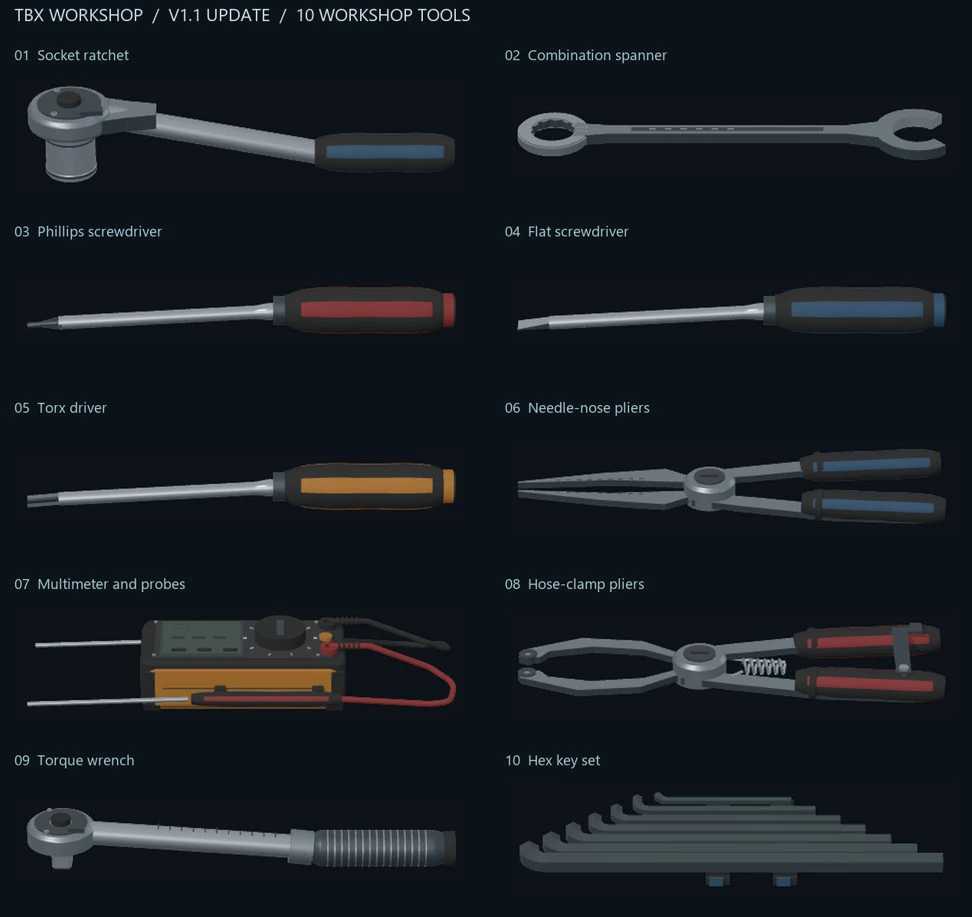
Expanded Systems: Includes 10 truck components and 42 trailer systems (depending on body type), as well as 10 different workshop tools.
Detailed Interactions: Pick up/return tools, manage individual fasteners (loosen, remove, insert, tighten), disconnect service connections, and record inspections.
Operational Requirements: The system checks for correct tools and working conditions, such as engaging the parking brake or shutting down the engine.
Saved Progress: Persistent assembly progress tracks unfinished work for each truck and trailer, allowing you to pause and return later via the tablet.
Important Information:
Some connection animations are still being improved.
Inspections and reassembly do not automatically replace failed components.
These operations do not remove ETS2’s native vehicle damage.
Opened assemblies must be fully reassembled before replacement service can begin
Changelog V1.1
Significantly expanded the existing mechanical repair system.
Introduced the ability to inspect, disassemble, and reassemble healthy components before failure occurs.
Added 10 truck components and 42 trailer systems.
Added 10 different workshop tools.
Introduced persistent assembly progress, allowing work to be saved and continued later.
Credits: OverDriveSim
How to install ETS2 mods or ATS Mods
In Euro Truck Simulator 2 it’s easy to install mods. You just need to download mod from here, copy/unzip files into: “My Documents\Euro Truck Simulator 2\mod” folder or if you play ATS please install mods to: “My Documents\American Truck Simulator\mod” folder. To unzip files you can use: WinRAR or 7zip. After that you need to activate the mods you want to use.