FormaMod v1.8 ETS2

FormaMod v1.8 ETS2
ETS2 Graphics Overhaul
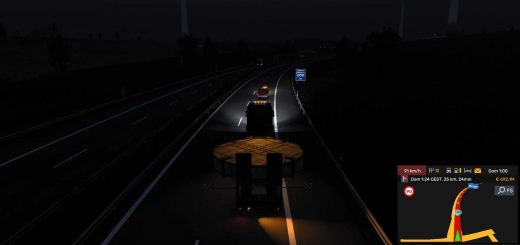
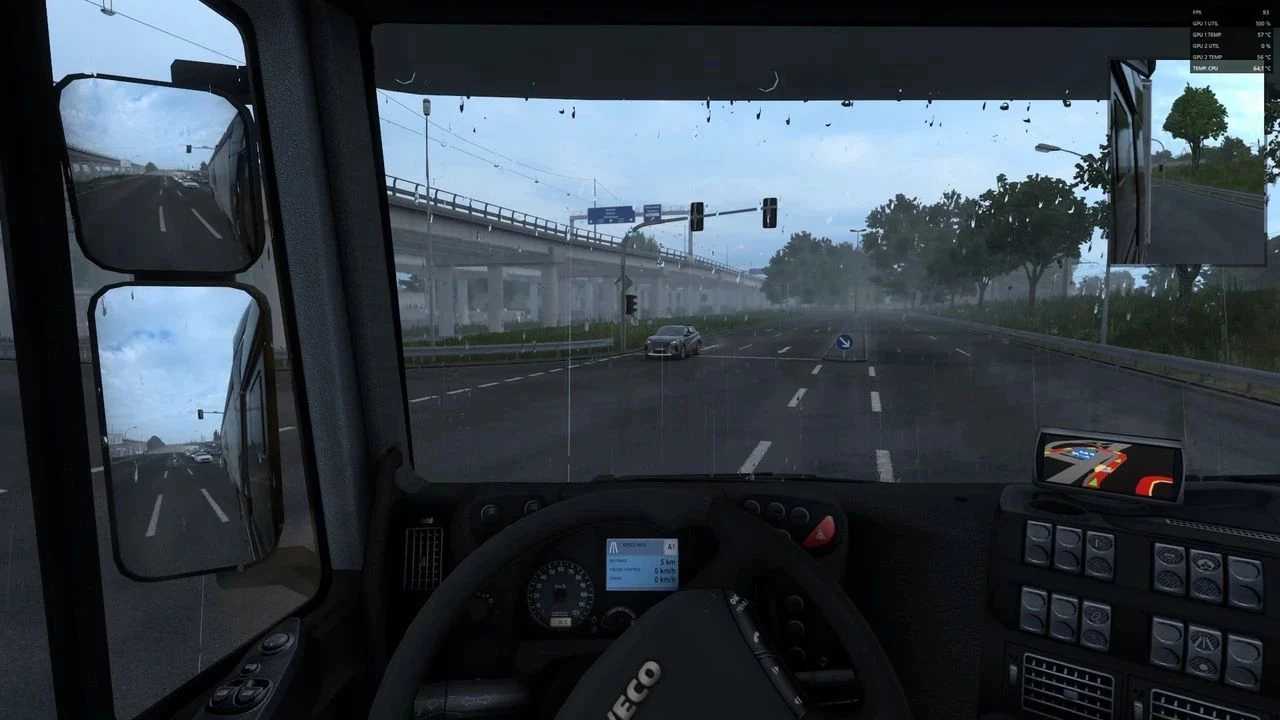
Every effect in the comparisons above has its own sliders and switch.
You adjust them live, while driving, and see the change instantly – no game restart and no digging through files.
Image, Scaling, Atmosphere, Night, Film & glass and Rain tabs, with a (?) description next to every feature.
Right-click a slider to reset it to its default.
Every section has a switch, and a slider at 0 turns the effect off completely.
Save your look as a preset and share it as a single line of text.
Ctrl + Alt + Plus opens the window, Ctrl + Alt + Minus is a quick before/after toggle in game.
What’s new:
Sharper textures (Upscaling tab): check this one yourself, it’s a real boost. The road, signs and trees stay crisp way into the distance. Honestly, I’m proud of this one
10 ready-made presets: Natural, Winter, Cinematic, Summer, Autumn, South, Rainy, Night City, Retro, and Lite for weaker PCs
Full colour control: contrast, vibrance, and each colour on its own (want less green grass? one slider)
Water spray behind cars in the rain: thicker and more realistic (first alpha)
Cab screens and gauges softly light the cab at night (test)
No more flickering glow, and FSR/DLSS behave on multi-monitor setups
Credits: forma-pl
How to install ETS2 mods or ATS Mods
In Euro Truck Simulator 2 it’s easy to install mods. You just need to download mod from here, copy/unzip files into: “My Documents\Euro Truck Simulator 2\mod” folder or if you play ATS please install mods to: “My Documents\American Truck Simulator\mod” folder. To unzip files you can use: WinRAR or 7zip. After that you need to activate the mods you want to use.