Toyota Land Cruiser 200 (Road Trip DLC Version) v1.0 ATS



Toyota Land Cruiser 200 (Road Trip DLC Version) v1.0 ATS
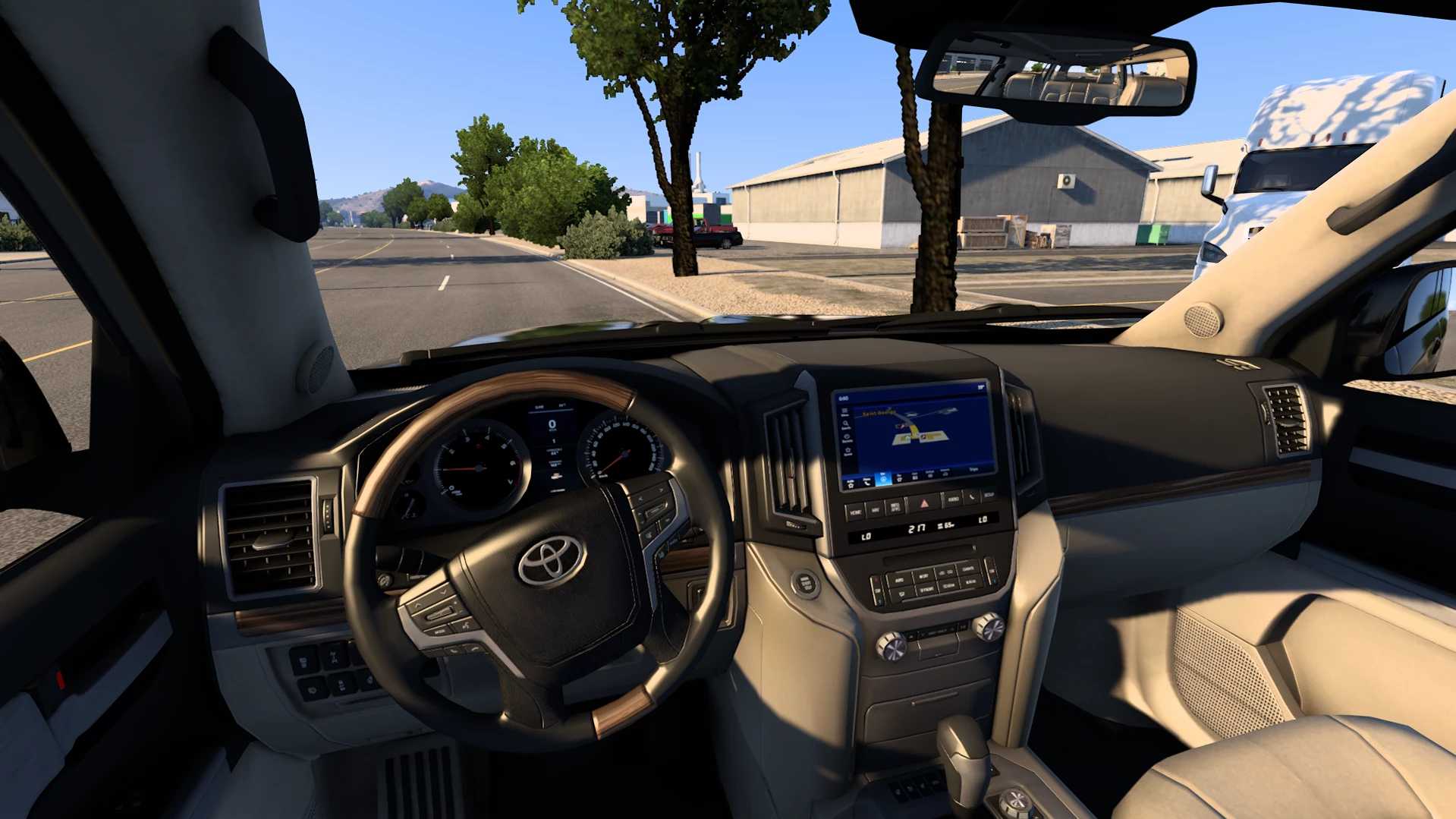
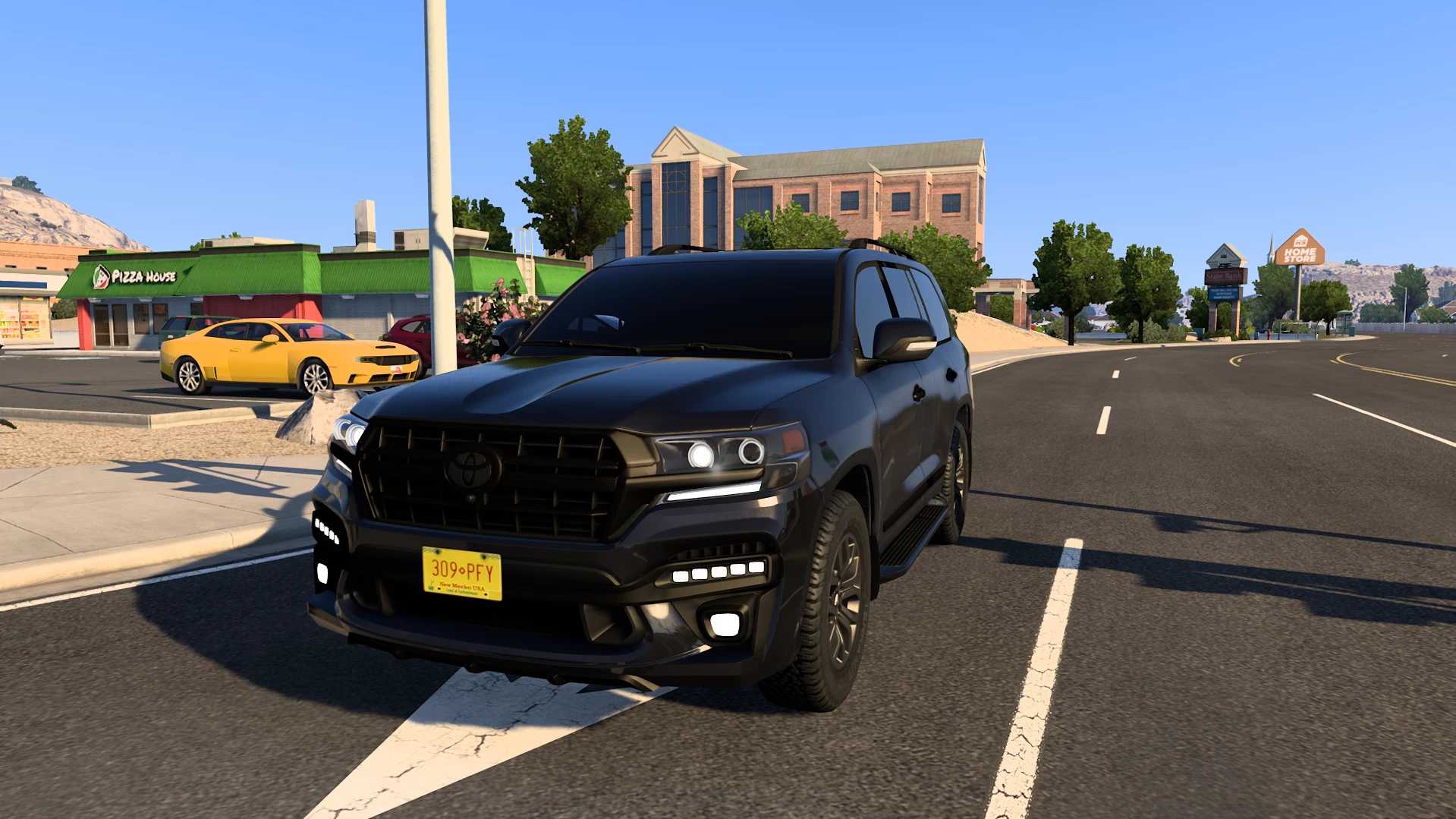
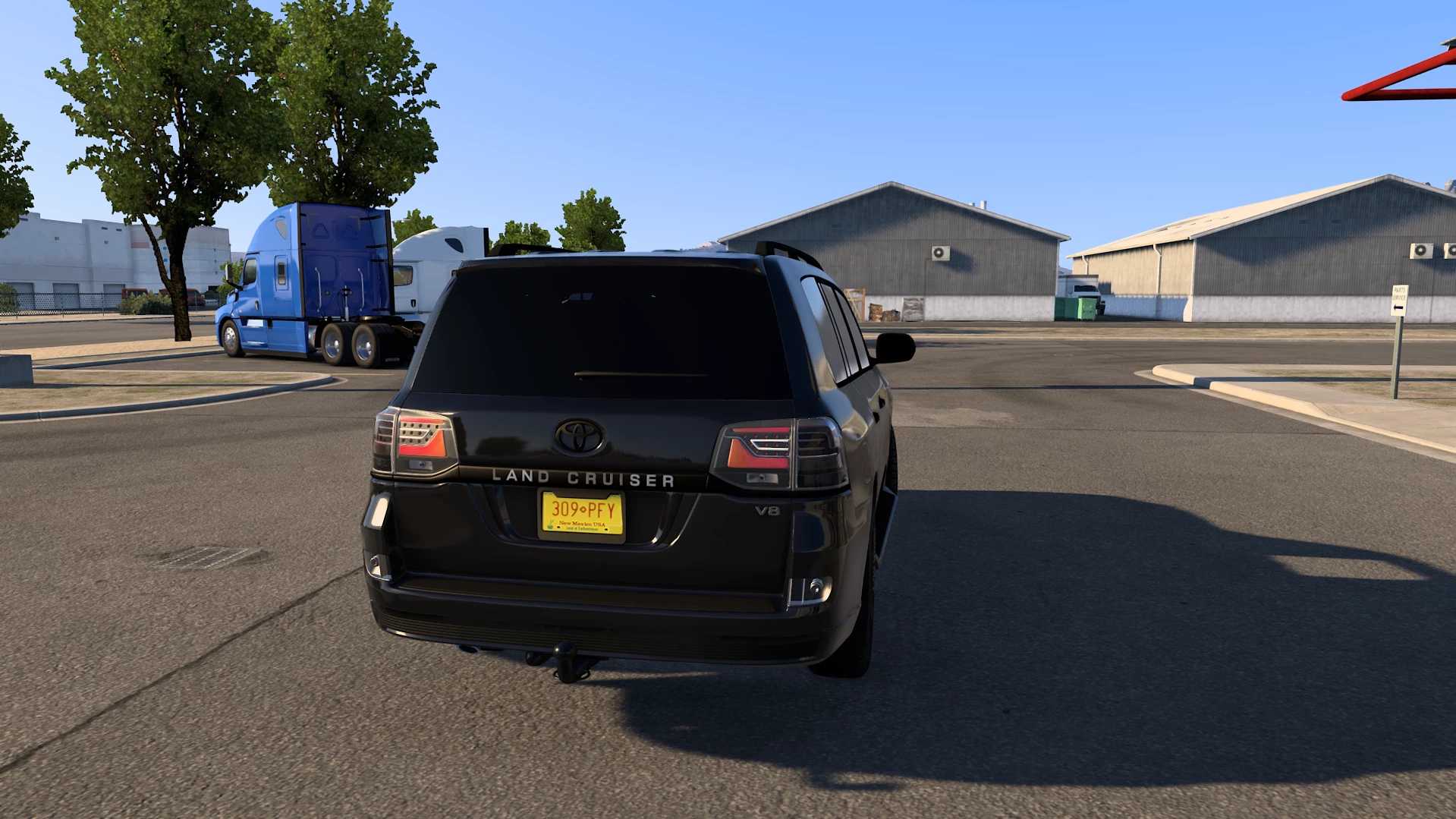
Experience ultimate luxury and robust performance on your virtual roads with this stunning Toyota Land Cruiser 200 (Road Trip DLC Version)! Meticulously designed and optimized, this custom vehicle mod brings one of the world’s most iconic full-size SUVs straight to your game, tailored exclusively for the Road Trip DLC. Whether you’re cruising down highways or tackling long-distance routes, this sleek black edition offers unmatched road presence, realistic details, and an immersive driving experience.
Key Features:
High-Quality 3D Model: Detailed exterior and custom blacked-out finish for an aggressive yet elegant look.
Exclusive DLC Integration: Built strictly for use with the Road Trip DLC for seamless compatibility.
Optimized Performance: Smooth handling and performance tuned for long driving sessions.
Installation & Requirements:
Ensure you have the Road Trip DLC installed and active.
Download the mod file and place it into your game’s mod folder.
Enable the mod in your mod manager.
Credits: Express Mods & Tips
Credits: Express Mods & Tips
How to install ETS2 mods or ATS Mods
In Euro Truck Simulator 2 it’s easy to install mods. You just need to download mod from here, copy/unzip files into: “My Documents\Euro Truck Simulator 2\mod” folder or if you play ATS please install mods to: “My Documents\American Truck Simulator\mod” folder. To unzip files you can use: WinRAR or 7zip. After that you need to activate the mods you want to use.