RD Icons v1.0 ATS
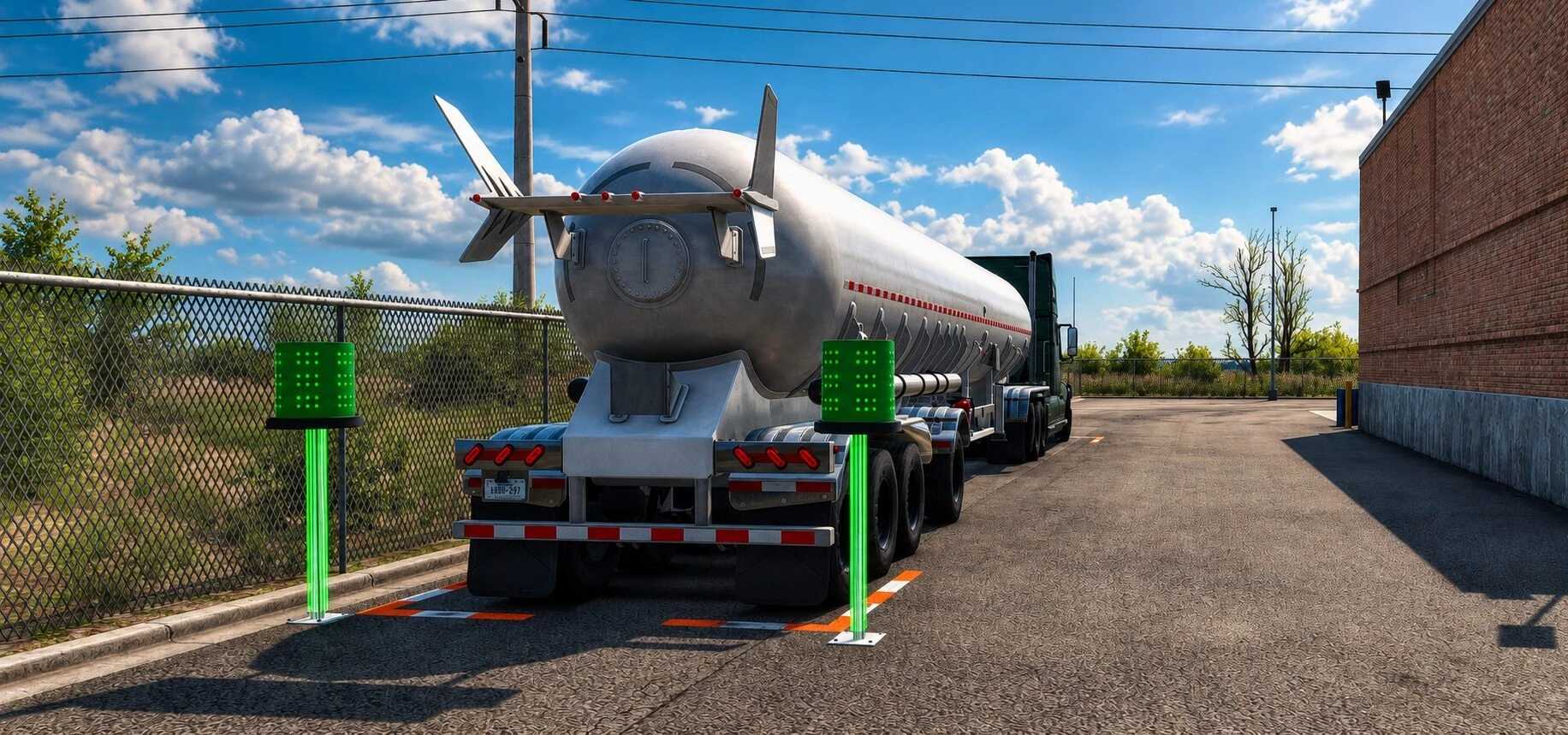
RD Icons v1.0 ATS
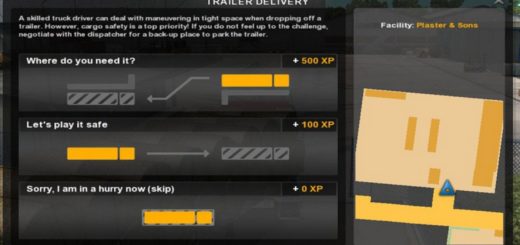
White icons for ATS interaction points.
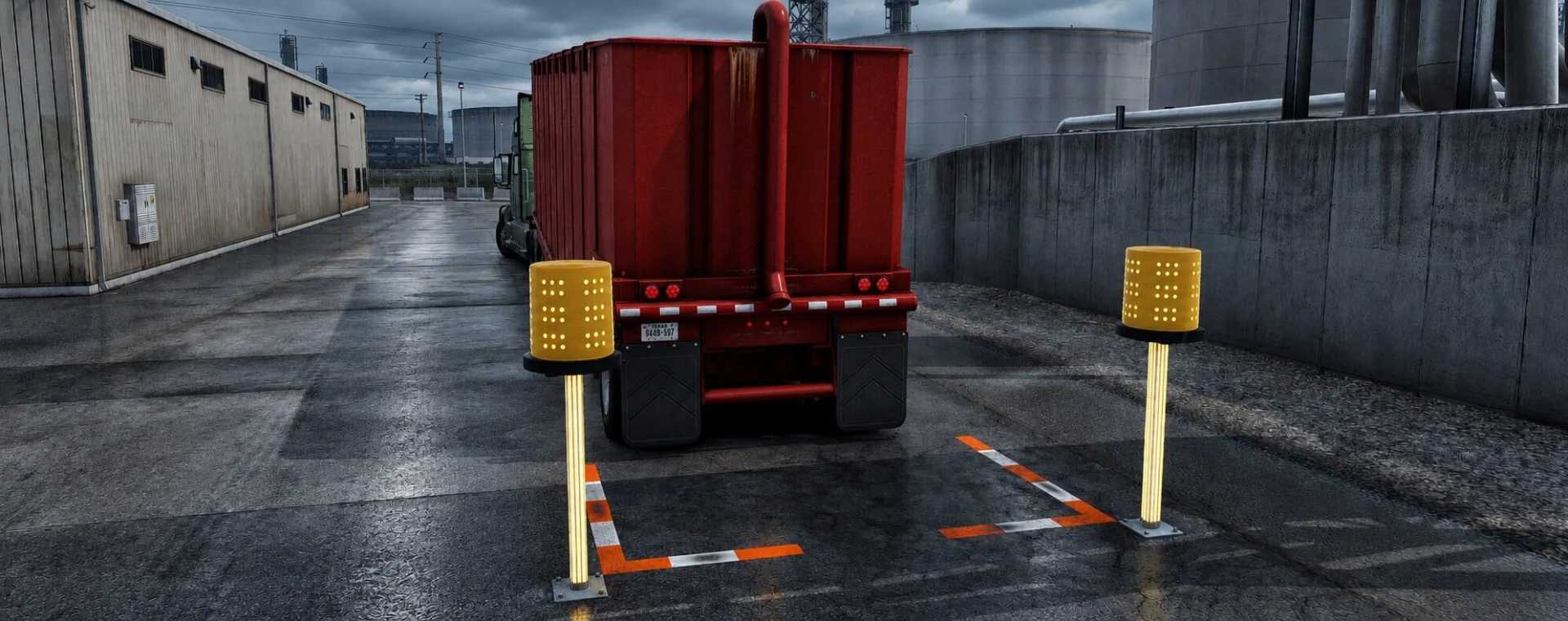
Orange and white L-shaped ground markings with a weathered finish and enhanced nighttime visibility.
Own truck coupling to a company trailer: ground markings only.
Own trailer parking for loading: ground markings and beacons.
Cargo delivery: ground markings and beacons.
The lenses flash orange while waiting and green when the game recognizes correct alignment.
Vertical LED strips follow the alignment color. Beacons have no collision.
Marking length follows the original game; it may not surround the entire double/triple trailer combination.
Installation: activate RD Icons in the Mod Manager. Remove or disable older versions. When conflicting with other marker mods, place RD Icons above them.
Convoy: optional mod; the server must allow optional mods. Joining a session has been confirmed in testing.
ATS only. Appearance and usage approved in daytime, nighttime and rain tests.
Credits: Igorrochax
How to install ETS2 mods or ATS Mods
In Euro Truck Simulator 2 it’s easy to install mods. You just need to download mod from here, copy/unzip files into: “My Documents\Euro Truck Simulator 2\mod” folder or if you play ATS please install mods to: “My Documents\American Truck Simulator\mod” folder. To unzip files you can use: WinRAR or 7zip. After that you need to activate the mods you want to use.