Bitrem Guerra 1.61 ETS2
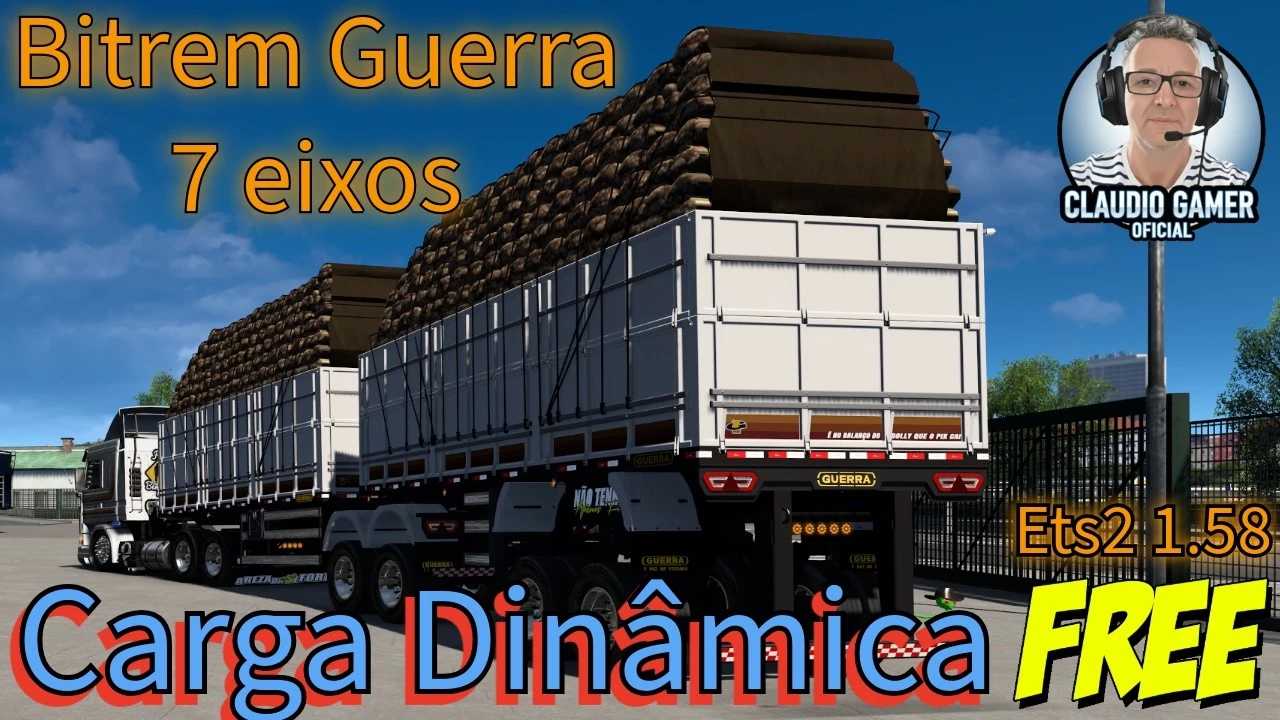

Bitrem Guerra 1.61 ETS2
Key Features & Customization
Chassis Options: Select from various length configurations, including standard 25-meter and extended 30-meter options, featuring both short and high-arched (“arqueado”) suspensions. [1, 2] Axle Configurations: Available in multiple setups, including the popular 7-axle and 9-axle variations. [1, 2] Full Body Customization: Paint the trailer body to perfectly match your truck’s color scheme. Change the tarps (lonas), reflective tapes, and rear mudguards (lameiros). [1, 2, 3] Accessories Pack: Equippable with chrome or standard kitchen boxes (caixa de cozinha), toolboxes, side guards, and automatic tire inflation systems (rodoar). [1, 2] Custom Lighting: Add custom marker lights (“foguinhos”) available in multiple colors (red, orange, green, blue), custom tail lights, and personalized text phrases. [1, 2] Esthetic Details: Option to add Michelin dolls (bonecos) on the side or top, side stickers, and custom license plates
Credits: Oscar Gamer
How to install ETS2 mods or ATS Mods
In Euro Truck Simulator 2 it’s easy to install mods. You just need to download mod from here, copy/unzip files into: “My Documents\Euro Truck Simulator 2\mod” folder or if you play ATS please install mods to: “My Documents\American Truck Simulator\mod” folder. To unzip files you can use: WinRAR or 7zip. After that you need to activate the mods you want to use.