SibirMap SV Edition v2.13.1 ETS2
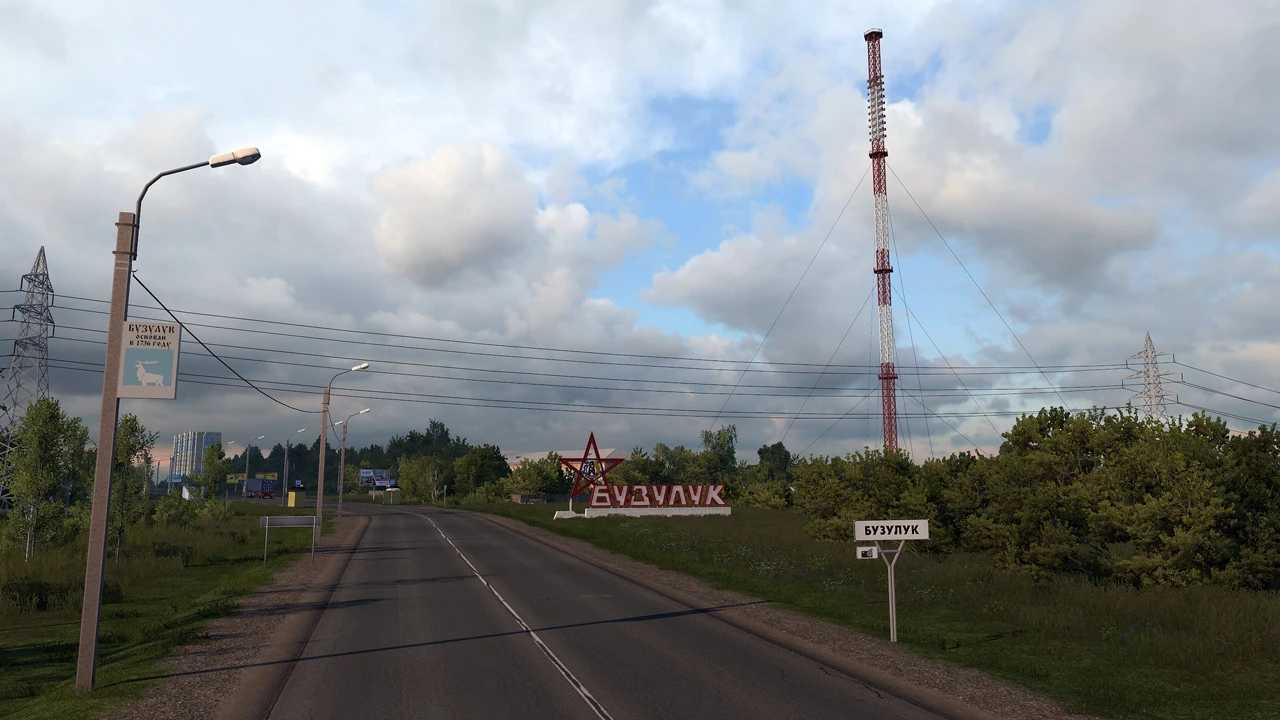

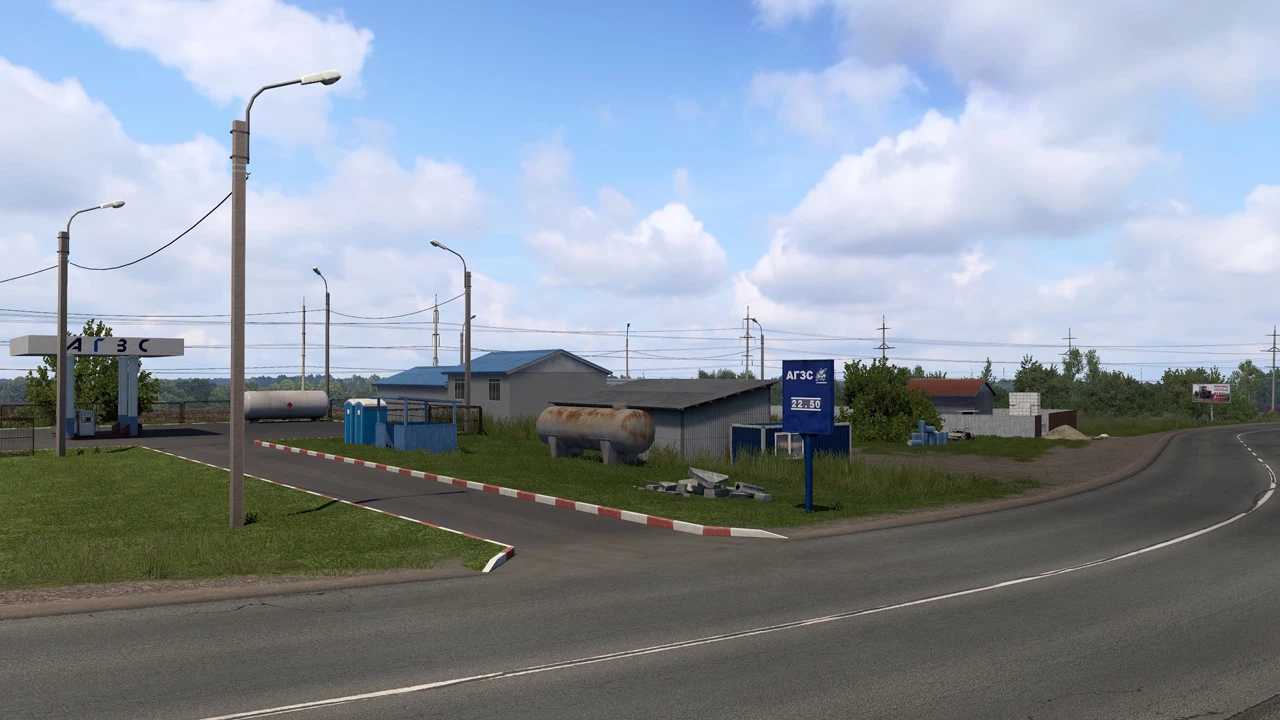
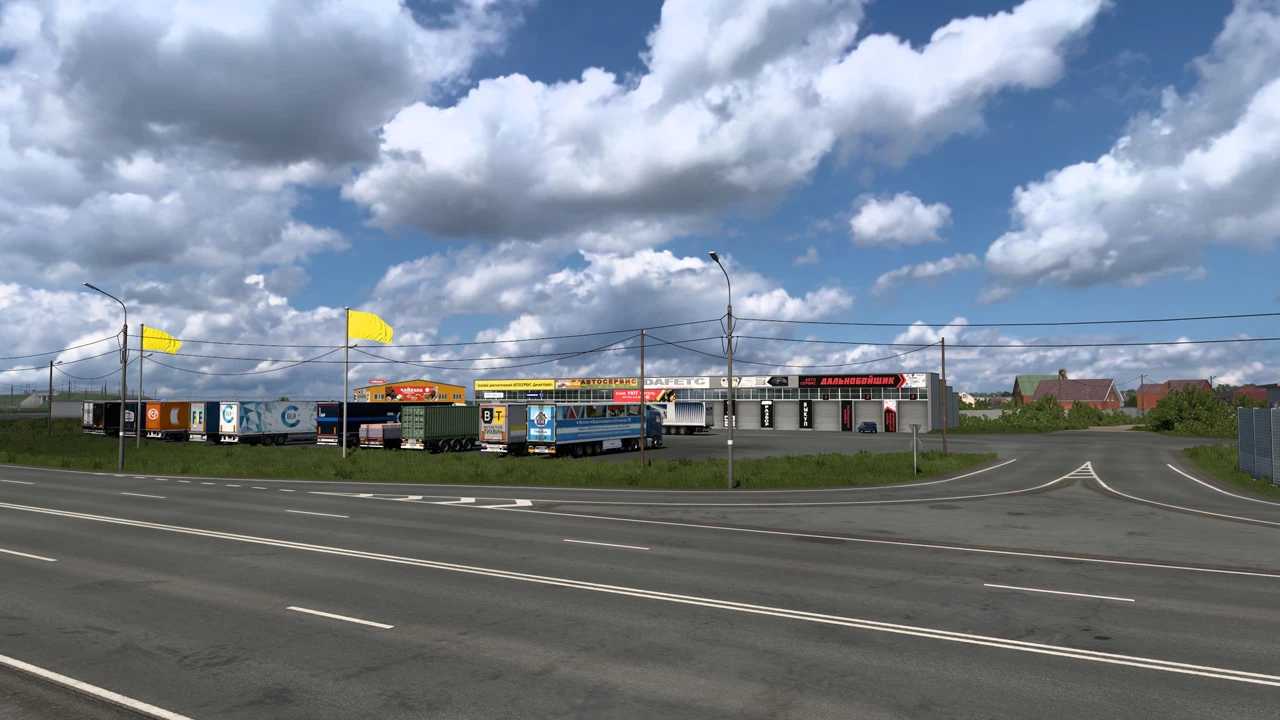
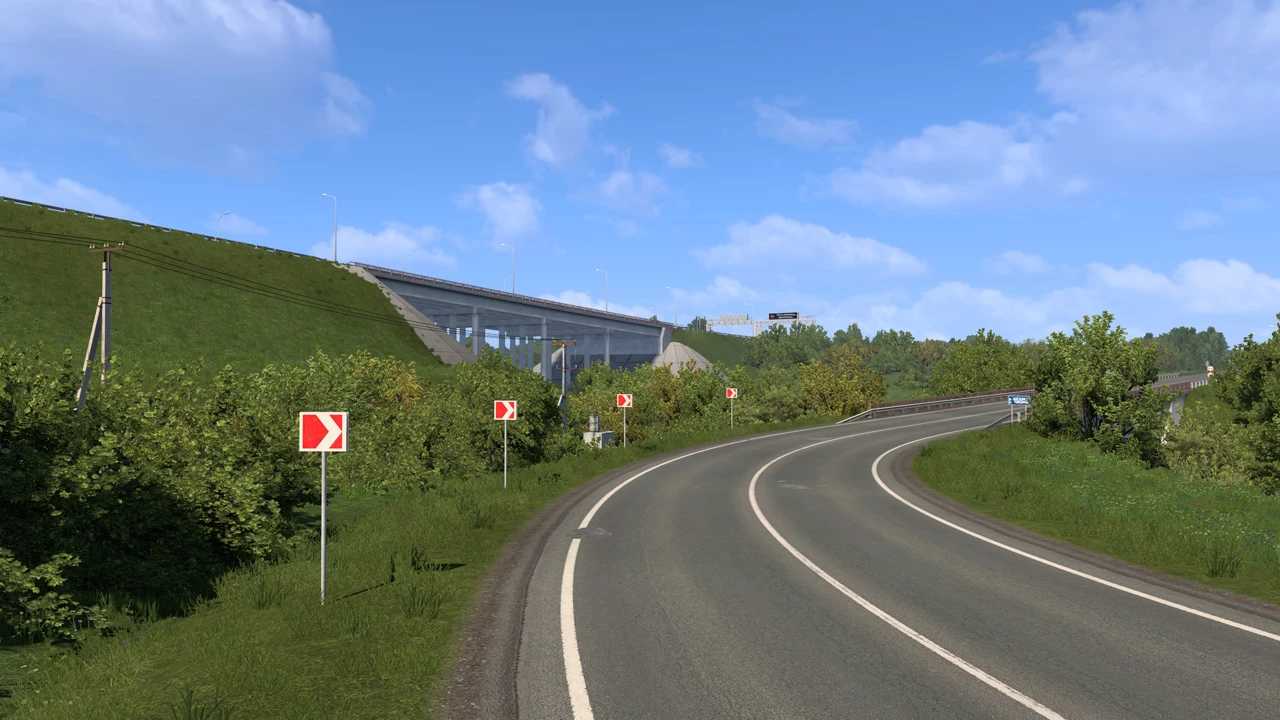
SibirMap SV Edition v2.13.1 ETS2
Changelog for version 2.13.1 SV:
Adaptation for version 1.61 of the game.
v2.13.0 SV:
Added the R-254 highway from the Southern Bypass of Omsk to Barabinsk.
Added the Shali-Bavly toll road from Alekseevsky to the Kuzaikino exit near Almetyevsk.
Expanded the Orenburg road in the direction of Zagorodny Highway (to Lenta).
Improved locations in Omsk (G-Drive Arena and bus station area).
Fixed time zone issues within map sectors; MSK, OMST, and KRAT time zones have been added to the corresponding towns and areas (may be lost in builds; only offline operation is guaranteed).
Bug fixes for previous versions.
The Siberia Map project is for the default module (Europe), at the default scale of 1:19.
Standalone launch of the map module is also possible (use the siburmap module when creating a new profile).
Works standalone and with the “golden” set of projects RM+SR+VOLGA+PMKZ+KIROV.
Compatibility: 1.61
Credits: 10avoid
How to install ETS2 mods or ATS Mods
In Euro Truck Simulator 2 it’s easy to install mods. You just need to download mod from here, copy/unzip files into: “My Documents\Euro Truck Simulator 2\mod” folder or if you play ATS please install mods to: “My Documents\American Truck Simulator\mod” folder. To unzip files you can use: WinRAR or 7zip. After that you need to activate the mods you want to use.