Urban Traffic Overhaul v25 1.61 ATS

Urban Traffic Overhaul v25 1.61 ATS
Changelog
Mod updated (v25).
Changes:
v1.61 map errors pruned.
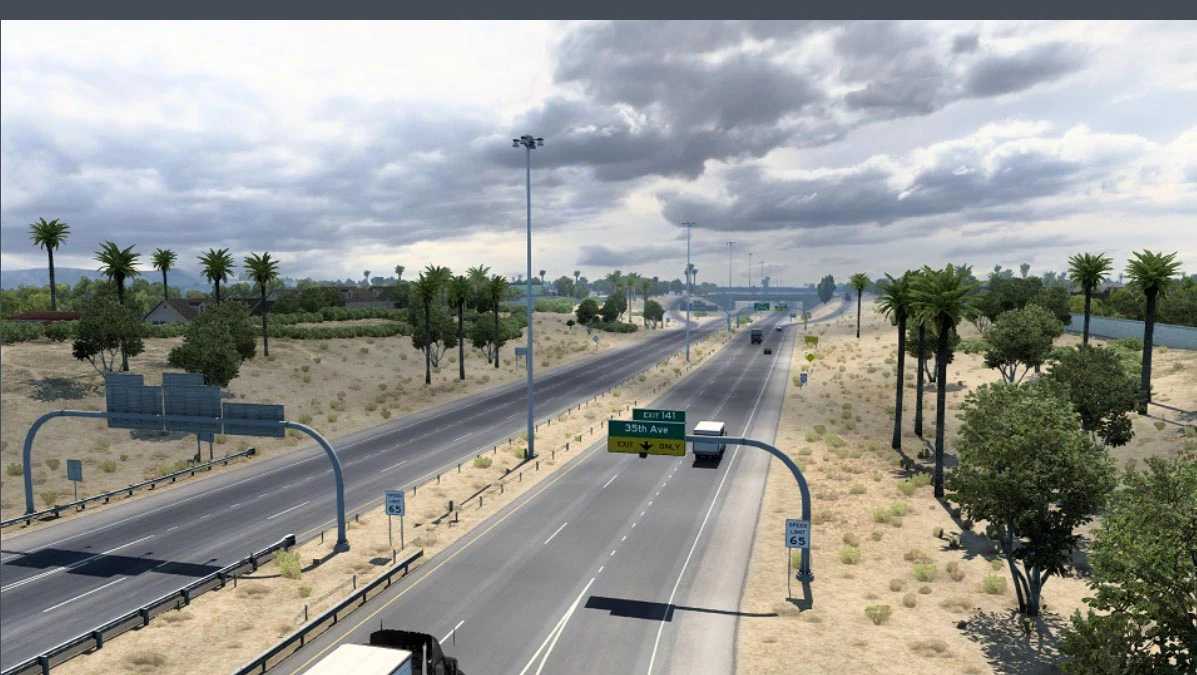
Multiple signage fixes of developer oversights in edited areas (most notably I-64 being signposted as I-65).
I-57 widened to six lanes between I-80 and I-94.
South Dakota DLC compatibility:
High traffic areas removed for Mobridge, Winner, Watertown, Brookings, Yankton.
High traffic areas edited to only cover major avenues for Spearfish, Rapid City, Pierre/Fort Pierre, Aberdeen, Mitchell.
Very high traffic area downgraded to high traffic area in Sioux Falls.
Didn’t have time to upload an update without the South Dakota DLC, if you wish to update and don’t have South Dakota, delete sectors 8-9, -8-8, -7-8, -5-10, -5-7, -4-7, -3-7, -2-7, -2-6, -1-7.
Description
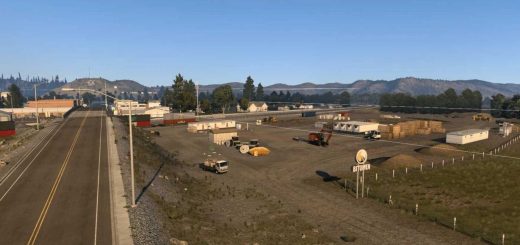
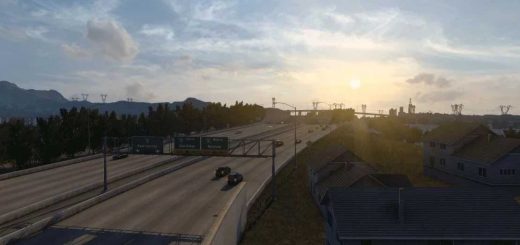
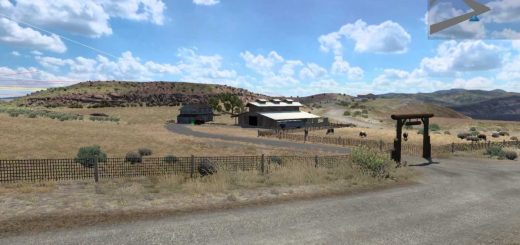
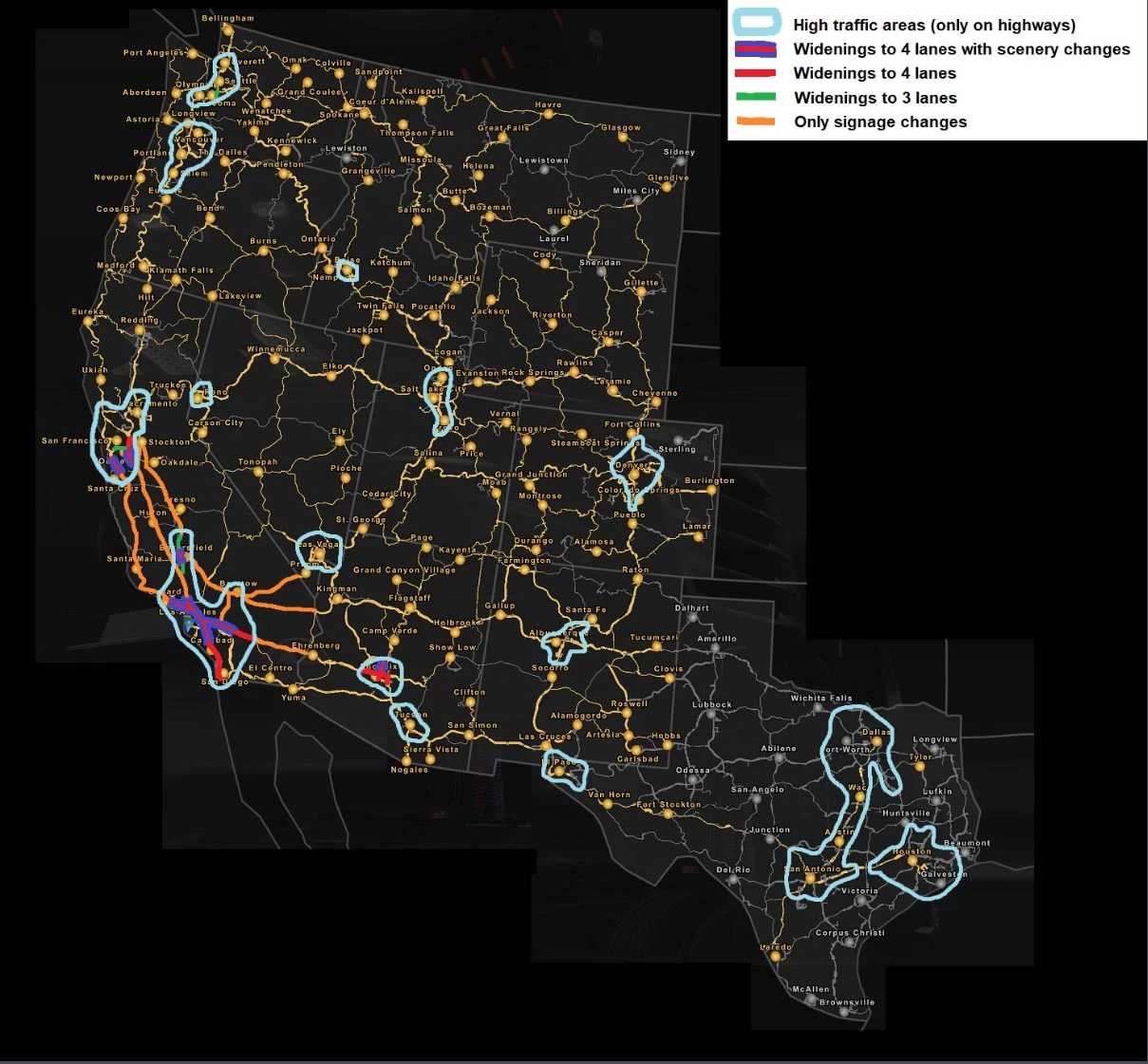
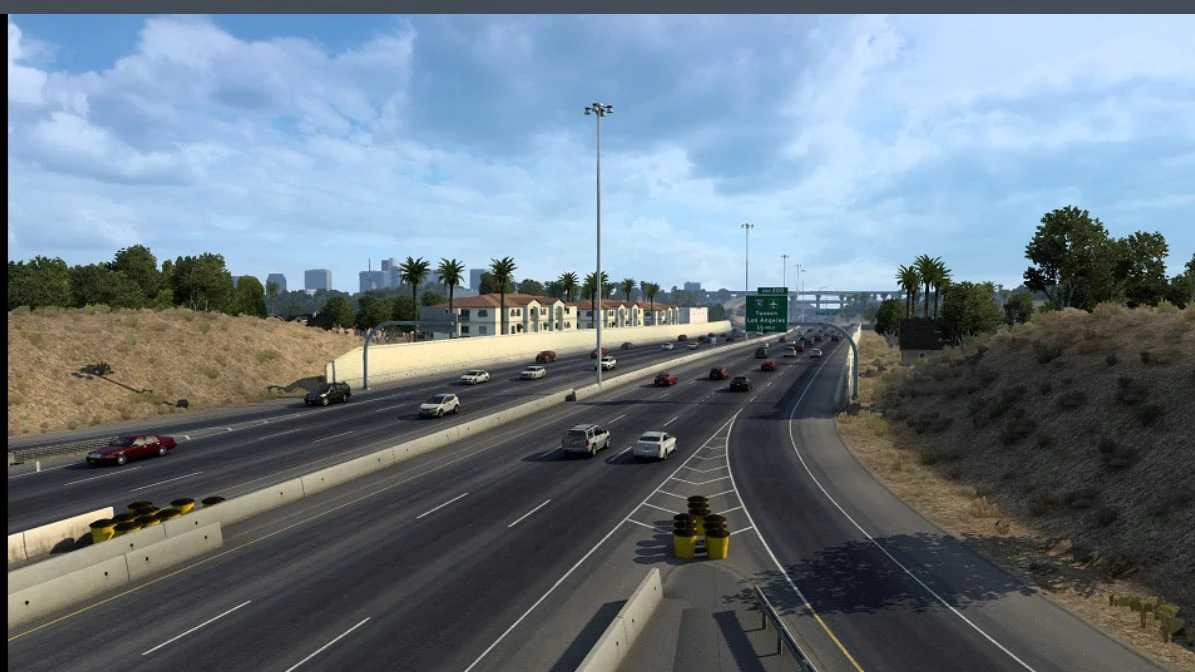
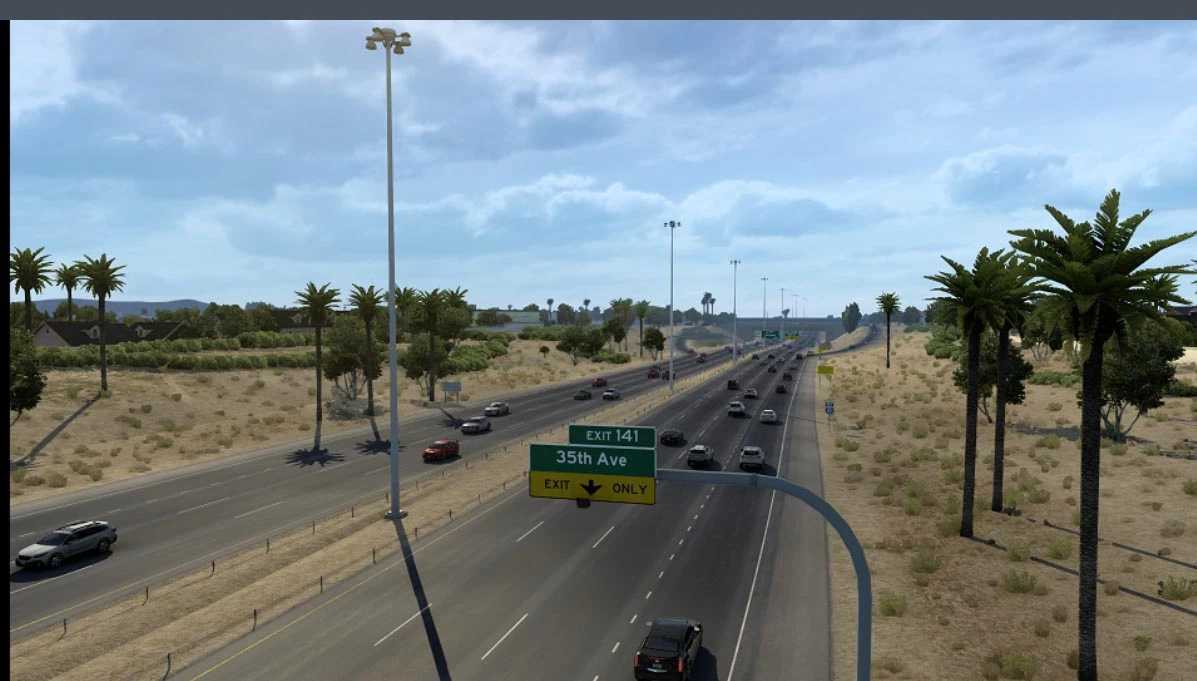
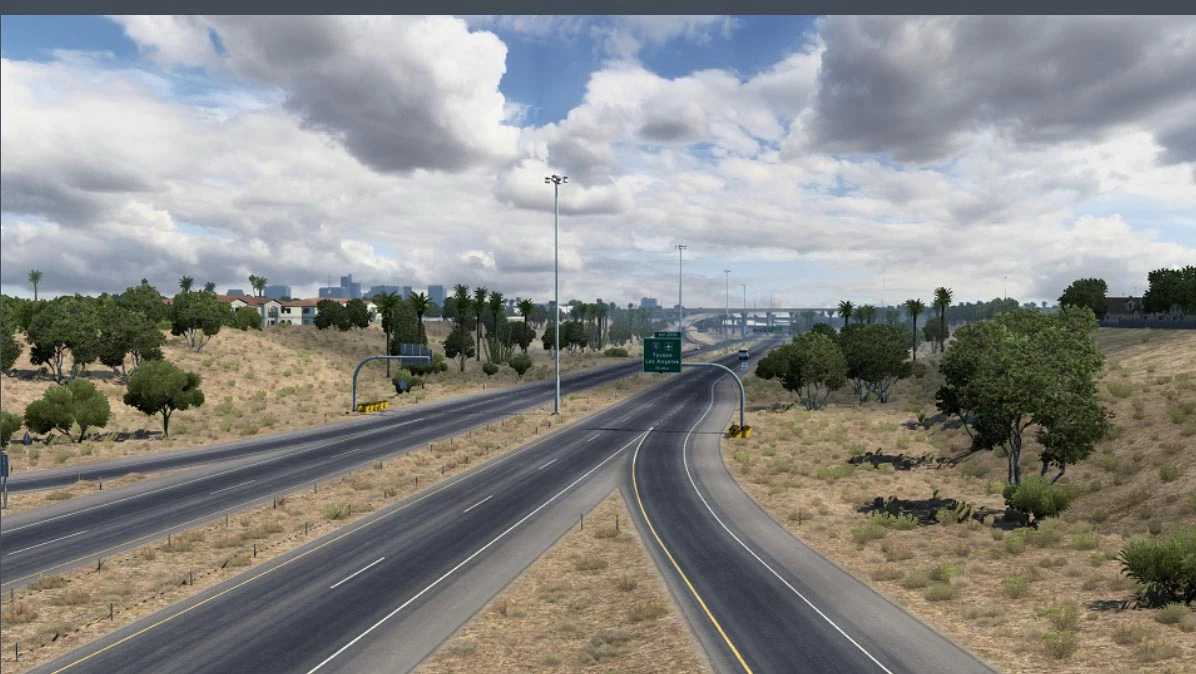
This mod greatly increases traffic density in major urban areas across the map; traffic elsewhere is kept to vanilla levels, which I think is realistic enough. It also widens freeways and urbanizes some areas that are particularly inaccurate in the original map. Use the available “Lite” version if you want only the scenery/signage changes in California and Phoenix Area.
(For compability with traffic spawn mods simply open the mod with a file archiver (7-Zip, WinRAR, …), open the “def” folder and delete “traffic_data.sii” and “traffic_rules_spawn.sui” inside its “world” folder)
All map DLC required
Compatible: 1.61.x
Credits: Quaristice
How to install ETS2 mods or ATS Mods
In Euro Truck Simulator 2 it’s easy to install mods. You just need to download mod from here, copy/unzip files into: “My Documents\Euro Truck Simulator 2\mod” folder or if you play ATS please install mods to: “My Documents\American Truck Simulator\mod” folder. To unzip files you can use: WinRAR or 7zip. After that you need to activate the mods you want to use.