
Late Autumn/Mild Winter v6.7 ETS2


Late Autumn/Mild Winter v6.7 ETS2
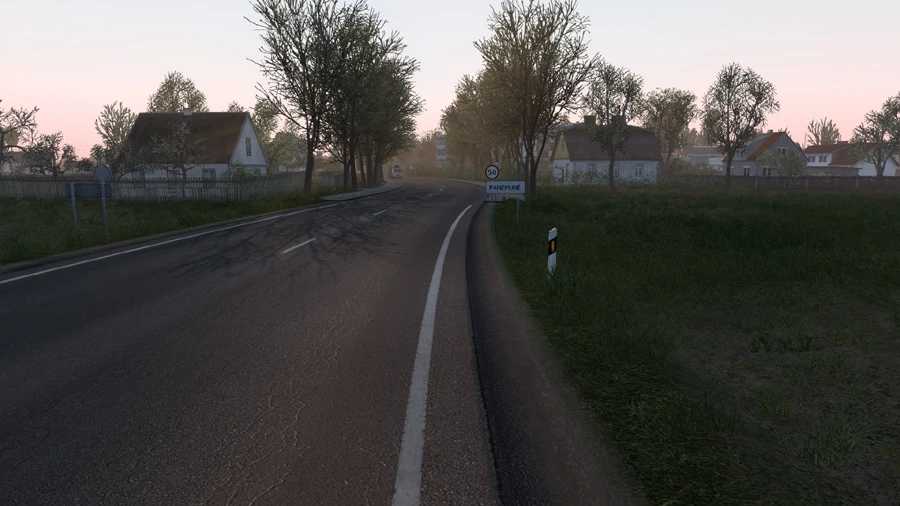
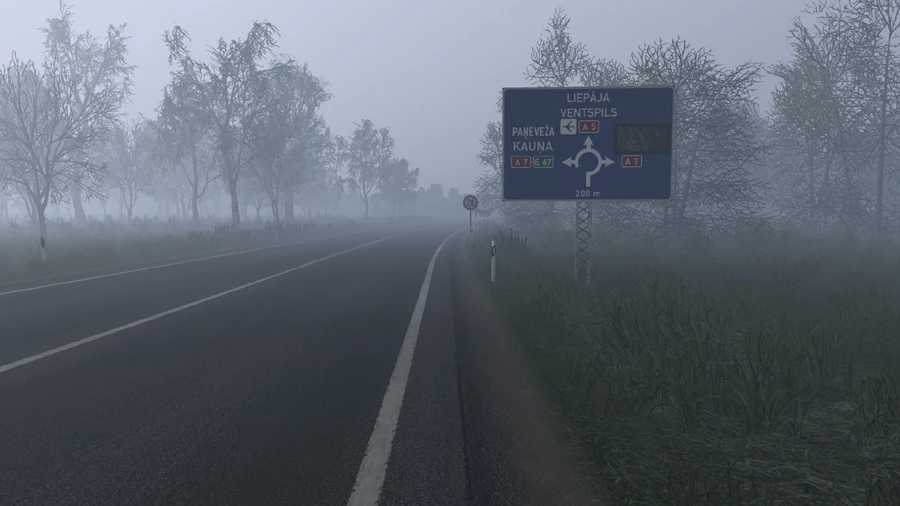
This is a graphics and weather mod that simulates a late Autumn or a mild winter weather/environment.
Features
Late Autumn/Mild Winter weather & environment
Leafless vegetation
Realistic lighting
Improved road textures
Improved rainfall and windshield rain
Increased road drying time after rain
Wet sidewalk and asphalt reflections
Pedestrians in winter clothing
Late autumn/winter daylight hours
Appropriate temperature readings
Improved grass
Increased grass density
Grass rendered at a further distance
Out of sight vegetation LOD transitions
Less visible low LOD vegetation
Less vegetation pop in
Smoother looking graphics
Transforms older parts of the map with newer high resolution graphics
Low resolution tree models replaced by high resolution ones across maps
Compatibility latest version: ETS2 1.61
Works with Promods and many other maps.
Compatible with all map DLCs.
Changes in 6.7
Updated for 1.61
Nice weather improvements
Bad weather overhauled
Increased road drying time after rain
Improved rainfall
Wet sidewalk and asphalt reflections
Important!!
Late Autumn/Mild Winter is a weather and graphics mod so other weather and graphics mods should be disabled to avoid conflicts, issues and crashes.
Instructions
Place Late Autumn/Mild Winter on top in Mod Manager.
Recommended settings
Vegetation Detail: High
Grass Density: High
Normal Maps: Enabled (requires restart if not previously enabled)
Credits: Grimes
How to install ETS2 mods or ATS Mods
In Euro Truck Simulator 2 it’s easy to install mods. You just need to download mod from here, copy/unzip files into: “My Documents\Euro Truck Simulator 2\mod” folder or if you play ATS please install mods to: “My Documents\American Truck Simulator\mod” folder. To unzip files you can use: WinRAR or 7zip. After that you need to activate the mods you want to use.


