
Ambient Lights Lighting for All SCS Trucks V2.0 ETS2

Ambient Lights Lighting for All SCS Trucks V2.0 ETS2
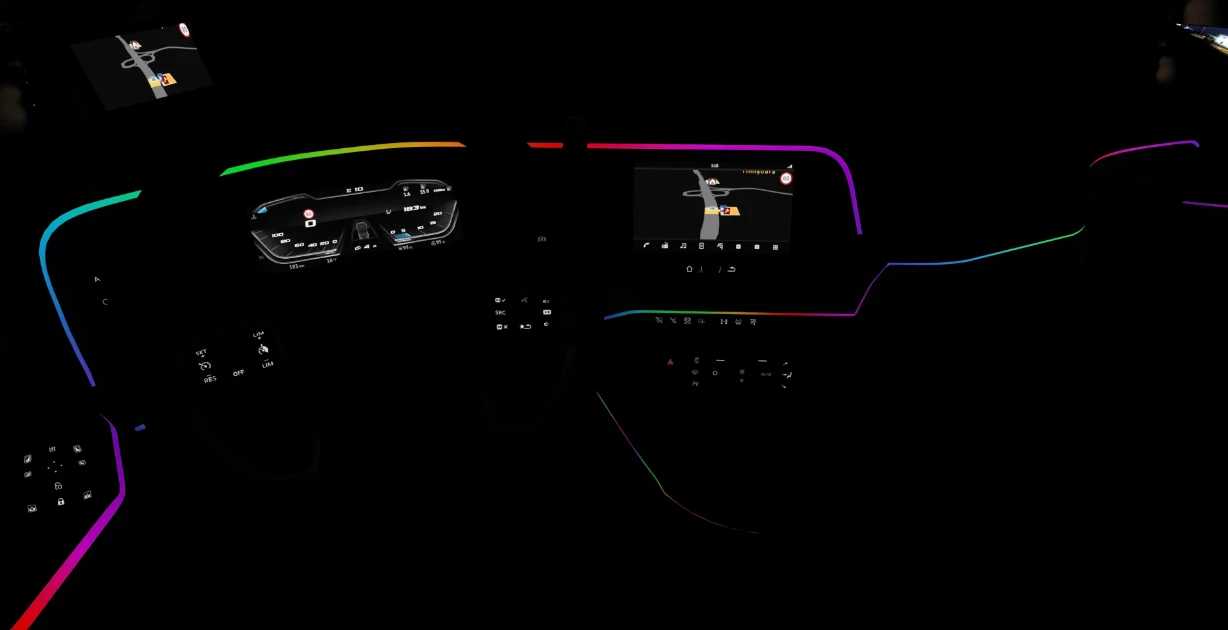
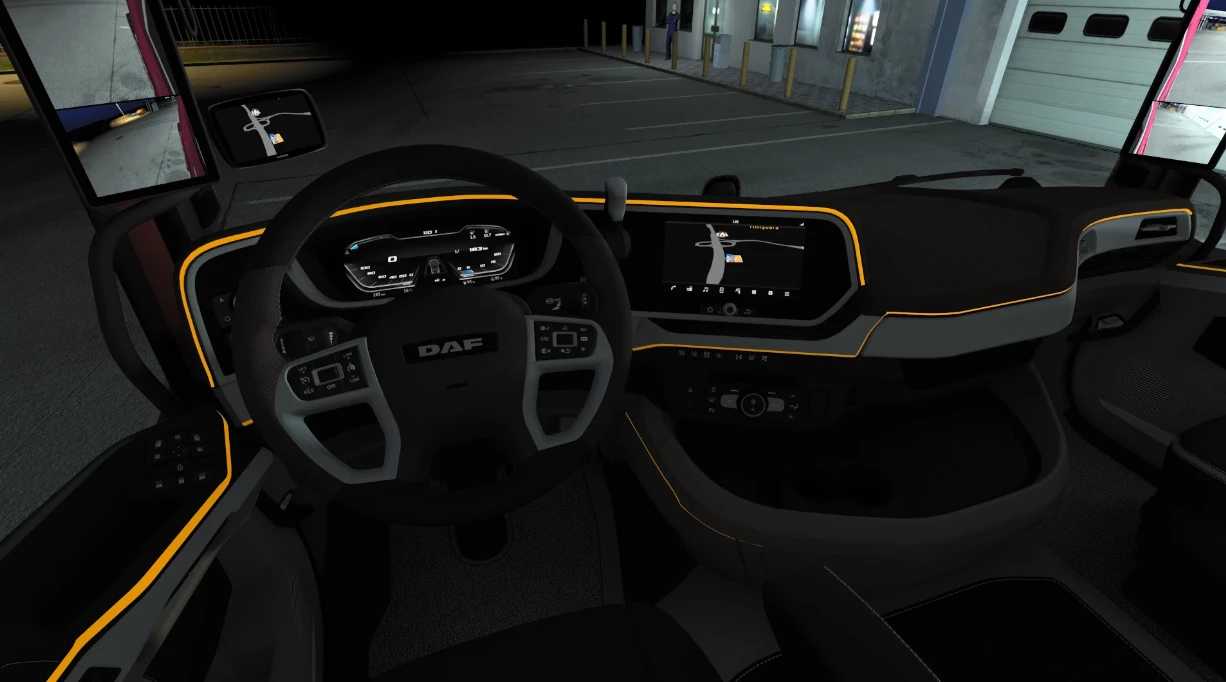
The mod offers 9 lighting options to choose from:
Red
Orange
Yellow
Green
Cyan
Blue
Purple
Illumination
Gradient
For the Scania, the modified light is placed in the original ambient light position. For other supported trucks, the light is located in the air conditioning vent. The lights will turn on automatically when the vehicle starts.Supported Vehicles
The mod supports all vehicles, including:
Scania R / S
Volvo FH5 / FH6
Iveco S-Way
Renault T
DAF XF / XG / XD
MAN TGX 2020
MAN Euro 6
Mercedes-Benz Actros 2014
Enjoy a customizable interior lighting experience across your favorite trucks!
Credits: Author: HotGuy
How to install ETS2 mods or ATS Mods
In Euro Truck Simulator 2 it’s easy to install mods. You just need to download mod from here, copy/unzip files into: “My Documents\Euro Truck Simulator 2\mod” folder or if you play ATS please install mods to: “My Documents\American Truck Simulator\mod” folder. To unzip files you can use: WinRAR or 7zip. After that you need to activate the mods you want to use.
Report bugs in the comments and help modders improve this mod. Always check the comments, you can find a solution.


