
Enhanced Graphics Mod v2.1.3 1.54 ATS
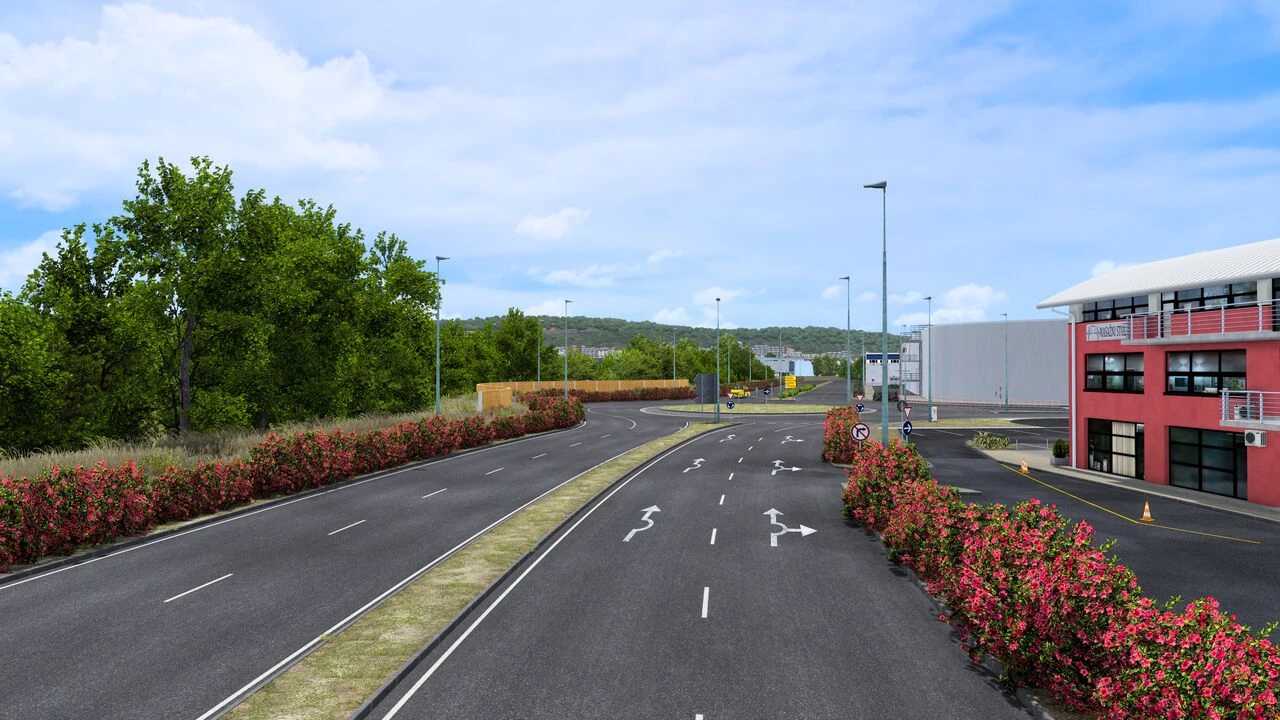

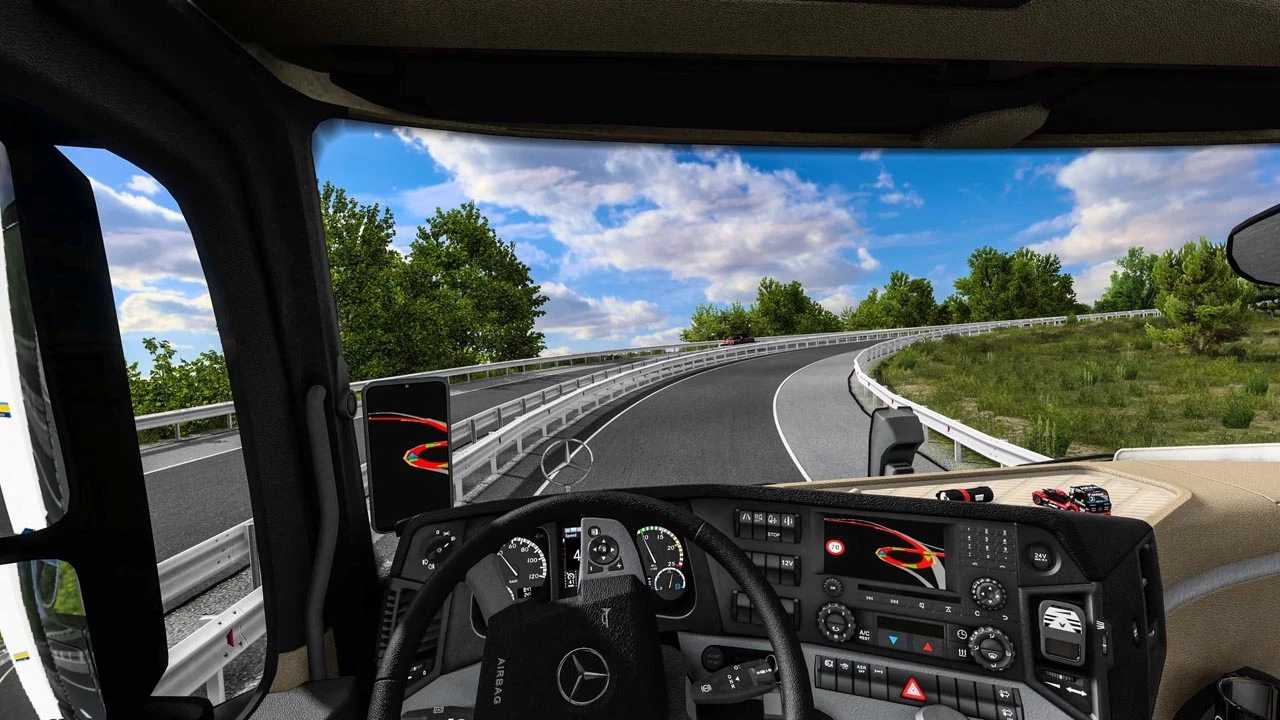
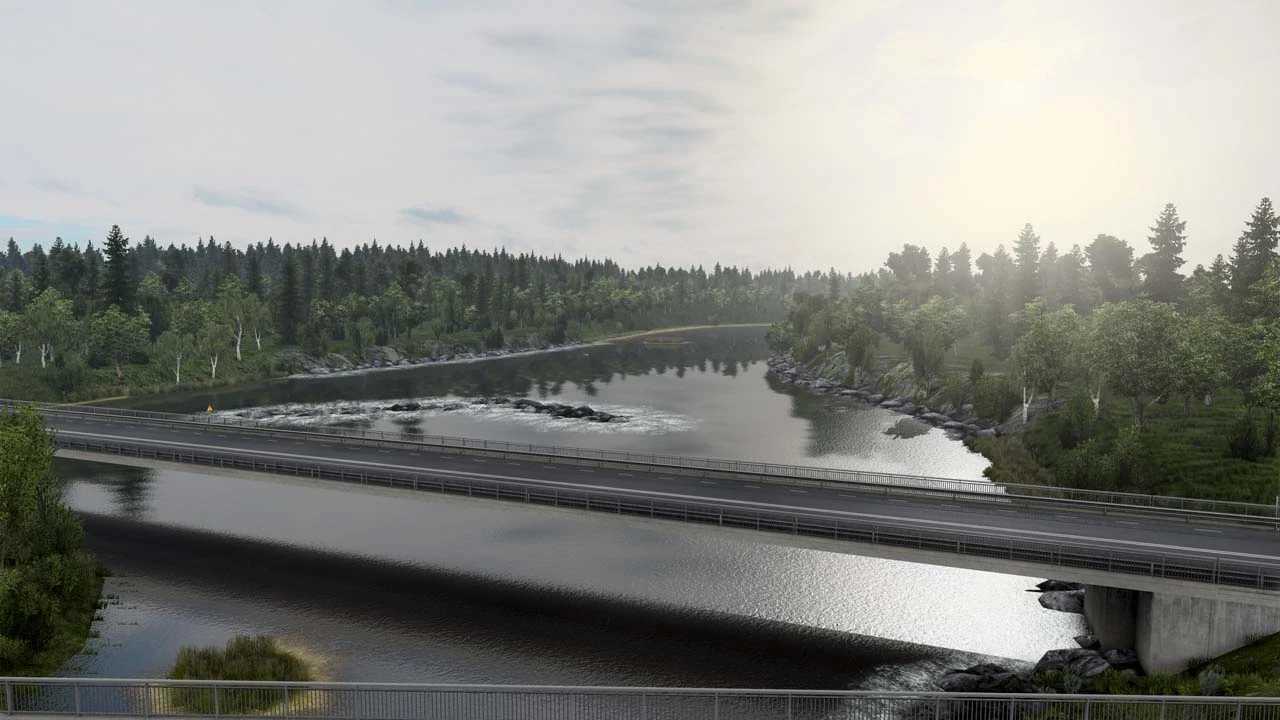
Enhanced Graphics Mod v2.1.3 1.54 ATS
Changelog:
– Added More Exposure
– Reduced Bloom Effect
– Raindrop on the windows like in 1.6.7 version
– More Intensity Lights of Trucks
– Reduced Contrast and Saturation
Graphics Improvement:
– Added More Exposure and Game Saturation
– Improvement Sunshaft, Fog and Depth of Field (DoF)
– Improvement Flares of Street Lamps and Trucks
– Improvement Traffic Lights
– New Rain Texture and Physics of Rain
– Added more reflection on road when it’s rainy
– Added High Resolution Texture of Clouds Shadow
– High Resolution Texture of Water
– Added More Reflection on Road when it’s Rainy
– Improvement Light Trucks
– Improvement Road Lights (now are white not yellow)
– Improvement Road Specular
– Added High Resolution Texture of Clouds Shadow
– Fixed Emission Light when Sunrise and Sundown
– Changed Flares Lights from Yellow to White
– Wipers has 3 Speed Mode (slow, fast, very fast)
– No Saving Message in Left Top Corner
– Rain ON/OFF Command g_bad_weather_factor 1.0 (1.0 – ON, 0.0 OFF)
Credits: Various
How to install ETS2 mods or ATS Mods
In Euro Truck Simulator 2 it’s easy to install mods. You just need to download mod from here, copy/unzip files into: “My Documents\Euro Truck Simulator 2\mod” folder or if you play ATS please install mods to: “My Documents\American Truck Simulator\mod” folder. To unzip files you can use: WinRAR or 7zip. After that you need to activate the mods you want to use.


