
More Russia Map v4.0 1.53 ETS2
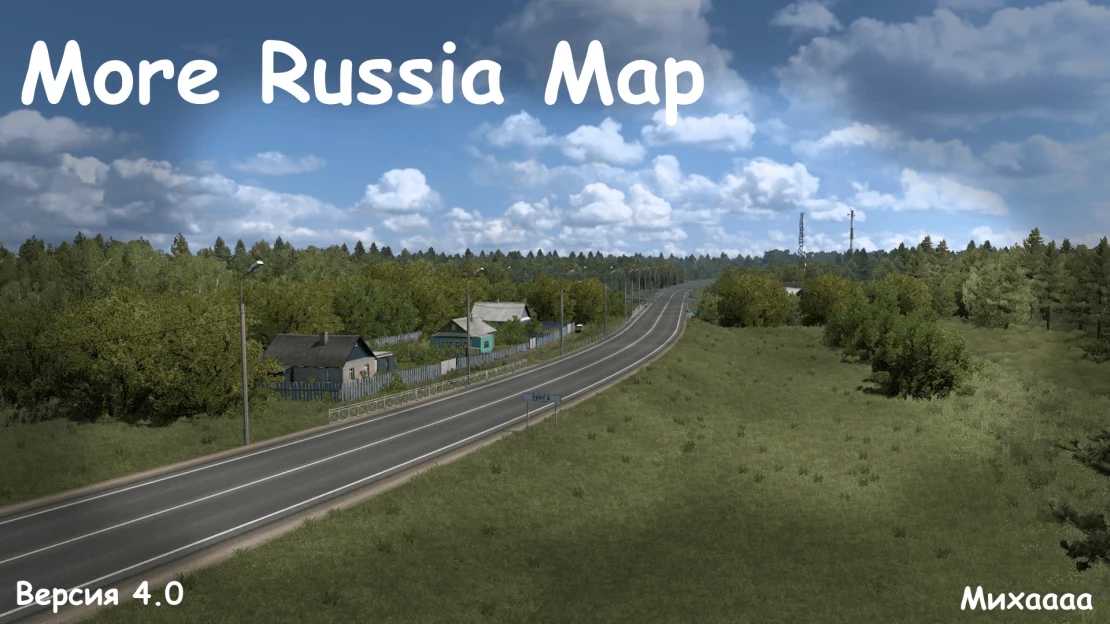

More Russia Map v4.0 1.53 ETS2
Changes v4.0
– the town of Shatsk was cut out (transferred to the M-12 Vostok passage)
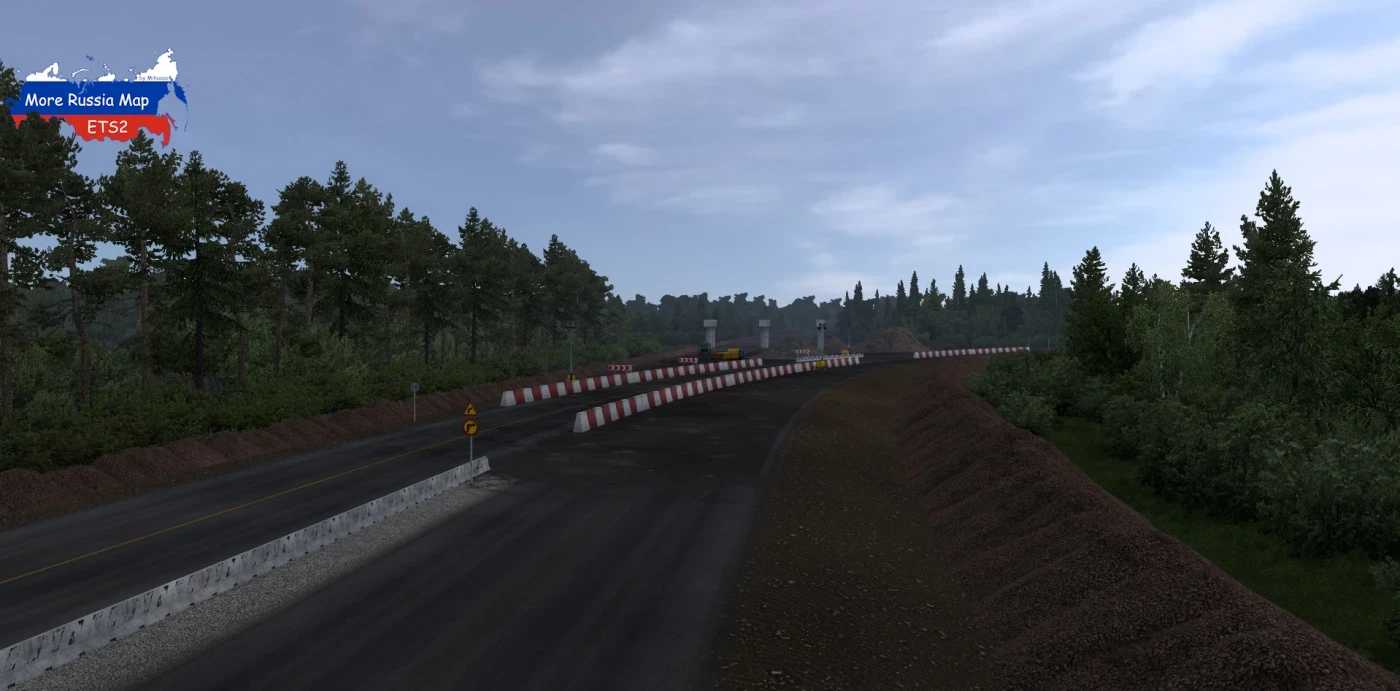
– the turn at the construction site near Umet was fixed
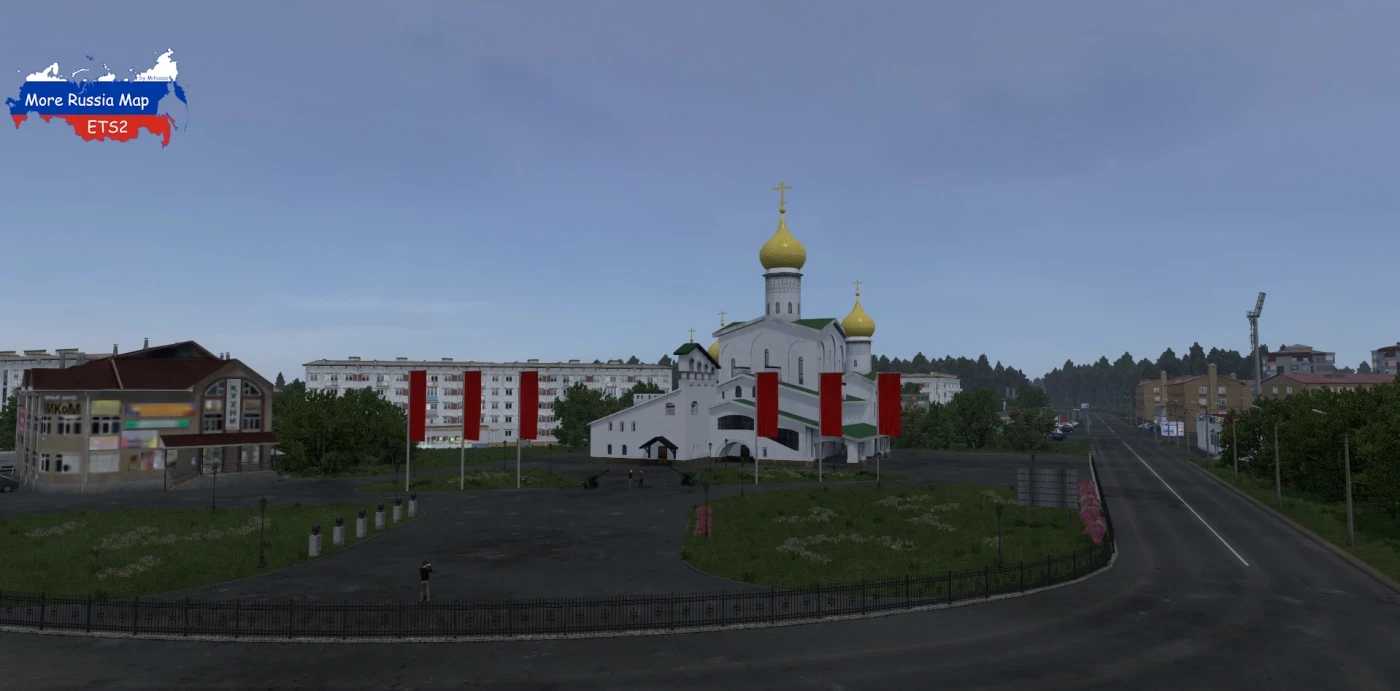
– the settlements of Krasnoslobodsk and Nizhny Lomov have been completely rebuilt
– added the settlements of Pervomaiskoe, Virga and Selishchi
Adds territories of the regions of the Russian Federation to the game:
– Republic of Mordovia (Umet, Zubova Polyana, Krasnoslobodsk, Torbeevo, Selishchi, Nikolskoye)
– Penza Region (Spassk, Nizhny Lomov, Virga)
– Nizhny Novgorod region (Pervomaisk)
Adds the following federal highways:
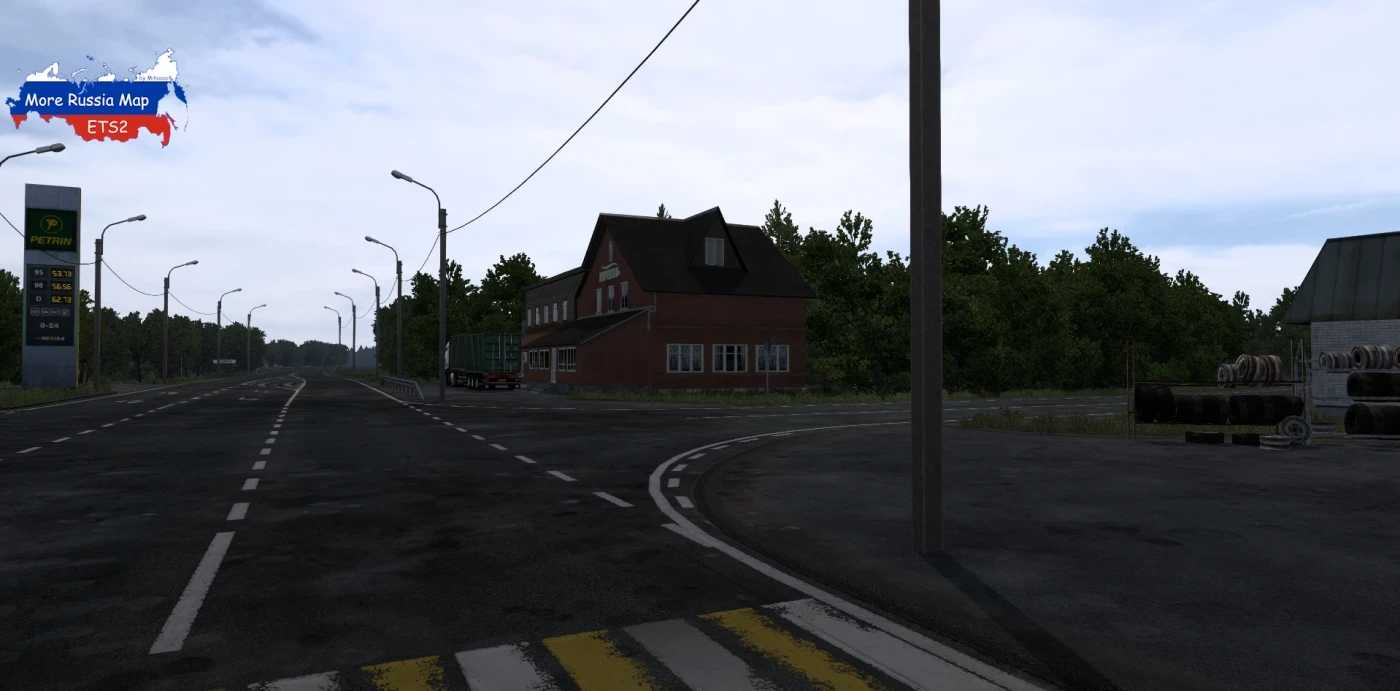
– M-5 “Ural” (border with Ryazan region – Penza)
– M-5 “Ural” Entrance to Saransk (to Krasnoslobodsk)
Compatibility: 1.53
Credits: Miha
How to install ETS2 mods or ATS Mods
In Euro Truck Simulator 2 it’s easy to install mods. You just need to download mod from here, copy/unzip files into: “My Documents\Euro Truck Simulator 2\mod” folder or if you play ATS please install mods to: “My Documents\American Truck Simulator\mod” folder. To unzip files you can use: WinRAR or 7zip. After that you need to activate the mods you want to use.
Report bugs in the comments and help modders improve this mod. Always check the comments, you can find a solution.


