Arnook’s Container Skinpack v10 ETS2


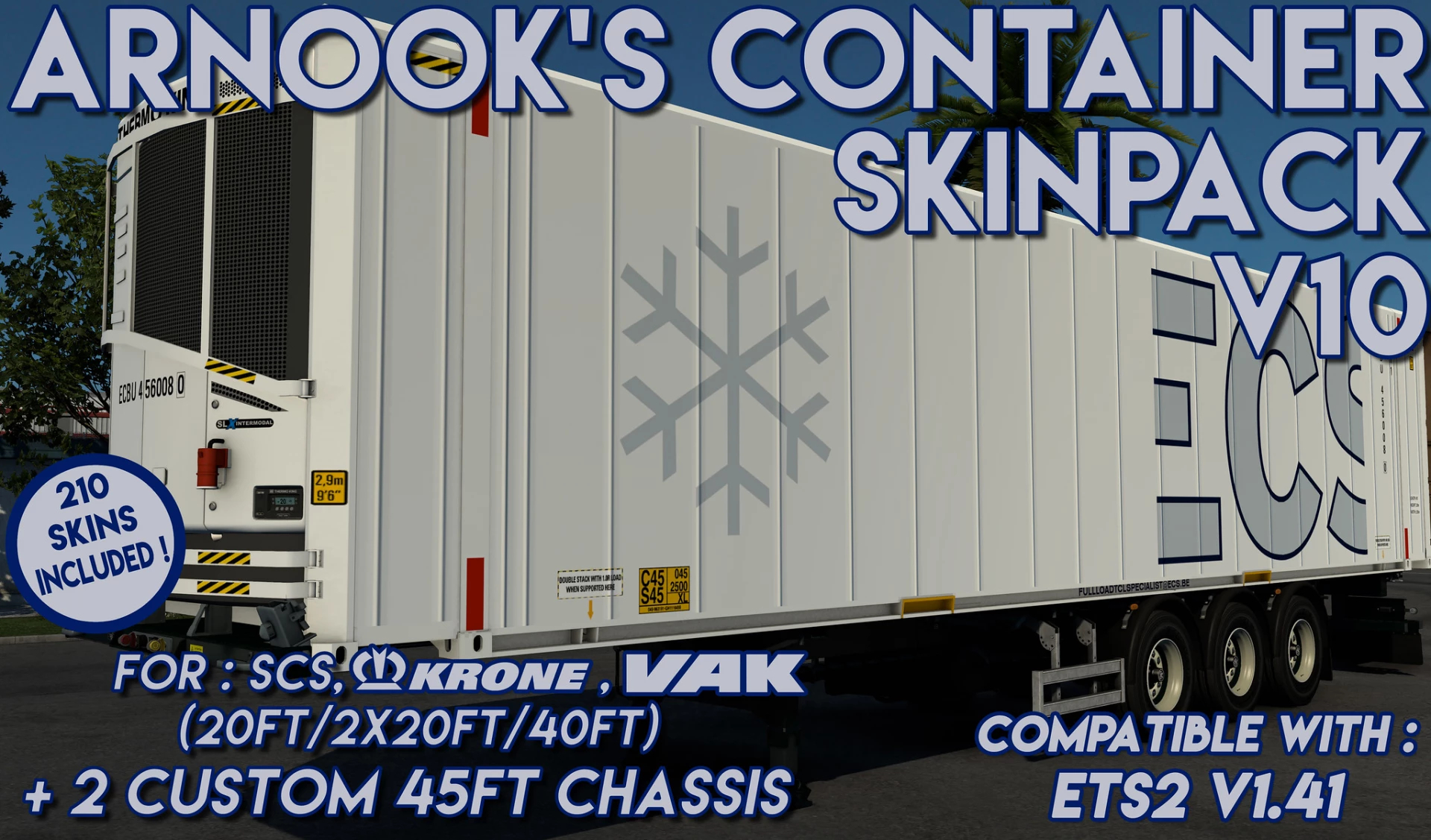
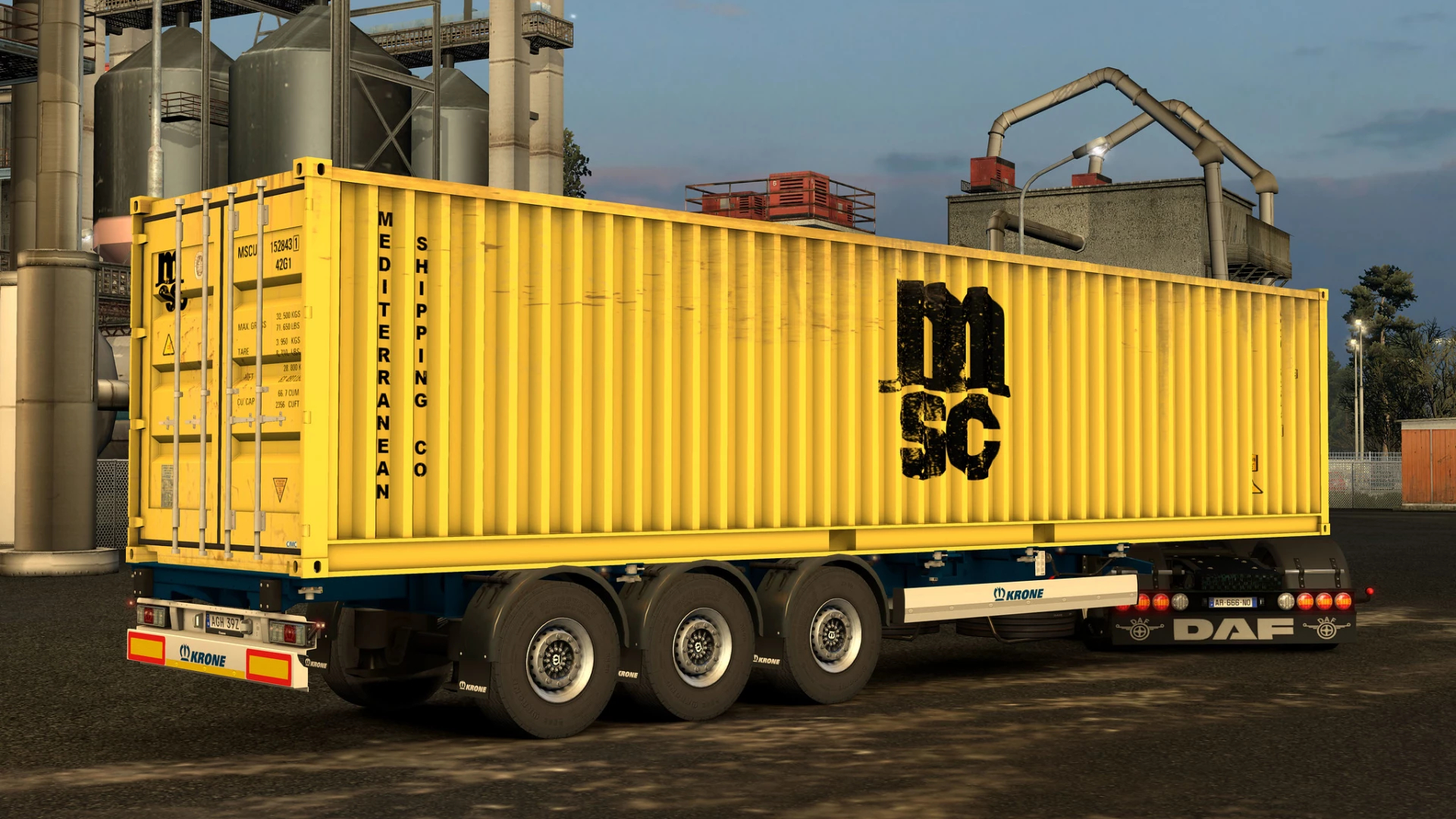
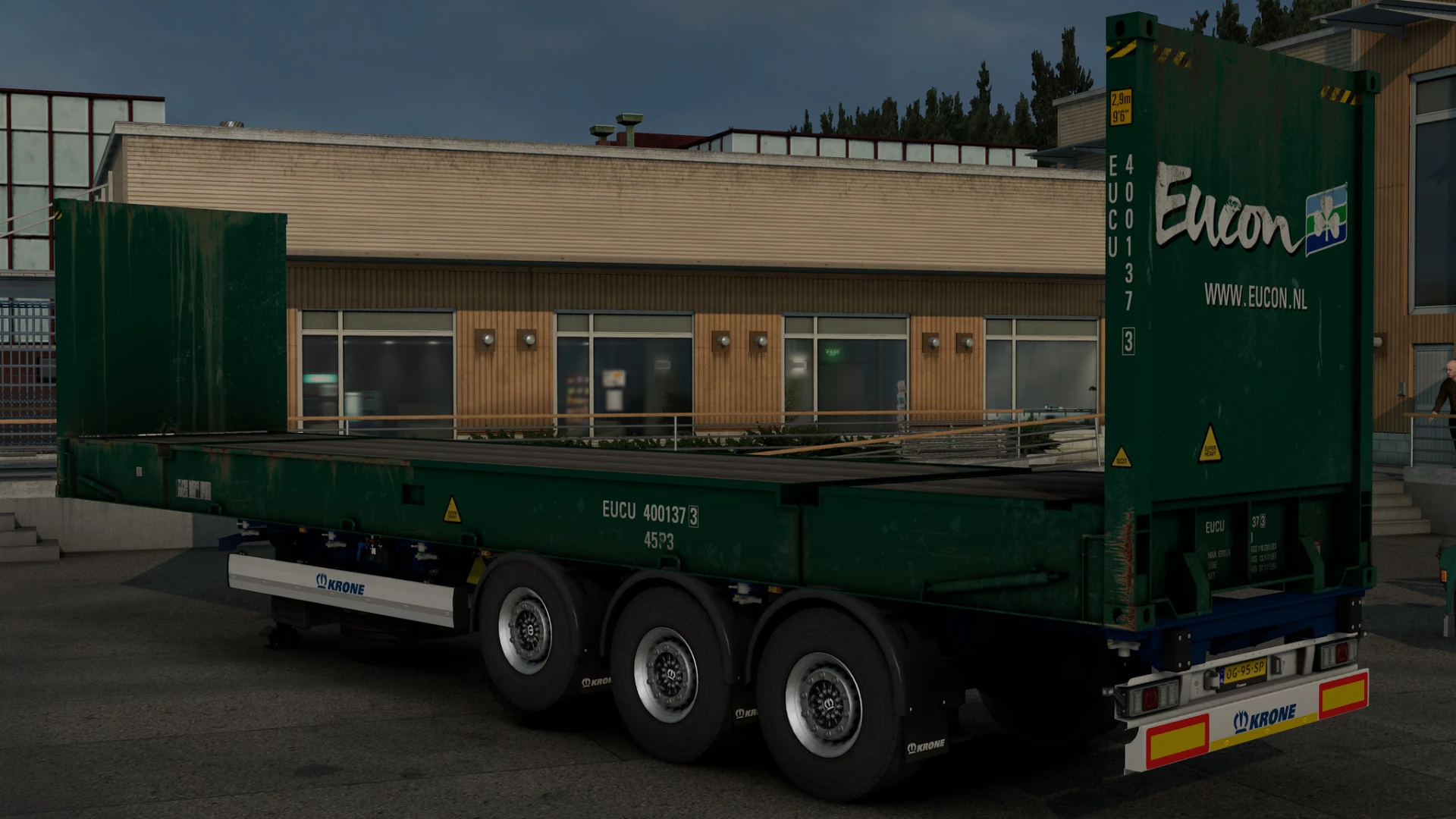
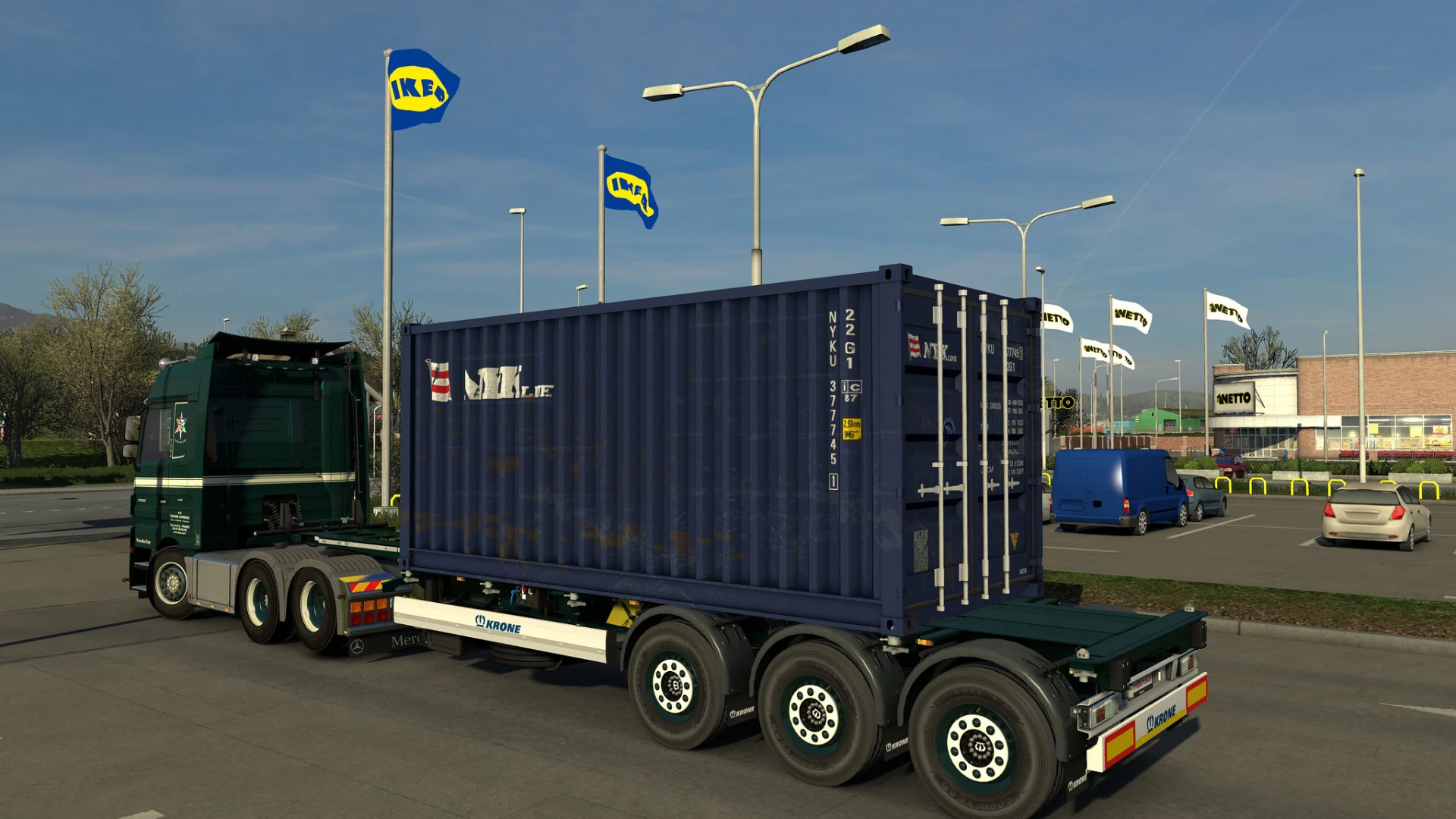

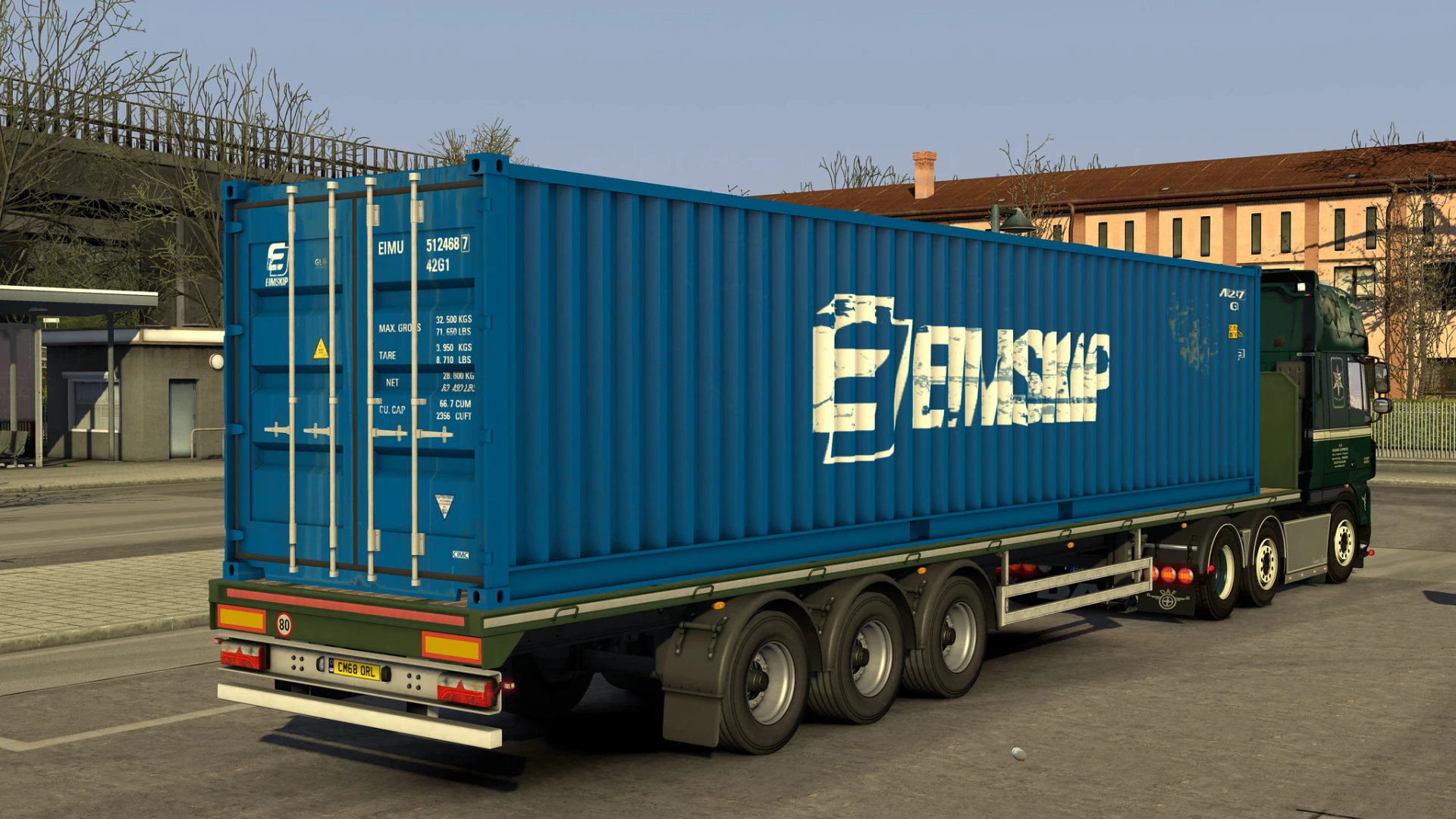
Arnook’s Container Skinpack v10 ETS2
– Full compatibility with the SCS, Krone & VAK V-Slider chassis configurations (HCT, B-Link, singles, doubles, flatbeds, etc… everything that uses 20ft, 2x20fts and/or 40fts)
– Available in the freight Market & for owned trailers
– About the 45ft containers : you can only use them if you own one of the two new dedicated 45ft chassis available (new variants for the SCS chassis), they are NOT available for the freight market
– The skin-selection is made randomly by the game (same system as SCS’s original containers)
– All container variants in traffic
– Supports both default & custom dedicated cargos :
–> Default cargos : just use the same cargos as you usually do and the default skins will be replaced by mine
–> Dedicated cargos :search for “Box Container” OR “Box Container HC” OR “Reefer Container” OR “ISO Tank Container” OR “Flatrack container”, depending on the type of container that you want
V10 : 01/09/2021
– Added 20 skins to the new 45ft HC PW reefer container
– Added the 45ft reefer to the traffic
– Added the 45ft reefer to the custom and default cargos
– Added the 45ft chassis to the VAK V-Slider by Kast (optional add-on)
– Updated the no-Krone DLC traffic addon
– Minor 3d fixes to the 45ft chassis
Credits: Arnook
How to install ETS2 mods or ATS Mods
In Euro Truck Simulator 2 it’s easy to install mods. You just need to download mod from here, copy/unzip files into: “My Documents\Euro Truck Simulator 2\mod” folder or if you play ATS please install mods to: “My Documents\American Truck Simulator\mod” folder. To unzip files you can use: WinRAR or 7zip. After that you need to activate the mods you want to use.