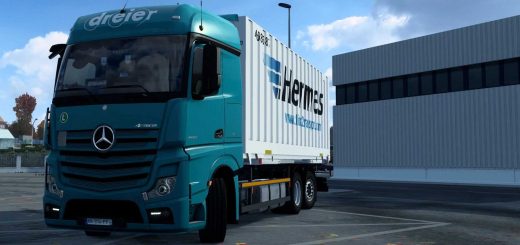
Fuel Trucks & Fuel Tankers Mod – Indian Companies 1.61 ETS2


Fuel Trucks & Fuel Tankers Mod – Indian Companies 1.61 ETS2
Fuel Trucks & Fuel Tankers Mod – Indian Companies for ETS2 V 1.61
Bring an authentic Indian touch to Euro Truck Simulator 2 with this Indian Fuel Trucks and Fuel Tankers Mod! Featuring fuel trucks and tanker trailers inspired by Indian companies, these mods add a distinctive look to your roads and bring a taste of Indian transport into your ETS2 world.
Explore the highways with Indian-style fuel trucks and haul fuel tankers featuring the branding of Indian companies. Whether you’re driving the trucks or transporting fuel with the tankers, these mods offer a refreshing change from the usual European traffic and transport experience.
File Information
Fuel Trucks Mod: 103 MB
Fuel Tanker Mod: 278 MB
Tested for: ETS2 v. 1.61
Installation Instructions
You will need to download both Fuel Trucks Mod – Indian Companies for ETS2 V 1.61 Part 1 and Fuel Tankers Mod – Indian Companies for ETS2 V 1.61 Part 2 (search on this website) for the mods to work efficiently.
Copy both .scs mod files into the following folder: C:\Users\YourUsername\Documents\Euro Truck Simulator 2\mod (replace YourUsername with your actual Windows username).
Launch Euro Truck Simulator 2 and activate both mods in the Mod Manager.
Make sure the Fuel Tanker Mod is placed above the Fuel Trucks Mod in the Mod Manager.
Credits: CryptorGen2 Gabbar302
How to install ETS2 mods or ATS Mods
In Euro Truck Simulator 2 it’s easy to install mods. You just need to download mod from here, copy/unzip files into: “My Documents\Euro Truck Simulator 2\mod” folder or if you play ATS please install mods to: “My Documents\American Truck Simulator\mod” folder. To unzip files you can use: WinRAR or 7zip. After that you need to activate the mods you want to use.